



4.8
2k+ reviews
4.8
2k+ reviews

Prepare and Sign Construction Docs without Delays

Contracts, change orders, and field approvals often sit for days before anyone signs them. Xodo Sign helps teams sign and return documents in hours, so crews stay productive, design reviews stay on schedule, and closeout files remain organized.

AICPA SOC | SOC for Service Organizations
GDPR
EIDAS
UETA
Fast, flexible digital signatures for AEC teams

Faster Approvals. Fewer Disputes. Complete Documentation.

Use Xodo Sign to remove delays that slow down contracts, change orders, and daily project approvals. Contractors, subcontractors, and owners sign documents faster while maintaining audit‑ready records that support reviews, inspections, and closeout.

Eliminate Approval Delays
that Cost You Money

Send and sign contracts and change orders from the office or job site. Fast approvals keep crews working, reduce idle time, and help protect key milestones while keeping costs under control.

Defensible Documentation
for Every Agreement

Generate court‑ready records with every signature. Each agreement captures timestamps, identity details, and version history to resolve questions about pricing, scope changes, and payment.

Sign Anywhere Work Happens

Let superintendents, subcontractors, and owners review and sign documents on phones or tablets without delays or extra trips to the trailer or office.

Reduce Costly Errors and Miscommunication

Lower the risk of rework, callbacks, and misaligned expectations. Send the correct document to the correct people in a clear, defined order.

Track Document Status
Across Projects

See which contracts are pending, which change orders need owner approval, and which items are slowing field work. Project managers get real‑time visibility without extra follow‑ups.

Edit Documents Before
Sending for Signature

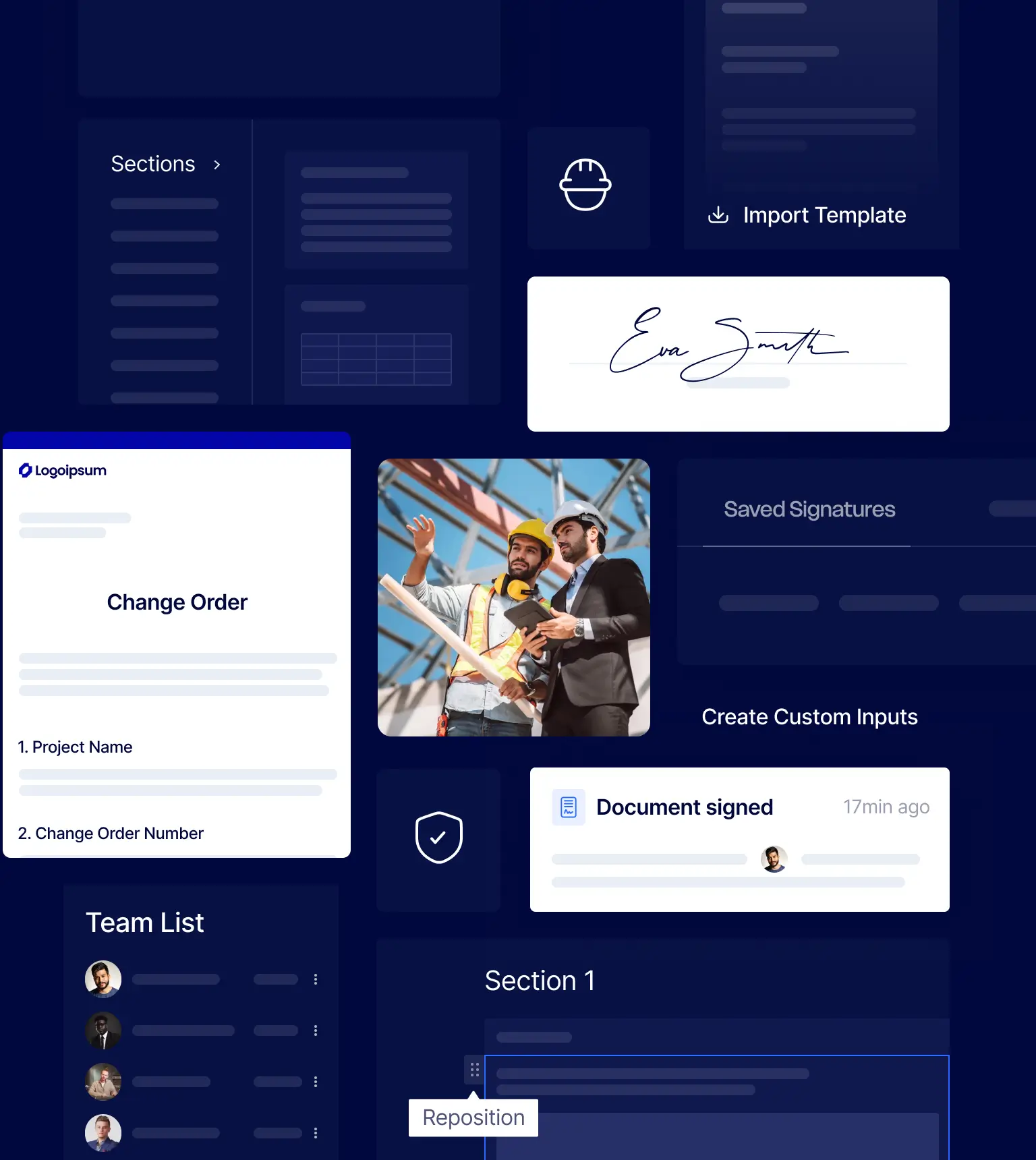
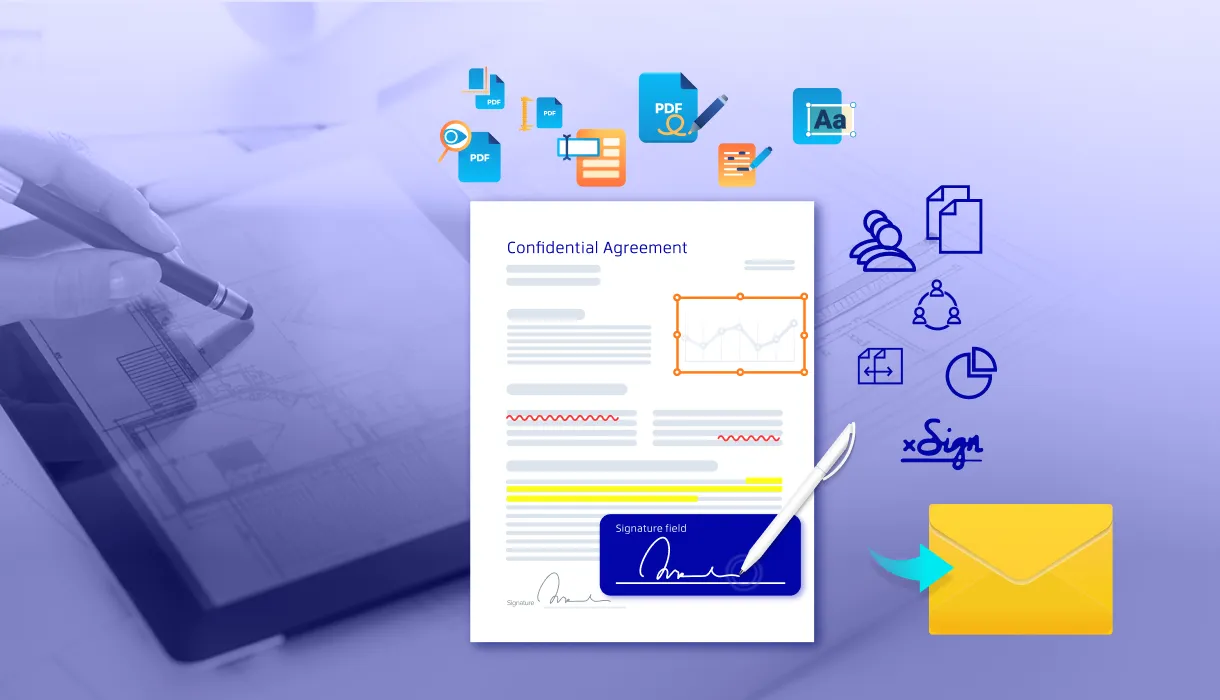
Prepare and edit PDFs in one place. Revise wording, update scope language and pricing, redact sensitive information, or fix errors before sending documents out for signature.

See Industry Insights

G2 Winter 2026 Leader badge with orange and yellow border and G2 logo in top right corner.
G2 Winter 2026 badge labeled Most Implementable with G2 logo in top right corner.
G2 Winter 2026 badge stating Best Estimated ROI for Enterprise.
G2 Winter 2026 badge stating Best Meets Requirements for Enterprise.

Construction Workflows Move Faster with Xodo Sign

General contractors, subcontractors, owners, and developers use Xodo Sign throughout the project lifecycle. Each document retains a clear audit trail for disputes, lien processes, inspections, and closeout.

Preconstruction and bidding

  • NDAs for bid packages and proprietary cost data
  • Bid proposals, award letters, and subcontractor prequalification forms
  • Pre-construction services agreements and design-build contracts

Active construction

  • Prime contracts, subcontracts, and trade-specific scopes of work
  • Change orders, construction change directives, and pricing amendments
  • Time and material authorizations, extra work orders, and field directives
  • ‍Daily reports, safety acknowledgments, and site access permits

Project closeout and administration

  • Substantial completion certificates and punchlist sign-offs
  • Final lien waivers, warranty documentation, and as-built approvals
  • HR onboarding, equipment rental agreements, and vendor contracts
Team reviewing bid documents and plans during preconstruction
Contractor completing project documentation on a laptop
Architect and contractor reviewing a contract agreement

Connect Xodo Sign to Your Systems via API

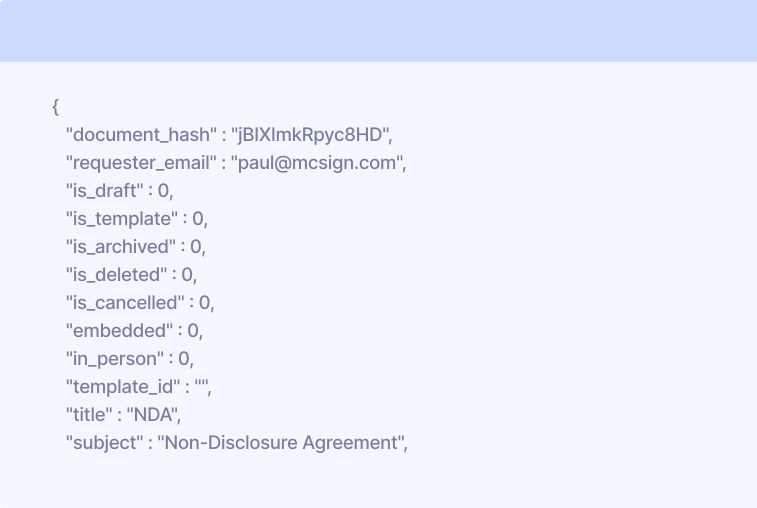
Integrate Xodo Sign API with project management platforms, ERPs, estimating tools, and custom systems. Documents move into signing workflows and return completed with an audit trail, reducing manual uploads and updates.

Explore Xodo Sign API
Connect Xodo Sign to Your Systems via API
Gmail
Chrome
Drive
Google Doc
Dropbox
Evernote
OneDrive
Box, Inc.

Request a Custom Solution for Your Projects

Customize workflows for your approval chains, document volumes, and project complexity. Xodo Sign can support multi‑site operations, high‑volume change orders, layered approvals, and vendor workflows.

Share your requirements, and our team will recommend a setup that reduces delays and keeps your documentation organized from preconstruction through closeout.


G2 Winter 2026 Leader badge with orange and yellow border and G2 logo in top right corner.
G2 Winter 2026 badge labeled Most Implementable with G2 logo in top right corner.
G2 Winter 2026 badge stating Best Estimated ROI for Enterprise.
G2 Winter 2026 badge stating Best Meets Requirements for Enterprise.
5

Overall, very easy to implement and use! I would recommend this program to anyone looking for an e-signature paltform.

Michael B.
Director
Users
Templates
API Documents
Oops! Something went wrong while submitting the form.
Fields marked with * are required.
Send Request

FAQs

Find answers to your questions about using Xodo Sign for electronic signatures and document management.

Are e‑signatures valid for construction documents?

Yes. Xodo Sign complies with ESIGN and UETA, which makes electronic signatures legally binding for contracts, change orders, subcontracts, and lien waivers.

Do subcontractors need a Xodo Sign account to sign?

No. Subcontractors can open a secure link from their email and sign without creating an account.

Can field teams sign documents from job sites?

Yes. Supervisors, inspectors, and subcontractors can sign on phones or tablets. The Xodo mobile app for iOS and Android also supports markup tools for quick revisions.

Can we route change orders through internal approval first?

Yes. You can add steps for project managers, estimators, or legal teams before sending documents to owners, architects, or subcontractors.

How does Xodo Sign handle a large number of documents?

Xodo Sign supports bulk sending, reusable templates, and project‑level folders, helping AEC teams manage hundreds of contracts and approvals across active projects.

Can we use templates for recurring construction documents?

Yes. Save standard contracts, change orders, and subcontractor forms as templates. You can also import templates from other e‑signature tools.

Can we integrate Xodo Sign with project management software?

Yes. Xodo Sign connects to project management platforms, ERPs, and internal systems via API.

How is sensitive project and pricing data protected?

Xodo Sign uses encryption and access controls throughout the signing process. Role‑based permissions limit who can view, send, or sign documents.

Can our team edit documents before sending them for signature?

Yes. The built‑in PDF editor lets you revise text, remove sensitive information, add markup, organize pages, and prepare documents without leaving the platform. Files can also be edited individually, without having to complete the entire signature workflow.

Does Xodo Sign support long-term document retention?

Yes. Each signed document is stored with its full audit trail and version history for long‑term recordkeeping.

What happens if someone disputes an approval?

Each signed document includes a tamper‑evident audit trail with identity details, timestamps, and version history. This gives you court-ready evidence of what was signed, when, and who approved it.

Latest Insights on eSignatures

The Smarter Way to Manage AEC Documents with Xodo
AEC
May 7, 2025
5
 min read

The Smarter Way to Manage AEC Documents with Xodo

See how AEC teams can streamline workflows with Xodo. Join us as we sum up highlights from our webinar showing you how professionals can securely review, sign, and collaborate on documents effortlessly across devices and platforms.

Xodo Sign
Xodo Sign
Introducing Advanced Document Editing in Xodo Sign
5
 min read

Introducing Advanced Document Editing in Xodo Sign

Speed up approvals with advanced document editing, seamless collaboration, and secure e-signing all within the Xodo Sign platform.

Xodo Sign
Xodo Sign
How to Sign a Document without Docusign
eSignature How-To's
January 23, 2026
6
 min read

How to Sign a Document without Docusign

This guide shows you how to quickly sign documents without Docusign. You’ll learn how to add signatures with Xodo Sign on desktop, along with simple mobile apps and browser tools that are helpful for quick tasks.

Reena Cruz
Reena Cruz

Built for Businesses
That Run on Documents

Electronic signatures for real estate

Real Estate

Send and sign offers, rental agreements, and closing forms fast. Keep deals moving with electronic signatures that work from anywhere.

E-signature software for architecture, engineering, and construction

Construction

Share bids, safety forms, and contracts with just a few clicks. Get everything signed on time, so your projects stay on track.

Secure e-signing for law firms and legal professionals

Legal

Keep every document safe, signed, and easily accessible. Edit documents, redact sensitive data, and track every step so you always know who signed and when.

Compliant e-signatures for the finance industry

Financial Services

Send loan forms, NDAs, and client documents securely. With built-in encryption and full audit trails, you stay safe and compliant.

Start Signing Construction Documents Today

Try Xodo Sign and see how digital signatures and built‑in editing help you cut approval wait times and keep documentation in order.