




4.8
2k+ reviews
4.8
2k+ reviews

Turn Contracts into Closings with Secure, Compliant E-Signatures

From first offer to final signature, real estate transactions rely on speed, accuracy, and trust. Xodo Sign helps agents, brokers, and property teams securely prepare, edit, send, sign, and store compliant documents, so deals move faster and clients stay confident.

AICPA SOC | SOC for Service Organizations
GDPR
EIDAS
UETA

Move Real Estate Deals Forward with Smart, Secure Signing

Send offers, manage signers, and finalize contracts without delays. Xodo Sign is built for real estate professionals who need speed, compliance, and simplicity.

Faster Offers and
Smoother Closings

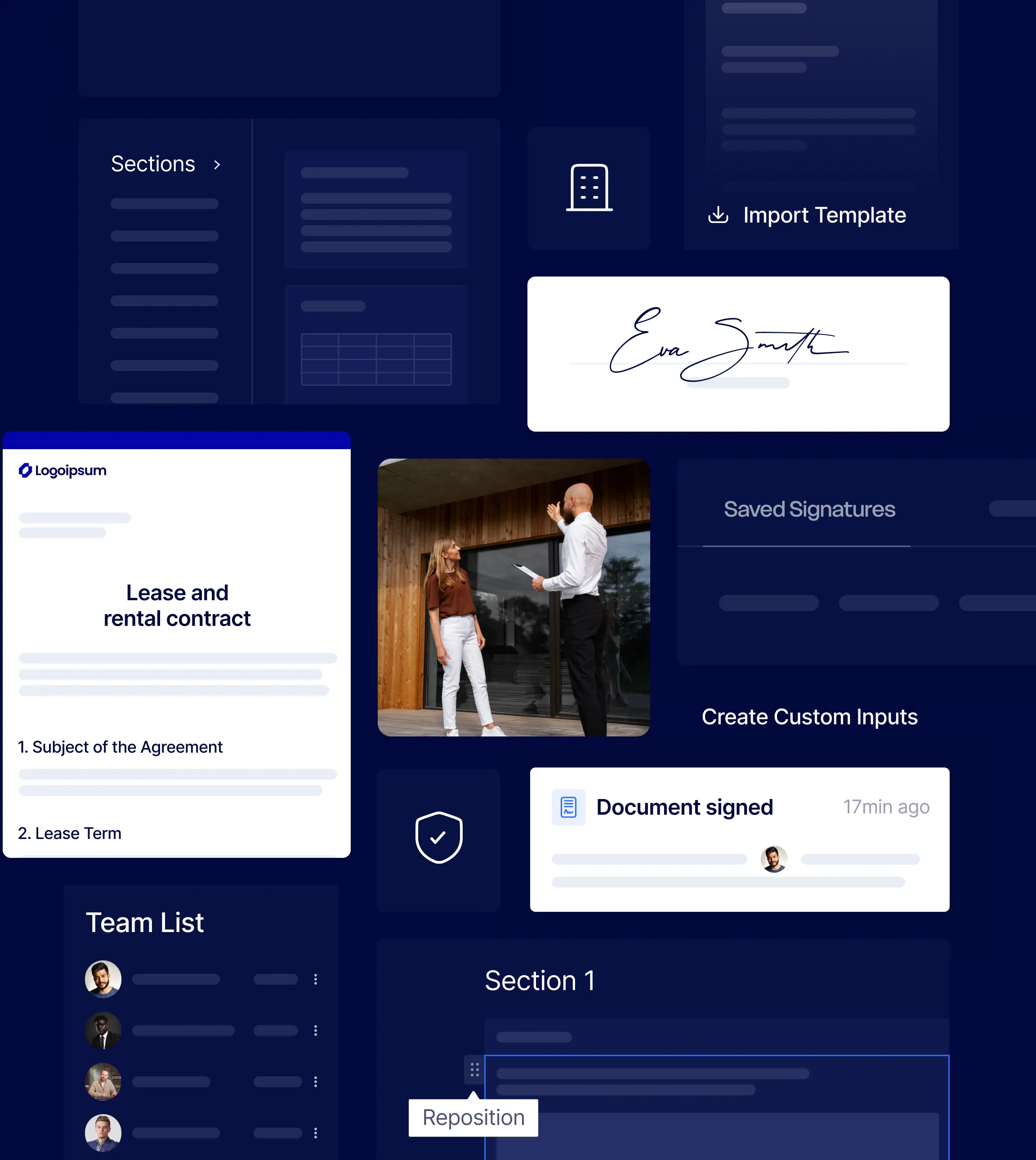
Send offers, counteroffers, disclosures, addenda, and amendments in minutes, not days. Keep momentum in competitive, multiple-offer situations with faster signing.

Deals Move Forward
without Disruption

Keep documents moving smoothly with defined signing orders and structured workflows, ensuring the right parties sign at the right time while minimizing missed signatures and delays.

PDF Editing and AI Summaries
for Faster Prep

Fix typos, update details, and prepare contracts for signature directly in Xodo Sign. Integrated PDF editing and AI summaries make it easy to review key information before sending.

Built-In Compliance
and Clean Audit Trails

Track every action with timestamps and a complete activity history. Quickly respond to audits, reviews, and any commission or disclosure disputes with confidence.

A Simple, Professional
Client Experience

Give clients an easy way to review and sign contracts from their phone or laptop. Guided prompts make the process simple, even for first-time users.

Operational Efficiency that
Scales with Your Team

Use prebuilt templates, reusable packets, and automated workflows to eliminate repetitive admin work. Agents and staff spend more time prospecting, showing, and negotiating.

See Industry Insights

Designed Around How Real Estate Teams Work

Manage every document your real estate team relies on, from offers and disclosures to leases and vendor agreements, all in one secure platform.

Residential and commercial brokerage

  • Listing agreements and commission addenda
  • Buyer-broker agreements
  • Offers, counteroffers, and amendment forms
  • Disclosures (lead-based paint, property condition...)

Property management and leasing

  • Rental applications with preconfigured fields
  • Residential and commercial leases and renewals
  • Move-in/move-out condition forms and inspection acknowledgements

Investors and developers

  • Joint venture agreements and LOIs
  • Vendor contracts and scopes of work
  • Draw approvals and change orders with sign-off trails

Connect Xodo Sign to Your Systems via API

Explore Xodo Sign API

Gmail

Chrome

Drive

Google Doc

Dropbox

Evernote

One Drive

One Drive

Request a Custom Real Estate Solution

Every brokerage operates differently. If you need custom workflows, higher document volumes, or deeper system integrations, Xodo Sign can adapt to your process.

Complete the form and our team will follow up with a solution that reduces admin work and keeps transactions moving smoothly.


5

Overall, very easy to implement and use! I would recommend this program to anyone looking for an e-signature paltform.

Michael B.
Director
Users
Templates
API Documents
Oops! Something went wrong while submitting the form.
Fields marked with * are required.
Send Request

FAQs

Find answers to your questions about using Xodo Sign for electronic signatures and document management.

Can real estate documents be signed electronically?

Yes. Xodo Sign lets you send and sign listing agreements, offers, leases, and disclosures online from any device, making the process fast and convenient for agents and clients.

Are electronic signatures legally binding for real estate contracts?

Yes. Xodo Sign complies with ESIGN and UETA regulations, making e-signatures legally binding for real estate contracts in the United States and most global jurisdictions. Every signed document includes a complete audit trail for added security.

Do clients need a Xodo Sign account to sign documents?

No. Clients can review and sign documents instantly without creating an account. They simply click a secure link from their email and sign from any device. No logins, apps, or downloads required.

Does Xodo Sign support mobile signing for clients on the go?

Yes. Documents are optimized for mobile devices so buyers, sellers, and tenants can review and sign from their phone or tablet without compromising readability or accuracy. Xodo Sign is also built into our iOS and Android apps for a seamless experience.

Can multiple buyers or sellers sign the same document?

Yes. Xodo Sign supports multiple signers with configurable signing order so all buyers, sellers, and representatives sign in the correct sequence.

Can we use our association or state approved forms in Xodo Sign?

Yes. You can upload your association, MLS, or state-approved forms and convert them into reusable templates while preserving the required language, formatting, and structure. This helps agents work faster without risking non-approved edits.

Can we reuse templates for common real estate documents?

Yes. Frequently used documents such as purchase agreements, disclosures, and lease forms can be saved as templates for faster workflows. You can also import templates from Docusign.

Can we use Xodo Sign to edit documents before signing?

Yes. You can edit documents directly in Xodo Sign without leaving the platform. The built-in PDF editor lets you correct typos, update details, adjust terms, and use AI to summarize contracts for a quick review before sending for signature.

How does Xodo Sign support brokerage compliance and file audits?

Every transaction includes a complete audit trail with timestamps, signer activity, and version tracking. Brokers and compliance teams can quickly verify that all required disclosures, acknowledgements, and signatures are present and properly executed.

How does Xodo Sign help manage time sensitive contingencies?

You can track document status in real time and send reminders for e-signatures tied to inspection periods, financing contingencies, and closing deadlines. This helps reduce last-minute surprises that can put deals at risk.

How does Xodo Sign reduce errors in real estate transactions?

Guided signing, required fields, and structured workflows help ensure that all initials and signatures are completed before documents are finalized, reducing incomplete or rejected paperwork.

Can transaction coordinators manage documents for multiple agents?

Yes. Transaction coordinators can be granted permissions to prepare, send, and track documents on behalf of multiple agents, while brokers retain visibility and oversight across the office or firm.

Can Xodo Sign integrate with our CRM or transaction management system?

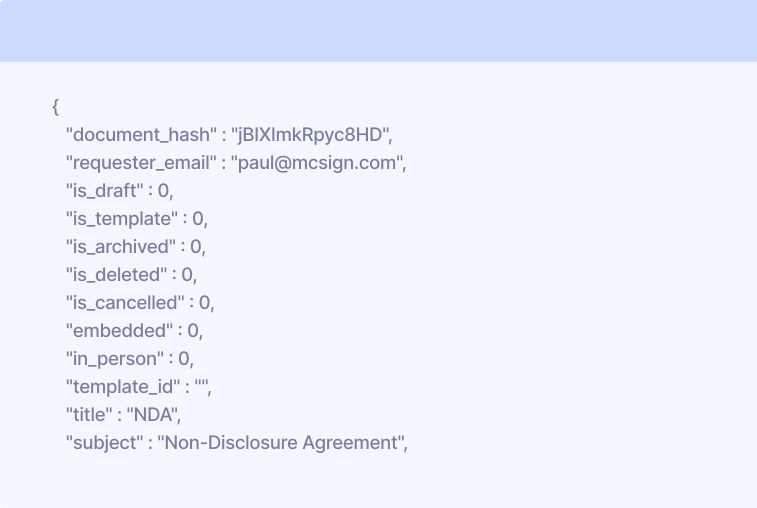
Yes. Using the eSign API, you can be embedded e-signature workflows into your CRM, transaction platform, or client portal so documents can be sent and tracked without switching tools.

How does Xodo Sign help with record retention?

Executed documents are stored securely and can be accessed later for compliance reviews, disputes, or historical reference, helping brokerages maintain clean and organized transaction files.

Latest Insights on eSignatures

How to Sign a Rental or Lease Agreement Online
Real Estate
October 24, 2025
6
 min read

How to Sign a Rental or Lease Agreement Online

Learn how to sign a rental or lease agreement using legally binding e-signatures. Upload, review and securely sign your lease with Xodo Sign. Directly in your browser, no printing required.

Reena Cruz
Reena Cruz
How to Sign a Property Disclosure Form Online
Real Estate
October 24, 2025
5
 min read

How to Sign a Property Disclosure Form Online

Get a step-by-step walkthrough on signing property disclosure forms using Xodo Sign platform. From securely uploading your document to collecting e-signatures, you can complete disclosure forms faster and with ease.

Reena Cruz
Reena Cruz
How to Sign a Mortgage Application or Loan Agreement Online
Real Estate
October 24, 2025
5
 min read

How to Sign a Mortgage Application or Loan Agreement Online

Learn how to securely sign your mortgage applications or loan agreements in just a few steps. We show you how to complete the process directly in your browser with Xodo Sign.

Reena Cruz
Reena Cruz

Built for Businesses
That Run on Documents

Real Estate

Send and sign offers, rental agreements, and closing forms fast. Keep deals moving with electronic signatures that work from anywhere.

Construction

Share bids, safety forms, and contracts with just a few clicks. Get everything signed on time, so your projects stay on track.

Legal

Keep every document safe, signed, and easily accessible. Edit documents, redact sensitive data, and track every step so you always know who signed and when.

Financial Services

Send loan forms, NDAs, and client documents securely. With built-in encryption and full audit trails, you stay safe and compliant.

Start Closing Deals Faster with Xodo Sign

Try Xodo Sign free and see how easy secure, and compliant
e-signatures can be for your real estate transactions.