Table of contents
Sign and send unlimited e-signatures with Xodo Sign.
Retainer agreements are one of the first documents exchanged between a law firm and a client. Getting these signed quickly helps you begin the matter without administrative delays. Online signatures make this process faster to manage and easier for clients to complete.
Xodo Sign gives firms a way to prepare, edit, send, and track retainers from one dashboard. Clients can review and sign from their phone or computer without creating an account.
This guide will show to how sign a legal retainer agreement online using Xodo Sign, from document upload to completed PDF.
Let's begin.
How to sign a legal retainer agreement online
1. Sign up or log in to Xodo Sign
- Start a 7‑day free trial with no credit card required.
- Existing users can log in to their account.
2. Upload your retainer agreement
From the dashboard:
- Go to Documents.
- Click the + icon.
- Select Choose Files, or use drag and drop. You can upload PDF, DOCX, PPT, and image files.
- You can also upload from cloud storage like Google Drive, Dropbox, or OneDrive.

Note: If you first need to edit retainer fee clauses or revise the original terms on the retainer agreement, you can use the built-in PDF editor to update text, add permanent redaction, insert comments, etc.
3. Add signers and set up your document
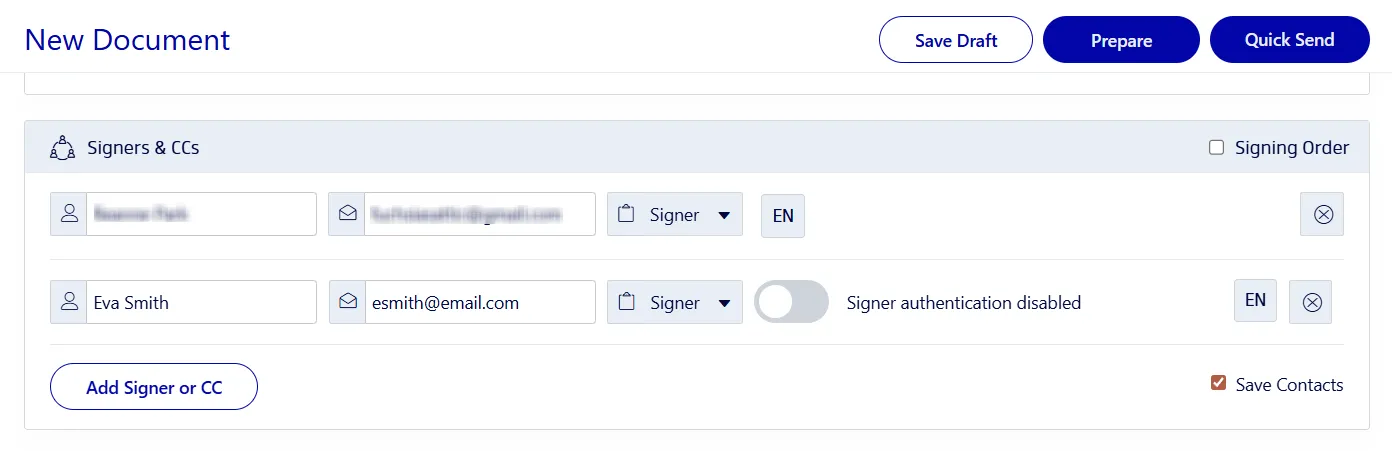
- Decide who needs to sign: Me Only, Me and Others, or Others Only.
- Add each signer’s name and email address.
- Specify a role for each person: Signer or CC.
- Use SMS or PIN codes for identity verification.
- Set a signing order for sequential approvals.
- Include a message with instructions.
- Customize auto-reminders, completion requirements, or expiration dates.
- Click on Prepare.
4. Insert signature, initials, and other signing fields
- Add in the necessary signing fields for your signers and yourself.
- Click on your name in the right-side panel.
- Drag a signature field to the correct spot.
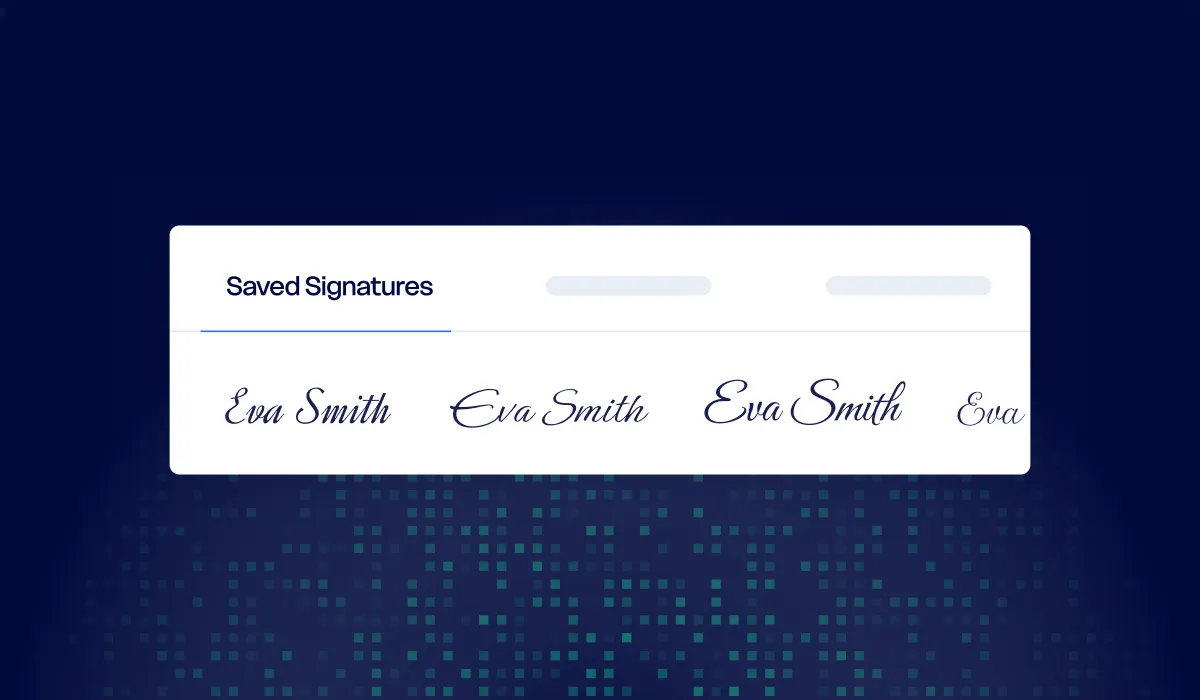
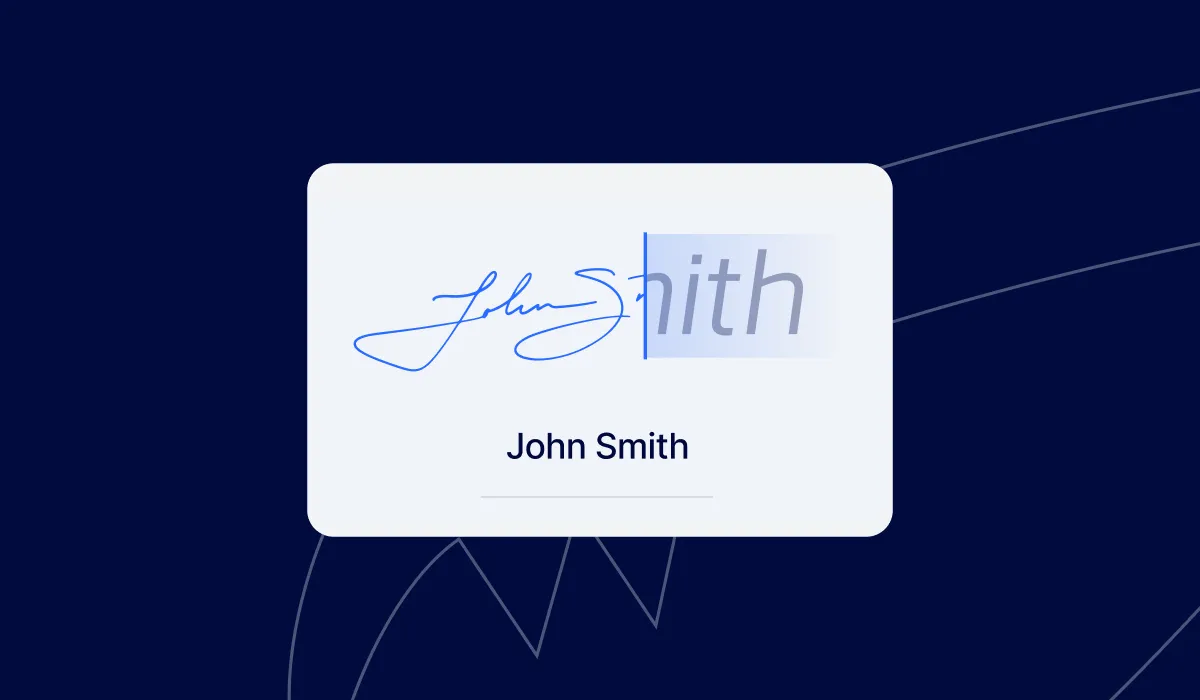
- Sign it by drawing, typing, or uploading an image of your signature.
- Click on Sign.
- Drag an initial field beside edited clauses to show approval or consideration of changes.
- Repeat the above steps to add signing and initial fields for your signers.
- When everything is set, click on Send.
Clients receive a secure link to open the document in their browser and sign without logging in.

5. Track and download the completed document
- Track progress in Documents.
- Review the audit trail.
- Send reminders for pending signatures
- Once completed, download the signed legal retainer as PDF.
- Save it securely to your computer.
The benefits of using Xodo Sign for legal retainers
These e-sign tools and features help lawyers prepare, send, and track retainer agreements with less manual work and fewer delays.
- Templates for repeat retainers
Create a reusable template for your standard retainer so field placement and settings stay the same each time. - Multiple signers, roles, and signing order
Add attorneys, clients, or internal reviewers. Set who signs and in what sequence. - Automated reminders and tracking
Track signatures in real time and send reminders automatically. - Compliance, legal validity, and audit trails
Xodo Sign follows ESIGN, UETA, and eIDAS and includes tamper‑evident audit trails for legally binding documents. - PDF editing and form field tools
Edit small errors or update sections without switching between tools.
Best practices and tips for law firms
- Use templates to keep your legal retainers consistent.
- Confirm your jurisdiction accepts electronic signatures for retainers.
- Add SMS or PIN verification for matters that include sensitive or confidential information.
- Train staff on correct field placement and signer order.
- Build workflows for related documents like NDAs or engagement letters.
Other legal documents you can sign online
If you handle other client‑facing agreements, follow our instructions for:
Frequently asked questions
What is a legal retainer agreement?
A legal retainer agreement is a contract between a lawyer and a client that outlines the scope of work, fees, and responsibilities for the matter. It confirms the attorney‑client relationship and explains how legal services will be billed.
What do legal retainer agreements include?
Legal retainer agreements usually cover:
- Scope of work
- Fee structure, compensation, and billing terms
- Responsibilities of the attorney and client
- Communication expectations
- Termination terms
- Any required initials for key clauses
Both law firms and clients can follow the steps below for preparing and signing these agreements.
Does Xodo Sign meet legal standards for electronic signatures?
Yes. Xodo Sign follows ESIGN, UETA, and eIDAS. Each signed retainer includes timestamps, identity data, and a complete audit trail.
Do clients need an account to sign?
No. Clients receive a secure link and can sign directly in their browser.
Can law firms edit a retainer before sending it?
Yes. You can revise clauses, correct errors, or update terms using the PDF editor before preparing the document for signature. All within the same unified workflow.
Can a retainer agreement be changed after signing?
No. Signed retainers are final. To make changes, send a revised version and request signatures again.
Is Xodo Sign secure?
Yes. Xodo Sign uses 256-bit encryption during the signing process and stores files in secure, SOC 2 compliant data centers. Multi-factor signer authentication (MFA) ensures only approved users can access and sign documents.
Does Xodo Sign integrate with other tools my firm uses?
Yes. Xodo Sign connects with popular online apps, and the API supports allows system‑to‑system workflows for firms that need deeper integration.
What subscription options are available for law firms?
Pricing plans range from individual accounts to multi‑user business plans. Firms can add team members, manage permissions, and upgrade as needed.
Start signing retainer agreements online
Law firms handle many retainer agreements, and a clear digital workflow saves time for your team and your clients.
Xodo Sign lets you prepare, edit, sign, and send retainers with a simple process that works across matters.
Start your free Xodo Sign trial or schedule a demo today and move your retainer agreements forward with a secure, fast signing workflow.