%202.svg)

Table of contents
Sign and send unlimited e-signatures with Xodo Sign.
Docusign often shows up early in e‑signature evaluations for enterprise teams.
But if you're an ISV, SaaS founder, OEM partner, product leader, or engineering team building e-signature directly into your own product, the evaluation is different.
Your focus is on whether it can provide reliable embedded signing support, keep the workflow native to your product, and avoid unnecessary integration complexity as usage grows.
That's why many teams start looking for Docusign API alternatives.
Embedded and OEM use cases often need a different balance of API simplicity, white-label control, pricing structure, responsive support, and operational fit.
This guide compares 8 options for embedded signing and sending inside your product, with a focus on API fit, white-label control, pricing structure, support, and operational requirements.
How we compared the tools
This is not a generic e-signature software roundup. It's an embedded e-signature API comparison for teams that plan to build signing workflows into their own applications.
We compared each option using criteria that matter to ISVs, SaaS platforms, OEM partners, and developers:
- Embedded signing and sending support
- Pricing model and sandbox mode availability
- Managed vs self-hosted hosting model
- White-label or custom branding support
- SDKs, REST API coverage, documentation quality, and integration complexity
- Audit trail, compliance support, and document management fit
- Support and operational burden
Note: Pricing changes often and enterprise plans are frequently custom-quoted. Use the pricing references as directional, then verify directly with each vendor before making a buying decision.
Docusign API alternatives for embedded e-signatures compared
*Click and drag to the right to view the full table.
Quick takeaways at a glance:
- Best fit for scaled ISV/OEM use cases: Xodo Sign API is the clearest fit when full white-label control, managed infrastructure, compliance support, and volume-based API economics matter more than comparing entry-level plan prices.
- Best fast-start developer options: Dropbox Sign API and BoldSign API stand out for teams that want strong documentation, SDKs, and a quick proof of concept.
- Best fit for document-heavy workflows: PandaDoc API is stronger when the product needs document generation, document processing, templates, proposals, CRM data, and signing in one workflow.
- Best open-source paths: Documenso and DocuSeal offer more infrastructure control, but the tradeoff is higher ownership of hosting, maintenance, uptime, and compliance operations.
- Highest enterprise-compliance fit: Adobe Acrobat Sign API is better suited to Adobe-heavy or regulated environments where enterprise pricing, procurement, compliance, and ecosystem fit outweigh implementation simplicity.
- Most important pricing takeaway: Entry-level API plans are useful for testing, but ISVs should model the full volume curve, including overages, white-label rights, support, compliance requirements, and how pricing changes as customer usage grows.
With that in mind, let's take a look at each option in detail.
8 Best Docusign API alternative for embedded signing and sending
1. Xodo Sign API
Developer-first embedded signing solution with scalable pricing and full white-labeling.
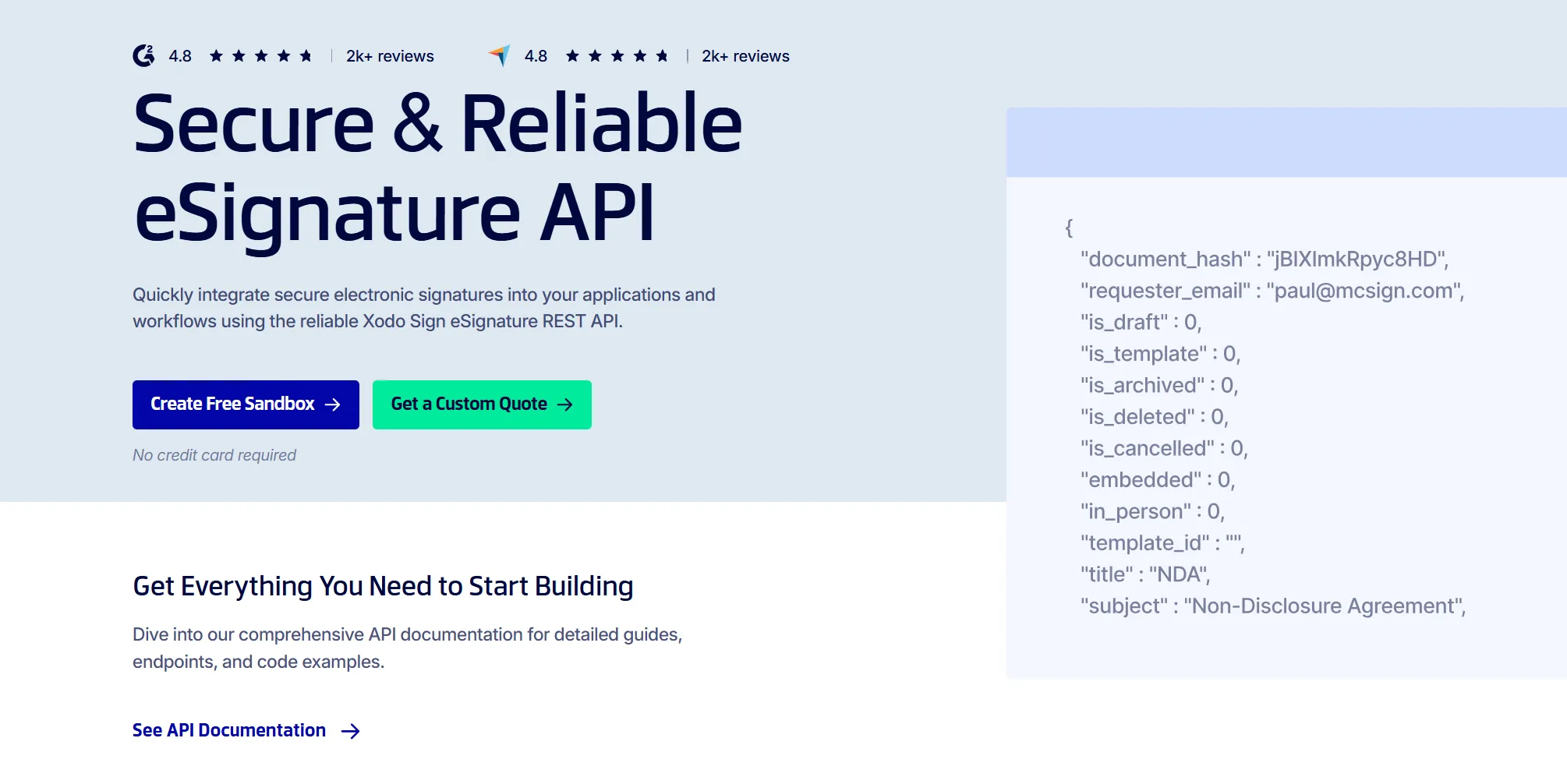
The Xodo Sign API is a focused e-signature API for teams that want to embed signing and sending workflows directly into their own products. It is a strong fit for ISVs and OEM partners, offering embedded signing support, embedded requesting, managed infrastructure, and brand control in one API.
Pricing overview:
- API Sandbox: Free for testing (2 production API documents)
- API Light: $50/month and includes 50 monthly API requests
- API Business: Custom, volume-based pricing for higher-volume ISV, OEM, and partner use cases
For ISVs and OEMs, the key pricing question is not the lowest public entry plan, but how costs behave as usage grows. Xodo Sign API is positioned around volume-based pricing, where per-envelope costs can scale down with higher usage, and a simple flat overage model helps partners forecast spend, plan revenue roadmaps, and protect margin as signing becomes part of their own product experience.
Key Features:
- Embedded signing
Xodo Sign API supports embedded signing through an iFrame-based flow. Signers can complete documents inside your app or website. Check out the embedded signing API documentation on building a proof of concept. - Embedded sending or requesting
Xodo Sign API supports embedded requesting that lets your team bring document preparation, signing request creation, and sending into your app. - Hosting model
Xodo Sign API is fully managed. Your team does not need to host the signing application, maintain signing infrastructure, manage uptime, or patch an open-source deployment. - White-label and branding
Designed for full white-label and custom branding across the customer-facing experience. For OEM and ISV use cases, the signing flow stays under your brand. - Docs, SDKs, and implementation
Provides REST/JSON API documentation and server-side flexibility. Evaluate the API, build a proof of concept, and move toward production without complexity. For implementation, review the API documentation. - Compliance and audit trail
Xodo Sign API supports legally binding e-signature workflows with detailed audit trails and security controls for business and partner use cases. Compliance support includes SOC 2 Type 2, GDPR, eIDAS, ESIGN, and UETA.
Best fit for:
- ISVs embedding signing as a native product feature
- OEM partners that need white-label control
- SaaS platforms that want predictable signing economics
- Product teams that need signing and requesting without heavy workflow bloat
- Teams that want managed infrastructure instead of self-hosting
2. Dropbox Sign API
Fast developer onboarding
Dropbox Sign API, formerly HelloSign API, is one of the more developer-friendly e-signature APIs on the market. It is often considered by teams that want a clean API, helpful documentation, test mode, and a relatively quick path to a working integration.
Pricing overview:
- Test Mode: API testing is available for free
- Essentials: starting from $75/month for 50+ signature requests
- Standard: starting from $250 USD for 100+ signature requests
- Premium: Custom (100+ signature requests)
You can move from simple API usage into the tier required for embedded workflows, but teams should account for plan upgrades when modeling the cost of embedded signing support.
For teams comparing pricing transparency, Dropbox Sign gives useful public starting points, but embedded signing, embedded requesting, and templates move into higher-tier plans.
Key Features:
- Embedded signing
Dropbox Sign supports embedded signing, but access requires the Standard API plan. - Embedded sending or requesting
Embedded requesting comes with the Standard API plan. Embedded templates require the Premium API plan. - Hosting model
Dropbox handles the signing infrastructure, uptime, and core delivery of the e-signature workflow. - White-label and branding
Branding and customization is supported, but plan-dependent. - Docs, SDKs, and implementation
The platform is known for clean documentation, test mode, SDKs, and developer-friendly onboarding.
- Compliance and audit trail
Dropbox Sign supports audit trails and e-signature compliance requirements: SOC 2 Type II, ISO 27001, eIDAS, and GDPR. It provides 2FA for extra security and uses AES‑256 encryption.
Best fit for:
- Teams that want a fast API implementation
- Teams that want both signer-side and sender-side embedded workflows
- Products that need embedded signing but not deep white-label/OEM economics
- Developers who prioritize clean docs and quick testing
- SaaS teams building a straightforward signing workflow
3. PandaDoc API
Best for complex document workflows, document generation, and signing
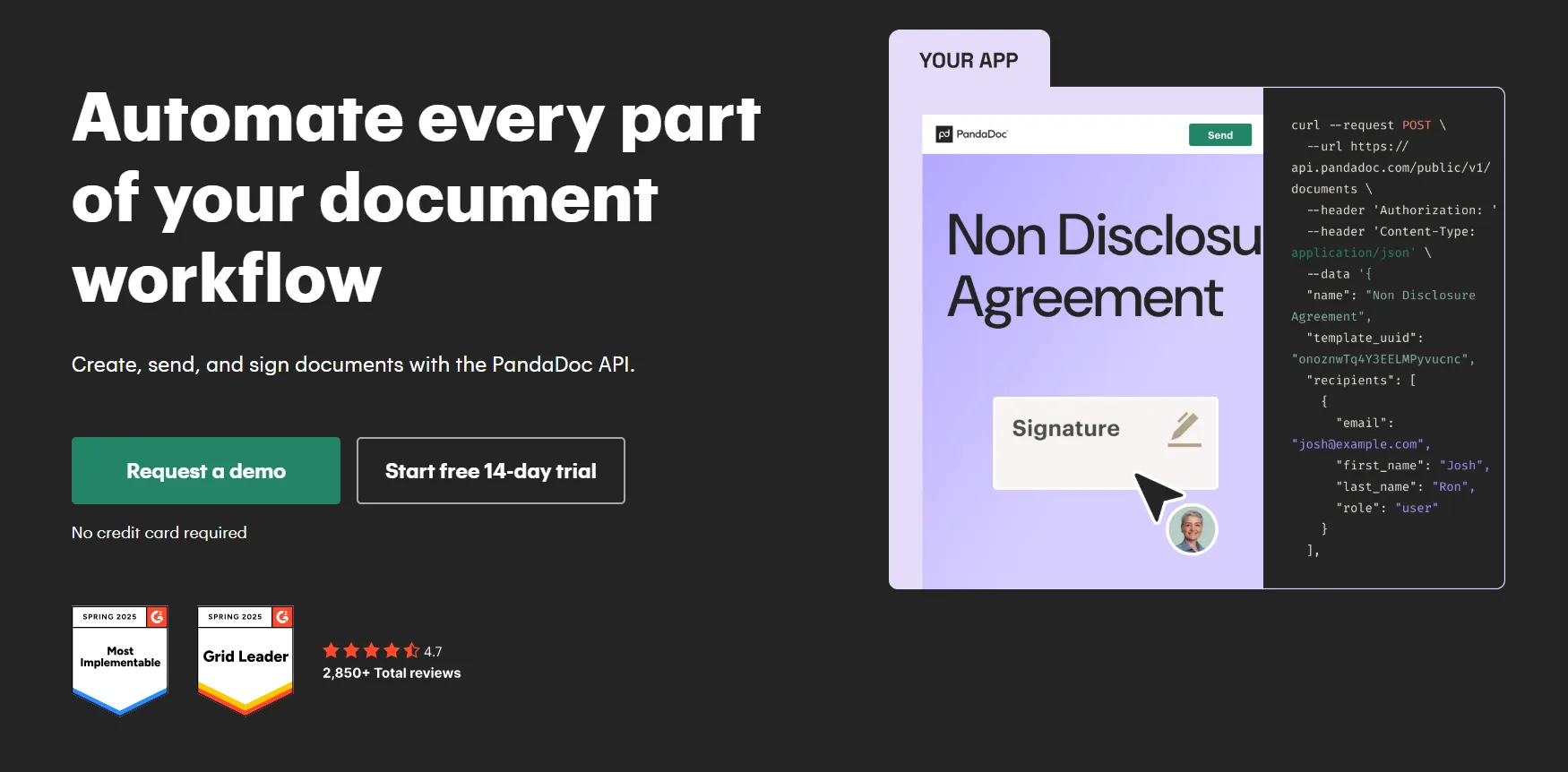
PandaDoc API is a strong option when signing is only one part of broader document management, document processing, and document generation workflows. If your product needs to generate proposals, quotes, contracts, or sales documents before collecting signatures, PandaDoc may be a better fit than a signing-only tool.
This makes it especially relevant for sales platforms, proposal automation tools, CRM-adjacent products, and revenue operations workflows.
Pricing overview:
- Sandbox: Free for testing
- Free: $0/month (60 documents/year)
- API Developer Plan: $40/month (40 documents/month, scales with your volume)
- Enterprise: Custom pricing
PandaDoc’s pricing can make sense for document-centric products, but teams should model whether they are paying for broader document automation capabilities they actually need. If the use case is only embedded signing support, a more focused e-signature API may be cleaner and easier to maintain.
Key Features:
- Embedded signing
PandaDoc API supports embedded signing flows that let users sign documents through an integrated product experience.
- Embedded sending or requesting
Supports proposal-focused API-driven document creation, templates, recipients, and sending for signature. - Hosting model
PandaDoc hosts the document and signing infrastructure. - White-label and branding
Branding and customization are available. You can customize logo and brand colors on documents. document templates and layouts, email notifications, and the Sender identity. - Docs, SDKs, and implementation
PandaDoc offers API documentation and SDK support. Strong for when teams use PandaDoc as a document workflow engine, not only as a signature capture layer. - Compliance and audit trail
Supports legally binding e-signatures and compliance-related features such as audit trails.
Best fit for
- Sales proposal platforms
- Quote-to-cash workflows
- CRM-driven document generation
- Products that need templates, variables, document generation, and signing together
4. BoldSign API
Structured SDK support and developer documentation
BoldSign API is a developer-friendly e-signature API with strong documentation, REST API coverage, SDKs, webhooks, templates, embedded signing, and a developer sandbox. It is a practical option for engineering teams that want a structured implementation path, strong SDK support, and lower integration complexity.
It is especially appealing to teams that prefer working from official SDKs and code examples rather than building every request manually.
Pricing overview:
- Sandbox: Free for testing
- Enterprise API: $30/month (40 signature requests)
- Custom Plan: Custom pricing
Note that once you’ve used the 40 signature requests on the Enterprise API level, a pay-as-you-go plan will be triggered, charging $0.75 for each additional signing request.
Key Features:
- Embedded signing
BoldSign supports embedded signing. Developers can generate embedded signing links and present the signing process inside their application. - Embedded sending or requesting
Supports sending documents, templates, workflow automation, and API-driven document operations. The developer portal includes guidance for embedded sending request links and related workflows. - Hosting model
BoldSign is managed. Teams do not need to host signing infrastructure themselves. - White-label and branding
BoldSign supports branding features such as logos, colors, email content customization, and custom email sending domains. - Docs, SDKs, and implementation
Offers API documentation, API Explorer, SDKs (C#, Python, Java, Node, and PHP), webhook guidance, and examples. - Compliance and audit trail
BoldSign includes audit trail support and compliance-related features. Advanced authentication methods (ID verification, SMS authentication) can be purchased as as add-ons.
Best fit for:
- Engineering teams that want SDK-driven implementation
- Teams working heavily in .NET or strongly typed backend environments
- Products that need templates, embedded signing, and predictable API docs
- Teams that want a managed API with a structured developer portal
5. SignNow API
Forms, templates, and embedded signing with a usage-based API plan
SignNow API, part of airSlate, is a solid option for teams that need e-signatures, templates, fillable fields, document sending, and embedded signing in one API package. It tends to fit teams that want practical signing workflows with a mix of document preparation, document management, sending, and signer-side execution.
Pricing overview:
- Test environment: Free. Unlimited test signature invites
- Free API trial: 250 signature invites to test your integration in production
- Starter: starting from $84/month for 500 signature invites per year
- Enterprise: Custom signature volume
The 250-invite trial is useful for proof-of-concept work. It includes paid features such as embedded signing, embedded sending, pre-filling documents, and webhooks. The Starter plan can give your team a public entry point before moving into custom or enterprise pricing.
Key Features:
- Embedded signing
SignNow API supports embedded signing and can be tested as part of the paid-feature set during the free trial. - Embedded sending or requesting
Supports embedded sending, document pre-filling, templates, webhooks, and related document workflows. - Hosting model
SignNow API is managed. airSlate/SignNow hosts the signing infrastructure. - White-label and branding
Branding and customization are available. You can customize the signing flow, from invite emails and welcome screens to in-app signing and redirect behavior. - Docs, SDKs, and implementation
SignNow provides developer tools, API docs, quick-start resources, and supports common API workflows. - Compliance and audit trail
SignNow supports legally binding signing workflows and standard document tracking capabilities.
Best fit for:
- Teams that need forms, templates, and signing together
- Products that want to test API workflows with a generous trial
- Teams that need both embedded signing and embedded sending
- Workflow-heavy document use cases that do not require a full CLM platform
6. Adobe Acrobat Sign API
Adobe-heavy enterprises and regulated environments
Adobe Acrobat Sign API is a strong option for organizations already invested in Adobe Document Cloud, Acrobat, Microsoft integrations, or enterprise procurement through Adobe agreements.
It is less of a lightweight embedded API choice and more of an enterprise e-signature platform with API capabilities.
Pricing overview:
- Sandbox environment: Unlocked and available with the appropriate account or plan.
- Enterprise API: Custom pricing
For ISVs, API usage, volume, authentication, and advanced compliance needs may be tied exclusively to enterprise agreements. The important question to ask is which API features, including embedded signing support, volume, branding, compliance requirements, and document management capabilities, are available under the agreement you negotiate.
Key Features:
- Embedded signing
Adobe Acrobat Sign API supports embedded signing and API-driven e-signature workflows for websites, mobile apps, and other platforms. - Embedded sending or requesting
Adobe Acrobat Sign supports sending documents for signature, agreement management, and workflow automation through its API. - Hosting model
Adobe Acrobat Sign API is managed. Adobe hosts the signing infrastructure. - White-label and branding
Branding and customization are available, but deep white-label support and control is usually at the enterprise-level. - Docs, SDKs, and implementation
Provides extensive developer documentation for Acrobat Sign API. The API is mature, but implementation may involve more enterprise setup and integration complexity than lighter-weight developer-first options. - Compliance and audit trail
Adobe Acrobat Sign is commonly evaluated for enterprise, regulated, and compliance-sensitive use cases.
Best fit for:
- Large enterprises
- Adobe-centric organizations
- Regulated document workflows
- Teams that need mature enterprise procurement and compliance support
7. Documenso
Open-source control and self-hosting flexibility
Documenso is an open-source e-signature platform and a popular option for teams that want more control over their signing stack. Developer-heavy teams get transparent code, deployment control, and flexibility, but they also need to consider long-term maintenance, security ownership, and potential vendor lock in if they build heavily around a self-hosted stack.
Pricing overview:
- Sandbox: Free via plan (Free tier plan can be used: 5 documents/month and 10 recipients/document).
- Teams: $40/month for up to 5 users (API access for automation included)
- Platform: $250/month for unlimited users (Unlimited API access included)
- Self-Hosted Licensing: Custom pricing
Embedded signing is available starting at the Teams plan and above. The Embedded editor is Enterprise/Platform-oriented. Self-hosting still creates infrastructure, maintenance, and compliance operations costs.
Key Features:
- Embedded signing
Documenso supports embedded signing. Embedded signing is available on the Teams plan and above. - Embedded sending or requesting
Documenso also supports embedded editor workflows for document and template creation/editing, but the embedded editor is an Enterprise feature and also available as a Platform-oriented capability. - Hosting model
Documenso can be self-hosted or used through cloud plans. Self-hosting gives more control, but it also shifts responsibility to your team for things like infrastructure, security patching, backups, and support escalation. - White-label and branding
Provides strong customization and brand control, especially in self-hosted scenarios. - Docs, SDKs, and implementation
Documenso offers developer documentation and open-source code for teams that want more control over document processing and signing workflows. - Compliance and audit trail
Documenso can support legally binding signing workflows. With self-hosting, your team is responsible for how the system is operated. Compliance depends on process, retention, access control, monitoring, and operational discipline.
Best fit for:
- Developer-heavy teams
- Companies that want open-source transparency
- Teams comfortable with self-hosting
- Products that need control over infrastructure and code
- Organizations willing to trade managed convenience for flexibility
8. DocuSeal
Hybrid open-source signing
DocuSeal is another open-source e-signature option. It offers a self-hosted community edition, cloud plans, and paid options for more advanced needs. It is a useful option for teams comparing the sticker price of open source against the convenience, pricing transparency, and operational simplicity of a managed API.
Pricing overview:
- Sandbox: $0/document (no cost)
- API Production: $0.20 per document
- Pro Plan: $20/month
API and Embedding features require the purchase of one Pro seat. A pay-as-you-go API pricing fee may look low, but costs for self-hosted infrastructure, maintenance, uptime, and compliance work can add up.
Key Features:
- Embedded signing
DocuSeal supports embedded signing via API, allowing you to run in-app signing flows within your own UI. - Embedded sending or requesting
DocuSeal supports API sending workflows, but the sender experience is less out-of-the-box, especially for teams that need document management, field placement, and signing request setup inside their own product. - Hosting model
DocuSeal can be self-hosted, cloud-hosted, or used in a hybrid model depending on plan and deployment choice. - White-label and branding
DocuSeal can offer strong branding control, especially for self-hosted or paid deployments. - Docs, SDKs, and implementation
DocuSeal is developer-oriented, but teams should expect more implementation and operational responsibility than with a fully managed e-signature API. - Compliance and audit trail
DocuSeal can support signing and audit-related workflows, but self-hosted deployments put more responsibility on your team to operate the system properly. That includes access controls, retention, monitoring, backups, and compliance documentation.
Best fit for:
- Teams evaluating open-source signing
- Products with strong DevOps resources
- Organizations that want full control over deployment
- Teams comparing self-hosted and managed API economics
Managed API vs open source: which costs less once you reach production?
Open-source e-signature tools can be a good fit. They offer transparency, control, and deployment flexibility. For some teams, that is exactly the right tradeoff.
But open source is not automatically cheaper, more secure, or easier to maintain once you move from testing to production.
For example:
DocuSeal’s Pro plan starts at $20/month, with API and embedding usage priced at $0.20 per signed document. At first glance, that kind of open-source or hybrid pricing can look lower than a managed API. But the comparison changes once you include production ownership, support, compliance operations, uptime, security maintenance, and the internal work needed to keep every signing workflow reliable.
With self-hosting or open-source deployments, your team may also need to manage:
- Hosting and uptime
- Security updates and monitoring
- Backups and scaling
- Document processing requirements
- Audit trail operations
- Compliance documentation
- Internal support and maintenance
If your team already has the infrastructure and compliance resources to operate signing internally, self-hosting may work well.
For teams that want signing as a product feature rather than an infrastructure project, a managed API can be easier to justify. You may give up some direct infrastructure control, but you reduce the maintenance, monitoring, and compliance work that comes with running signing workflows yourself.
If you are comparing managed and open-source signing options, set up a free personalized demo of Xodo Sign API to see how the integration, branding, and pricing model would fit your product.
How to choose the right Docusign API alternative for you
The best Docusign API alternative depends on what you're building. Use these 6 questions to narrow the list.
1. Do you need embedded signing, embedded sending, or both?
Some products only need signing. Others need the full sender and signer workflow.
- Embedded signing lets users sign inside your product.
- Embedded sending or requesting lets your users prepare documents, place fields, create templates, and send documents for signature from inside your product.
If your signer is your end user, embedded signing may be enough. However, for customers that need to prepare and route documents from inside your product, embedded sending or requesting becomes more important.
Explore our detailed guide on Embedded signing vs sending for e-signature APIs to learn more.
2. What pricing point protects your overall budget?
ISVs should look beyond the monthly entry price and evaluate how pricing behaves as customer usage increases. Ask how the vendor prices:
- Envelopes and documents
- Signature requests and advanced authentication
- API calls
- Templates and overages
- Seats and support
- Embedded workflows and branding
- Document management features
Seat-based pricing can work for internal business tools. But for embedded SaaS products, usage-based or volume-based pricing often maps better to how customers actually use the feature.
For scaled ISV and OEM use cases, the key questions are whether per-envelope cost can improve with volume, whether overage fees are predictable, and whether pricing leaves enough room for partner margin.
See pricing breakdown in how much does an e-signature API cost for ISVs.
3. How much white-label control do you need?
For internal workflows, branding may not matter much. For embedded products, it matters a lot.
If signing is part of your product experience, your users should not feel like they have been handed off to another vendor. Ask each provider:
- Can we use our own logo and colors?
- Can we customize emails?
- Can we use our own sending domain?
- Will signers see the vendor’s brand?
- Can the workflow be fully white-labeled?
- Are white-label rights included or custom-quoted?
For OEMs, white-label control is not cosmetic. It protects the customer relationship.
4. Do you want managed infrastructure or self-hosting?
Choose a managed infrastructure if speed, support, and reduced maintenance matter more. A managed API reduces operational work. The provider handles the signing infrastructure, uptime, core security operations, and platform maintenance.
Choose self-hosting if complete control is the top priority and your team is ready to own operations. Self-hosting gives more control, but also creates more responsibility.
5. How quickly can developers validate the API?
A strong API should be easy to test before a sales-heavy process. Look for:
- Clear API documentation
- Sandbox or test mode
- Embedded signing examples
- Webhook documentation
- SDKs in your preferred language
- Audit trail examples
- Support access during implementation
- Clear production migration path
A cheaper API that takes months to integrate may be more expensive than a managed API your team can ship quickly, especially if integration complexity slows down product delivery.
6. What compliance requirements do you actually need?
Most e-signature APIs support legally binding e-signatures and audit trails, but advanced requirements vary. Before choosing a provider, clarify whether you need:
- ESIGN and UETA support
- eIDAS alignment
- GDPR requirements
- SOC 2
- HIPAA
- 21 CFR Part 11
- FedRAMP
- Advanced or qualified electronic signatures
- Data residency
- Specific retention rules
- Identity verification
Do not assume every provider supports every requirement on every plan.
Frequently asked questions
1. What is an embedded e-signature API?
An embedded e-signature API lets you add signing workflows directly inside your own app or website. Instead of sending users to a separate e-signature platform, the API lets them sign through an in-app, branded, or iFrame-based experience.
For ISVs and SaaS platforms, this makes e-signature feel like part of the product rather than a third-party handoff.
2. What is the difference between embedded signing and embedded sending?
Embedded signing is the signer-side experience. A user opens and signs a document inside your product.
Embedded sending, sometimes called embedded requesting, is the sender-side experience. Your user prepares a document, places fields, adds recipients, and sends it for signature from inside your product.
Some products only need signing. Others need both, especially if customers prepare and route documents inside the platform.
3. Do all e-signature APIs support embedded signing?
No. Many e-signature APIs support sending documents for signature, but embedded signing may require a specific API plan, feature tier, or implementation method.
Embedded sending, templates, full white-label controls, and advanced branding are also often plan-dependent. Confirm which workflows are included before choosing a provider.
4. What is the best Docusign API alternative for embedded signing?
For ISVs and OEM partners, Xodo Sign API is a strong fit because it supports embedded signing, embedded requesting, white-label control, managed infrastructure, and partner-friendly API economics.
Other options may fit better depending on the use case. Dropbox Sign API is useful for fast onboarding, BoldSign API for SDK support, PandaDoc API for document generation, and Documenso or DocuSeal for teams that want more infrastructure control.
5. Which Docusign API alternative is best for SaaS companies?
For SaaS companies, the best alternative depends on how signing fits into the product.
Xodo Sign API is a strong fit when signing needs to feel like a native, branded product feature. PandaDoc API may fit products that also need proposal creation or document generation. Dropbox Sign API and BoldSign API are useful for fast developer setup, while Documenso or DocuSeal may fit teams that prefer self-hosting.
6. Which e-signature API has the best pricing transparency for ISVs?
For ISVs, the best pricing model is usually one that clearly shows how costs change with customer usage, signing request volume, overages, and support needs.
Volume-based or per-envelope pricing is often easier to model than seat-based pricing when e-signature is embedded into a SaaS product, especially when the feature becomes part of your own packaging or monetization strategy. Xodo Sign API is designed around partner workflows where transparent pricing, branding, and embedded usage need to support long-term product economics.
7. Are open-source e-signature tools cheaper than managed APIs?
Not always. Open-source tools can reduce software licensing costs, but production use still requires hosting, maintenance, monitoring, security updates, backups, compliance operations, and support.
If your team already has those resources, open source can work well. If you want to ship faster and avoid running signing infrastructure, a managed API may be easier to justify.
The right alternative depends on what you are embedding
There is no single best Docusign API alternative for every team.
Sales tools may choose PandaDoc API for built-in document generation. Adobe-focused enterprises may lean toward Adobe Acrobat Sign API. Teams that want open-source control may evaluate Documenso or DocuSeal. SDK-focused teams often shortlist BoldSign API or Dropbox Sign API.
But for ISVs, OEMs, and SaaS platforms building embedded e-signature as a native product feature, Xodo Sign API is a strong place to start. It brings together embedded signing, embedded requesting, white-label control, managed infrastructure, and API pricing designed for partner workflows.
If your goal is to add e-signature as a native product feature, request a 1-on-1 live demo to see how the integration, branding, and pricing model fit your product.


.svg)