%202.svg)

Table of contents
Sign and send unlimited e-signatures with Xodo Sign.
If your product needs an e-signature API, the next decision is practical: should users sign documents inside your app, or should your app also let them prepare and send documents to collect signatures?
That is the core difference between embedded signing and embedded sending.
Embedded signing is the signer-side flow. Embedded sending is the sender-side flow.
The choice affects more than just the interface. It shapes permissions, templates, webhook logic, support needs, and how much of the document workflow your product needs to own.
This guide compares both flows, shows when to build each one, explains when both may make sense, and clarifies how Xodo Sign API supports embedded signing and embedded sending.
Quick answer: embedded signing vs embedded sending
Some products need only one flow. Others need both. The practical question is whether your product only needs to collect signatures, or whether users also need to prepare and send documents from inside your app.
What is embedded signing?
An embedded signing workflow lets users complete the signing process inside your app, instead of switching to a separate signing page from an email.
In a typical flow, your backend creates or retrieves the document, enables embedded signing, gets the signer’s embedded signing URL, and your frontend loads the signing page inside your app.
Embedded signing works best when the document is already prepared and the user only needs to review and sign.
Common examples:
- A patient signs an intake form inside a healthcare portal.
- A candidate signs an offer letter inside an HR platform.
- A tenant signs a lease agreement inside a property management app.
- A client signs an engagement letter inside a legal portal.
- A subcontractor signs a change order inside an AEC project workspace.
The key point: the signer is completing the document, not building the signing package.
What is embedded sending?
Embedded sending (referred to as embedded requesting in Xodo Sign) lets users prepare documents, assign signers, and send signature requests from inside your product.
This flow is usually for staff, admins, reviewers, project coordinators, legal ops teams, sales users, or AEC document controllers. They may need to upload or select a document, assign recipients, place fields, choose embedded templates, set signing order, and send the request.
Common examples:
- A sender edits a document before sending it to a signer.
- A staff member edits a document created from a template before sending it.
- An HR admin prepares an offer letter and sends it to a candidate.
- A property manager prepares and sends a lease to a tenant.
- A legal reviewer sends a marked-up agreement to a client for signature.
- An AEC coordinator prepares lien waivers, change orders, or approvals for multiple parties.
- A SaaS product lets its users send documents without switching to a separate e-signature dashboard.
The key point: the sender is preparing the signing request, not just signing the document.
Embedded signing or sending: a side-by-side comparison
Choosing which flow to implement depends on the priorities your product has and how much of the agreement workflow it needs to support.
Here's a quick side-by-side summary on embedded signing, embedded sending, and your decision points:
Choose the right e-sign flow for your industry
Different industries need different levels of control over the signing process, so the right embedded e-sign flow depends on who prepares the document, who sends it, and who signs it.
Use the examples below to compare where embedded signing or embedded sending fits best across common product and industry workflows.
Healthcare portals
Healthcare portals often support patients, caregivers, providers, and admin teams who need to complete sensitive documents without leaving the patient experience.
- Embedded signing works well when patients or caregivers only need to sign intake forms, consent forms, authorization documents, or release forms inside the portal.
- Embedded sending fits when staff need to prepare documents, apply templates, assign forms to the right patient or caregiver, and send signature requests from inside the same system.
Legal and review portals
Legal and review portals often involve clients, counterparties, attorneys, paralegals, reviewers, and legal teams. Some products only need a simple signing step, while others need more control over document preparation and routing.
- Embedded signing works well when your platform already generates legally binding agreements and only needs clients, counterparties, or reviewers to sign.
- Embedded sending fits when attorneys, paralegals, or legal ops users need to prepare documents, assign signers, apply templates, and route documents from inside the product.
HR platforms
HR platforms usually serve both employees and HR admins, so the right flow depends on who is doing the work inside the product.
- Embedded signing works well when candidates or employees need to sign offer letters, policy acknowledgments, onboarding forms, benefits documents, or internal approvals.
- Embedded sending fits when HR admins need to prepare documents, apply templates, assign signers, and route agreements from inside the HR workflow.
AEC platforms
AEC platforms often support owners, contractors, subcontractors, inspectors, architects, and construction project managers. Documents may move through review, markup, approval, and signature stages.
- Embedded signing works well for final approvals, change order acceptance, field authorization, inspection sign-offs, and simple approval tasks.
- Embedded sending fits when coordinators need to prepare document packages, assign signers, apply templates, and route documents by project role.
Partner and SaaS products
Partner and SaaS products can support many different agreement workflows. The best fit depends on who your app serves: the signer, the sender, or both.
- Embedded signing works well when you want to add a low-friction signing step to an existing workflow, especially when documents are already prepared by the platform.
- Embedded sending fits when users need to create, prepare, assign, and send documents from inside your product instead of switching to a separate e-sign tool.
When should you build embedded signing first?
Build embedded signing first when the signer experience is the main product gap. If your product only needs to send users to a signing link, embedded signing may be more than enough for what you need. It also depends on whether embedded signing is simply a feature or part of a larger e-signature revenue strategy.
This is usually the right starting point when:
- Your app already creates the final document.
- Recipients only need to review and sign.
- You want to reduce drop-off from email handoffs.
- Your product experience depends on keeping users in one session.
- You need completion status back in your app.
- You want a light-weight first API implementation.
For example, a legal intake product generates an agreement after the client answers a few questions. The client should sign immediately, inside the portal, while the context is fresh.
Embedded signing is also a good first build when your team wants a smaller technical surface. You still need strong backend handling, webhooks, redirects, signer identity, and document state, but you aren't asking users to configure the full signing package inside your UI.
For more background on API cost factors around embedded workflows, see how much an embedded e-signature API costs.
When should you build embedded sending first?
Build embedded sending first when your users need to prepare signature requests inside your product.
This makes sense when:
- Users select or upload documents inside your app.
- Senders need to place fields or assign roles.
- Templates are central to the workflow.
- Staff users manage routing before external signers receive anything.
- Your product replaces part of a separate e-signature dashboard.
- Your customers need document preparation and sending to feel native to your platform.
An AEC document platform, for instance, lets a project coordinator prepare a change order, assign the contractor and owner, place signature and date fields, and send the document from the project workspace.
This flow is more product-heavy than embedded signing. You need to think about sender permissions, document ownership, recipient mistakes, draft states, templates, and what happens after sending.
Tip: If your team is comparing providers before building, read 8 DocuSign API alternatives for embedded signing as part of your next comparison step.
When does your product need both?
Some products need both embedded signing and embedded sending, but not every product does.
You likely need both when your app owns the document lifecycle from preparation to completion. That means one user prepares and sends the document, while another user signs it, and both steps should stay inside your product experience.
Both flows may make sense when:
- Your app serves senders and signers.
- Documents move through review, markup, approval, and signature.
- Templates reduce repetitive setup.
- Users expect one workspace for the full workflow.
- Your product tracks status after sending and completion.
- Your customer wants signing to feel like a native product feature, not a third-party handoff.
Consider an HR platform. It can let an admin prepare an offer letter, send it to a candidate, and let the candidate add a secure signature inside the same branded onboarding experience.
Build both when the extra scope supports a real user workflow. Don't build both just because the API can.
How Xodo Sign API supports these flows
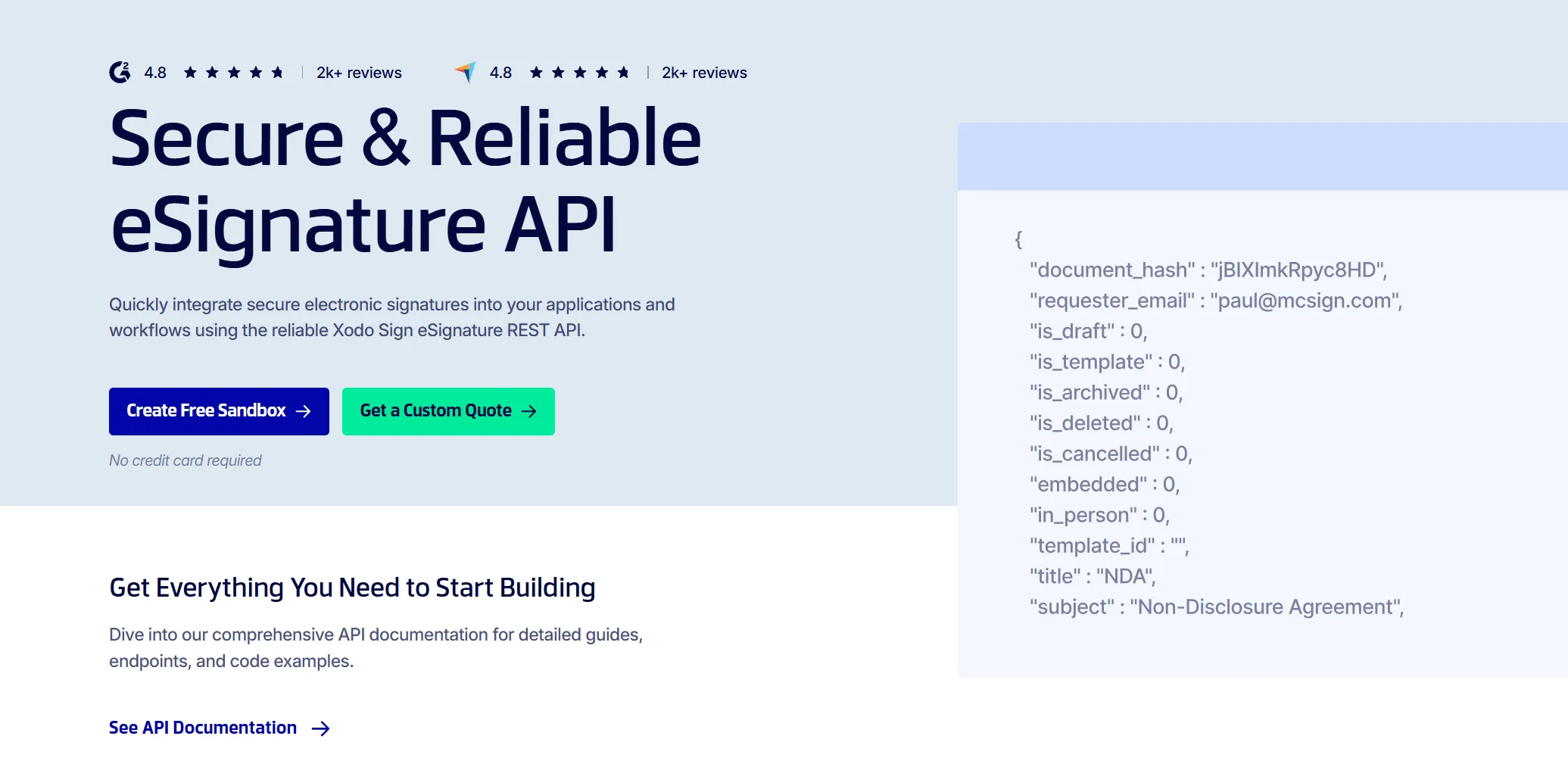
Xodo Sign API supports the core building blocks and key features for embedded e-signature workflows, including:
- Document generation
- Templates
- Embedded signing
- Embedded sending (requesting)
- Document status
- Webhooks
- Sandbox test mode
With an e-signature API client, teams can connect embedded signing or requesting flows to their product without building the full signing logic from scratch.
The electronic signature API lets you enable embedded signing for a document and retrieve embedded signing links for signers. This supports in-app signing flow experiences where the user completes the document without leaving the product.
Xodo Sign also lets teams integrate document preparation, sending, and template creation inside an application, supporting sender-side workflows where users need to prepare and route documents before signature.
Xodo Sign e-signature API implementation
The implementation path with the Xodo Sign API usually looks like this:
- Create or select the document or template.
- Add recipients, roles, fields, and routing details.
- Enable the right embedded flow.
- Load the embedded signing or requesting session in your app.
- Use callbacks or webhooks to update document status.
- Test in sandbox mode before moving to production.
Developer teams can use Xodo Sign API developer documentation, sandbox mode, and available sample code to validate the workflow before launching it in production. You can create a free sandbox to start testing, or set up an interactive demo in seconds.
Beyond the workflow itself, developer teams also need the API to support the standards, reliability, and implementation help required for a production-ready e-signing experience:
- Full white-label setup
Keep the signing and requesting experience under your brand so end users do not feel redirected into a third-party workflow. - Security and e-signing laws
Xodo Sign supports business and partner use cases with compliance coverage for SOC 2 Type 2, eIDAS, and GDPR with HIPAA expected in H2 2026. - A 99.9% uptime SLA
Give product and engineering teams a reliability baseline for embedded signing workflows in production. - Dedicated help desk support
Get implementation help for workflow setup, API troubleshooting, sandbox testing, and production questions. - Supported SDKs for developers
Work with supported SDKs, including PHP SDK, Node.js SDK and Python SDK. - Support for different languages
Support signing experiences across languages such as Danish, Dutch, French, German, Portuguese, Spanish, and more.
To explore the API further, review the Xodo Sign API documentation.
Forward-looking notes: Xodo Sign expects to expand compliance support with HIPAA in H2 2026 as part of its continued investment in regulated document workflows. Availability should be confirmed before using Xodo Sign for healthcare workflows that require HIPAA support.
Frequently asked questions
1. Which embedded e-signature flow should my product build first?
Build embedded signing first if your product already prepares the document and users only need to sign. Build embedded sending first if users need to prepare, assign, and send documents inside your app. The right first flow depends on who your product serves first: the signer or the sender.
2. When does it make sense to support both flows?
It makes sense to support both flows when one user prepares and sends documents, while another reviews and signs them inside your product. This is common in products with role-based workspaces, approval steps, repeatable templates, or document handoffs between internal and external users.
3. Which flow is easier to implement?
Embedded signing is usually easier to implement. This is because the document is already prepared before the signer arrives and requires a smaller build that can ship quickly.
Embedded sending is more complex because your product needs to support document preparation, recipients, fields, templates, permissions, draft states, and sender errors.
4. Does embedded sending replace a sender dashboard?
Embedded sending can replace a sender dashboard, but it doesn't have to. It can give users an in-app way to prepare and send documents without opening a separate e-signature workspace. Some teams may still need a fuller dashboard for document history, reporting, admin settings, or exceptions.
5. Can embedded signing or embedded sending be used in a mobile app?
Yes, embedded signing or sending can be used in a mobile app. Embedded signing is usually simpler on mobile when the screen is responsive. Embedded sending, however, may need closer UX testing because document prep and field placement require more screen space.
6. What should teams test before launching an embedded e-signature flow?
Before launching an embedded e-signature flow, teams should test the full path from document setup to completion. Check field placement, recipient roles, signer access, mobile layout, redirects, expired sessions, webhooks, status sync, and error handling. Test common user mistakes and abandoned signing sessions, as well.
7. What data should an app store after an embedded signature is completed?
After an embedded signature is completed, an app should store the status of the signing request, document ID, recipient IDs, completion time, signed file reference, webhook event IDs and links to the related customer, matter, project, or record.
8. Where should developers start with Xodo Sign API?
Start with the Xodo Sign API documentation, then review the embedded signing and embedded sending docs. Use sandbox mode to test the flow before connecting it to production documents.
Choose the flow, then map the build
Once you know which flow fits your product, map the handoff: who prepares the document, who signs it, and where status needs to update after completion.
Start with the flow that removes the biggest point of friction for a smoother signing experience for users. Aim for faster signing, easier document prep, reusable templates, or better status tracking.
If you're ready to compare the build path, try the Xodo Sign API.
- Create a sandbox to test embedded signing and embedded sending
- Or schedule a live demo to see which flow fits your product best.


.svg)