



4.8
2k+ reviews
4.8
2k+ reviews

E-Signatures for Tech, Software, and IT Teams

Prepare, edit, send, sign, and track software, SaaS, and IT service agreements in one secure platform. Use the Xodo Sign API to automate signing inside your product, CRM, or client portal.

AICPA SOC | SOC for Service Organizations
GDPR
EIDAS
UETA
E-signature software for software and IT teams

Complete Agreements Without Slowing Product, Sales, or Support

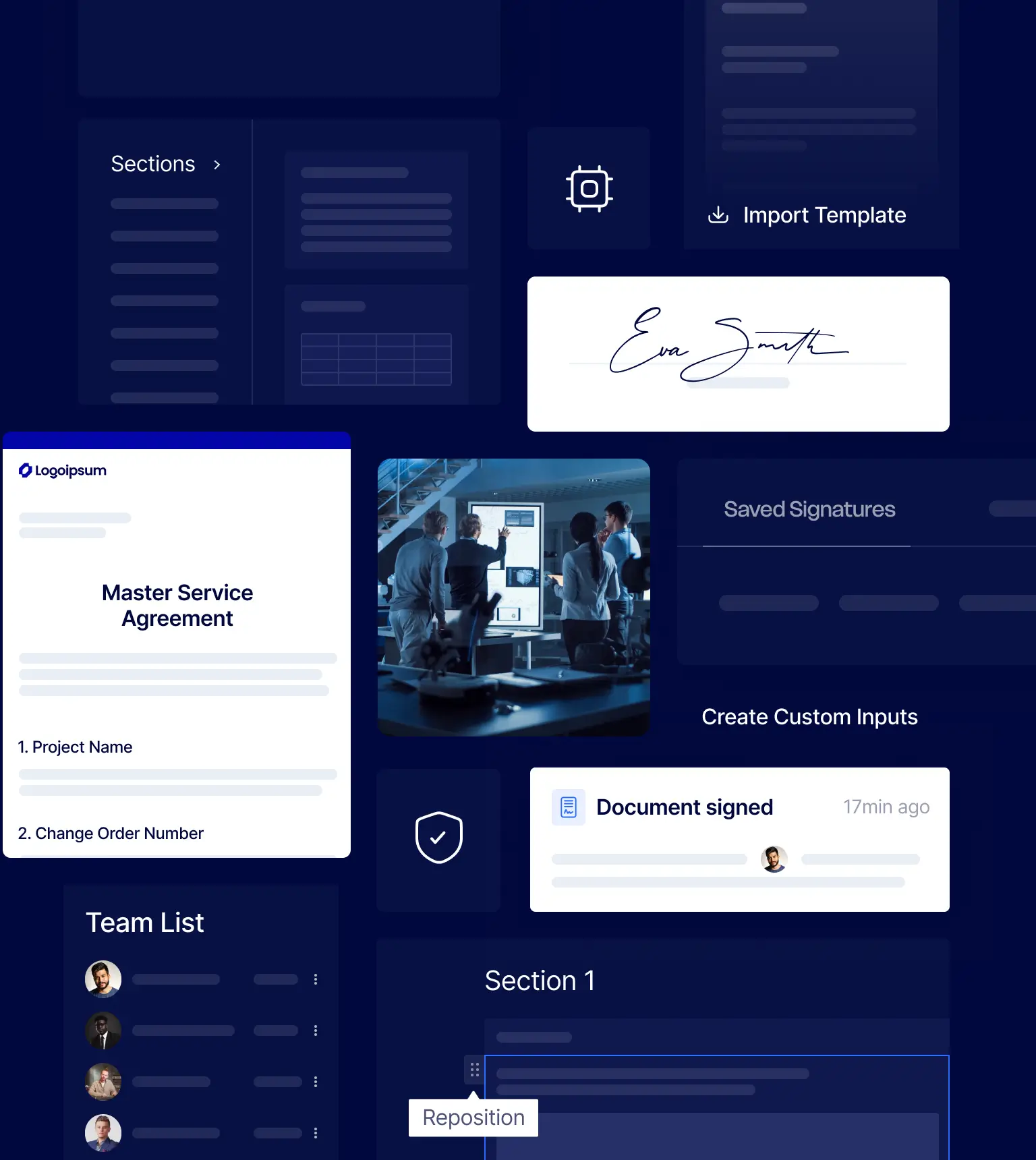
Use Xodo Sign to prepare documents, route approvals, collect signatures, and store completed files in one workflow. Sales, legal, HR, operations, and IT can stay aligned without scattered tools or version confusion.

Close Deals with Less Follow-Up

Send customer agreements, order forms, and renewals for signature in minutes. Reduce manual reminders, attachments, and version confusion across the sales cycle.

Prepare PDFs Before Sending

Fix typos, update details, add fields, and review key terms directly in Xodo Sign. Built-in PDF editing and AI summaries help teams get contracts ready faster.

Keep Approvals Easy to Trace

Track signer activity, timestamps, document status, and completed files with clear audit trails. Give legal, finance, and operations visibility without slowing everyone down.

Standardize Agreements

Save repeat documents as templates, so teams do not rebuild the same NDA, SOW, SLA, onboarding packet, or vendor form for every signer.

Route Work Across Teams

Set signing orders, required fields, and roles for sales, legal, HR, finance, customer success, and IT. Each stakeholder gets the right step at the right time.

Automate with Your Stack

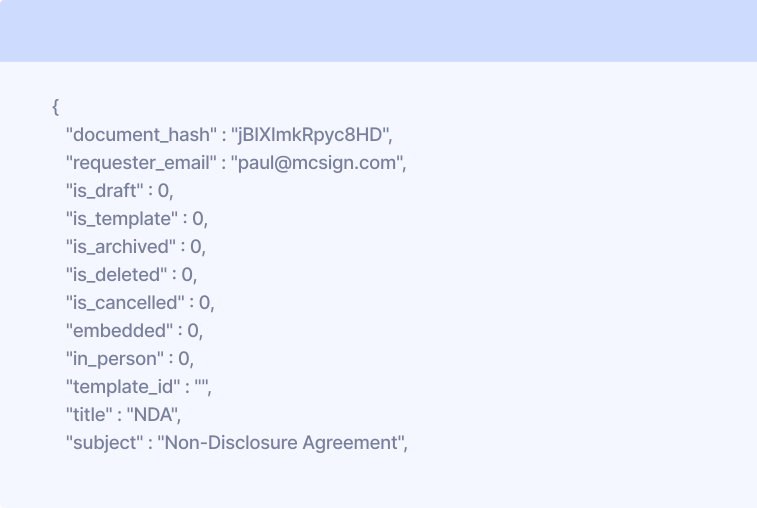
Connect signing workflows to your SaaS app, CRM, client portal, PSA, help desk, or internal system with the Xodo Sign e-signature API.

See Industry Insights

G2 Winter 2026 Leader badge with orange and yellow border and G2 logo in top right corner.
G2 Winter 2026 badge labeled Most Implementable with G2 logo in top right corner.
G2 Winter 2026 badge stating Best Estimated ROI for Enterprise.
G2 Winter 2026 badge stating Best Meets Requirements for Enterprise.

Tech Workflows Xodo Sign Supports Every Day

Use Xodo Sign across customer, service, and internal workflows that depend on fast, secure approvals. Prepare files, collect legally binding e-signatures, and store completed agreements with audit-ready records.

Customer, sales, and product agreements

  • Mutual NDAs, beta agreements, and data processing agreements
  • SaaS subscription agreements, order forms, renewals, and amendments
  • Customer onboarding packets, implementation approvals, and acceptance forms
  • Partner, reseller, affiliate, and referral agreements

IT services, MSP, and consulting documents

  • MSAs, SOWs, SLAs, and managed services contracts
  • Project scopes, change requests, support retainers, and authorization forms
  • Security acknowledgements, access approvals, and service handoff forms

Operations, HR, finance, and procurement workflows

  • Offer letters, contractor agreements, and employee onboarding forms
  • Vendor contracts, procurement approvals, and supplier forms
  • Equipment policies, remote-work acknowledgements, and internal signoffs
SaaS sales manager sending a customer agreement for e-signature
MSP specialist reviewing an SLA with a client
HR team preparing contractor agreements with e-signature software

Connect Xodo Sign to Your Product, CRM, or Client Portal

Use the Xodo Sign API to trigger signature requests from your application, CRM, PSA, help desk, onboarding flow, or internal admin system. Automate document creation, signer routing, status tracking, and completed-file storage without extra manual handoffs.

Connect Xodo Sign to Your Systems via API
Gmail
Chrome
Drive
Google Doc
Dropbox
Evernote
OneDrive
Box, Inc.

Request a Custom Technology Solution

Every technology company handles agreements differently. Xodo Sign can support high-volume document workflows, embedded e-signing, multi-team templates, custom routing, and centralized document tracking for software, SaaS, and IT services teams.

Complete the form and our team will help map a signing workflow that fits your systems, approval chains, document volume, and customer experience.


G2 Winter 2026 Leader badge with orange and yellow border and G2 logo in top right corner.
G2 Winter 2026 badge labeled Most Implementable with G2 logo in top right corner.
G2 Winter 2026 badge stating Best Estimated ROI for Enterprise.
G2 Winter 2026 badge stating Best Meets Requirements for Enterprise.
5

Overall, very easy to implement and use! I would recommend this program to anyone looking for an e-signature paltform.

Michael B.
Director
Users
Templates
API Documents
Oops! Something went wrong while submitting the form.
Fields marked with * are required.
Send Request

FAQs

Find answers about using Xodo Sign for software agreements, IT service contracts, and embedded signing.

Can software and IT service contracts be signed electronically?

Yes. Many software and IT service contracts can be signed electronically when they meet applicable e-signature laws and internal policies. Xodo Sign helps teams collect legally binding e-signatures with audit trails that record signer activity, timestamps, and document status.

Which software and IT documents can I send with Xodo Sign?

You can send NDAs, MSAs, SOWs, SLAs, SaaS subscription agreements, order forms, renewals, data processing agreements, vendor contracts, partner agreements, onboarding forms, access approvals, internal signoffs, and more.

Do clients, vendors, or employees need an account to sign?

No. Signers can open a secure link, review the document, complete required fields, and sign from their browser without creating a Xodo Sign account. No logins, apps, or downloads required.

Can Xodo Sign help us edit documents before sending them for signature?

Yes. Xodo Sign includes built-in PDF editing tools that let teams correct text, update details, add fields, organize pages, annotate documents, and prepare files before requesting signatures.

Can we reuse templates and route approvals across teams?

Yes. Create reusable templates for repeat documents and route them across sales, legal, HR, finance, customer success, procurement, and IT. You can add signer roles, required fields, and signing orders to keep approvals consistent.

Can multiple teams approve or sign the same agreement?

Yes. You can add multiple signers, set roles, define signing order, and route documents across departments such as sales, legal, finance, HR, procurement, customer success, and IT.

Can we automate or embed e-signatures with the Xodo Sign API?

Yes. With the Xodo Sign API, technology teams can automate signing workflows or embed e-signatures into SaaS products, customer portals, CRMs, onboarding systems, internal dashboards, and custom applications.

Does Xodo Sign offer a free trial and unlimited signing on paid plans?

Yes. Xodo Sign offers a 7-day free trial of the Professional plan with no credit card required. Paid e-signature plans start at $10/user/month when billed yearly and include unlimited documents for ongoing signing workflows.

Latest Insights on eSignatures

eSignature API vs eSignature Software: Which Should You Choose?
API
May 7, 2026
6
 min read

eSignature API vs eSignature Software: Which Should You Choose?

Looking for insights on how to choose between an eSignature API vs eSignature software? This guide covers the pros, cons, and what teams go through to help you decide. Learn how to assess when you need to scale and automate your document workflows or when a manual workflow is enough.

Kieran Lee
Kieran Lee
How to Choose the Best E‑Signature Software for Small Teams in 2026
Business
May 15, 2026
7
 min read

How to Choose the Best E‑Signature Software for Small Teams in 2026

Learn what small teams should look for in e‑signature software. From predictable pricing and ease of use to compliance basics and integrations, this guide focuses on the decision criteria that actually matter. You’ll learn how to evaluate tools with less guesswork and avoid overbuying features you won’t use.

Kieran Lee
Kieran Lee
8 Reasons Teams Choose Xodo Sign Instead of Docusign
Business
March 13, 2026
4
 min read

8 Reasons Teams Choose Xodo Sign Instead of Docusign

Here are 8 main reasons teams switch from Docusign to Xodo Sign. The comparison covers pricing differences, document limits, built‑in PDF editing, ease of use, API plans, and scaling needs.

Kieran Lee
Kieran Lee

Built for Businesses
That Run on Documents

Electronic signatures for real estate

Real Estate

Send and sign offers, rental agreements, and closing forms fast. Keep deals moving with electronic signatures that work from anywhere.

E-signature software for architecture, engineering, and construction

Construction

Share bids, safety forms, and contracts with just a few clicks. Get everything signed on time, so your projects stay on track.

Secure e-signing for law firms and legal professionals

Legal

Keep every document safe, signed, and easily accessible. Edit documents, redact sensitive data, and track every step so you always know who signed and when.

Compliant e-signatures for the finance industry

Financial Services

Send loan forms, NDAs, and client documents securely. With built-in encryption and full audit trails, you stay safe and compliant.

E-signature software for software and IT teams

Technology

Prepare, edit, send, sign, and track software, SaaS, and IT service agreements in one secure platform. Use the Xodo Sign API to automate signing inside your product, CRM, or client portal.

Start Signing Tech Agreements Today

Try Xodo Sign and see how legally binding e-signatures, reusable templates, and API-ready workflows help tech teams complete agreements faster.