Sign Documents Online for Free
Upload a document, add your signature and other required information, then download a signed copy. Need a timestamped audit trail? Complete the signing process through Xodo Sign.

Sign, Complete, and Download Your Document
Add your signature and the information your document requires without printing or scanning. Choose the result that fits your needs: a signed copy for everyday use or a completed signing record with an audit trail.
Add Your Signature Your Way
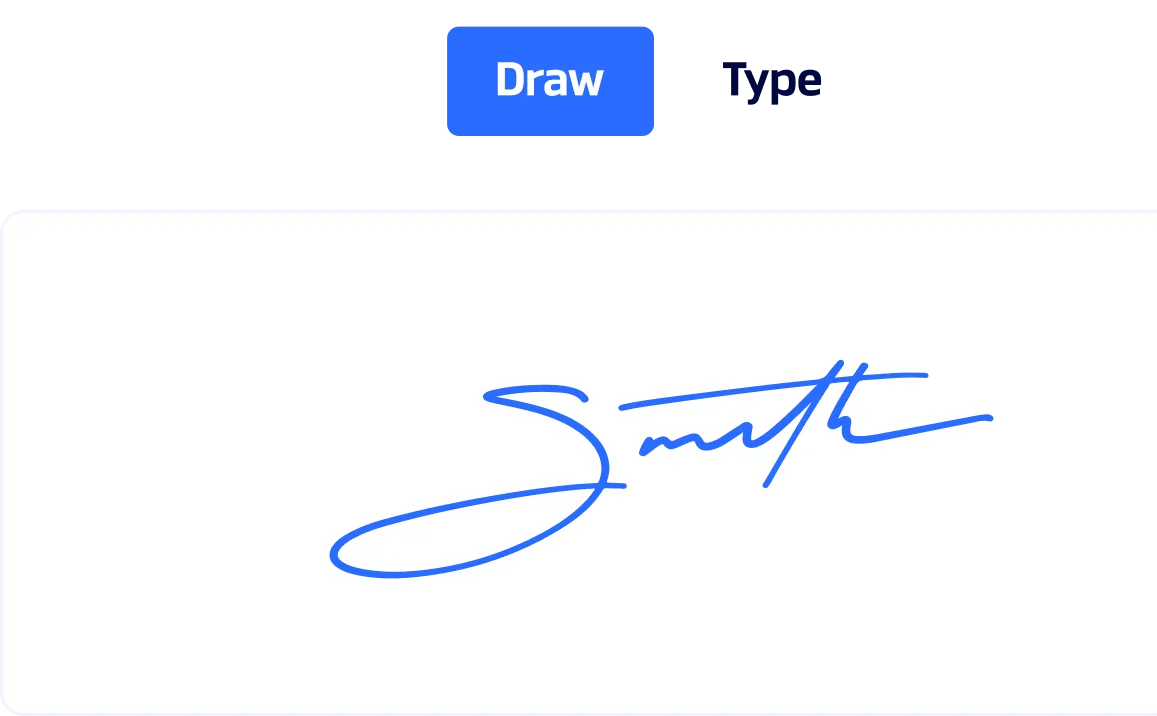
Type, draw, or upload your signature, then place it where needed. Add initials anywhere else the document requires them.
Fill In the Required Fields
Add dates, text, checkboxes, and other required information directly to the document before saving or completing it.
Choose the Signing Record You Need
Save and download a signed copy, or send the document to yourself and complete the request when you need a timestamped audit trail.
How to Sign a Document Online with Xodo Sign
Upload your document, choose yourself as the signer, and add the required fields. Then choose how you want to finish: download a signed copy or complete the signing process with a timestamped audit trail.
01. Create Your Free Account
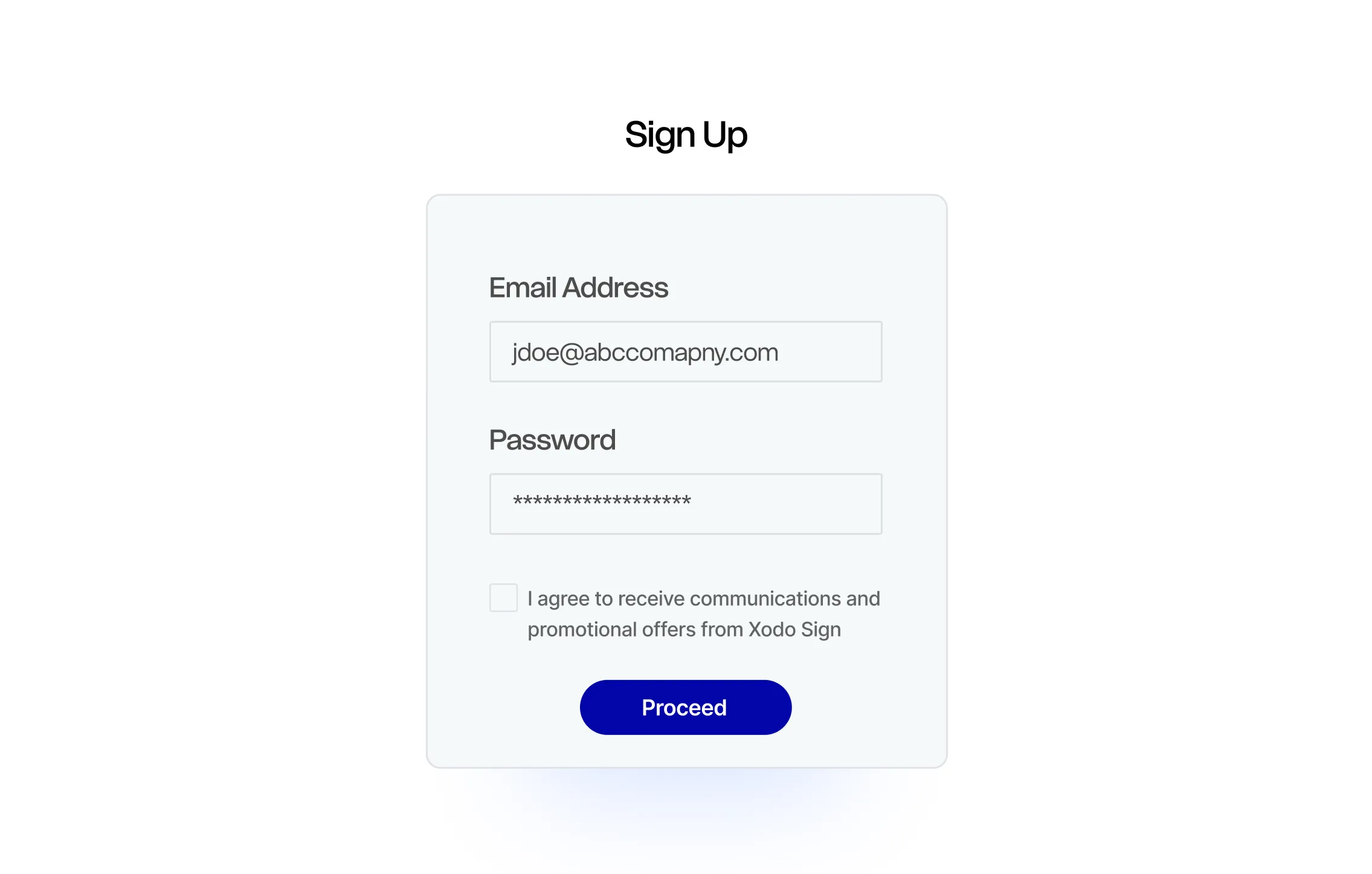
Select Create Free Account and complete the signup process. No credit card is required.
02. Upload Your Document
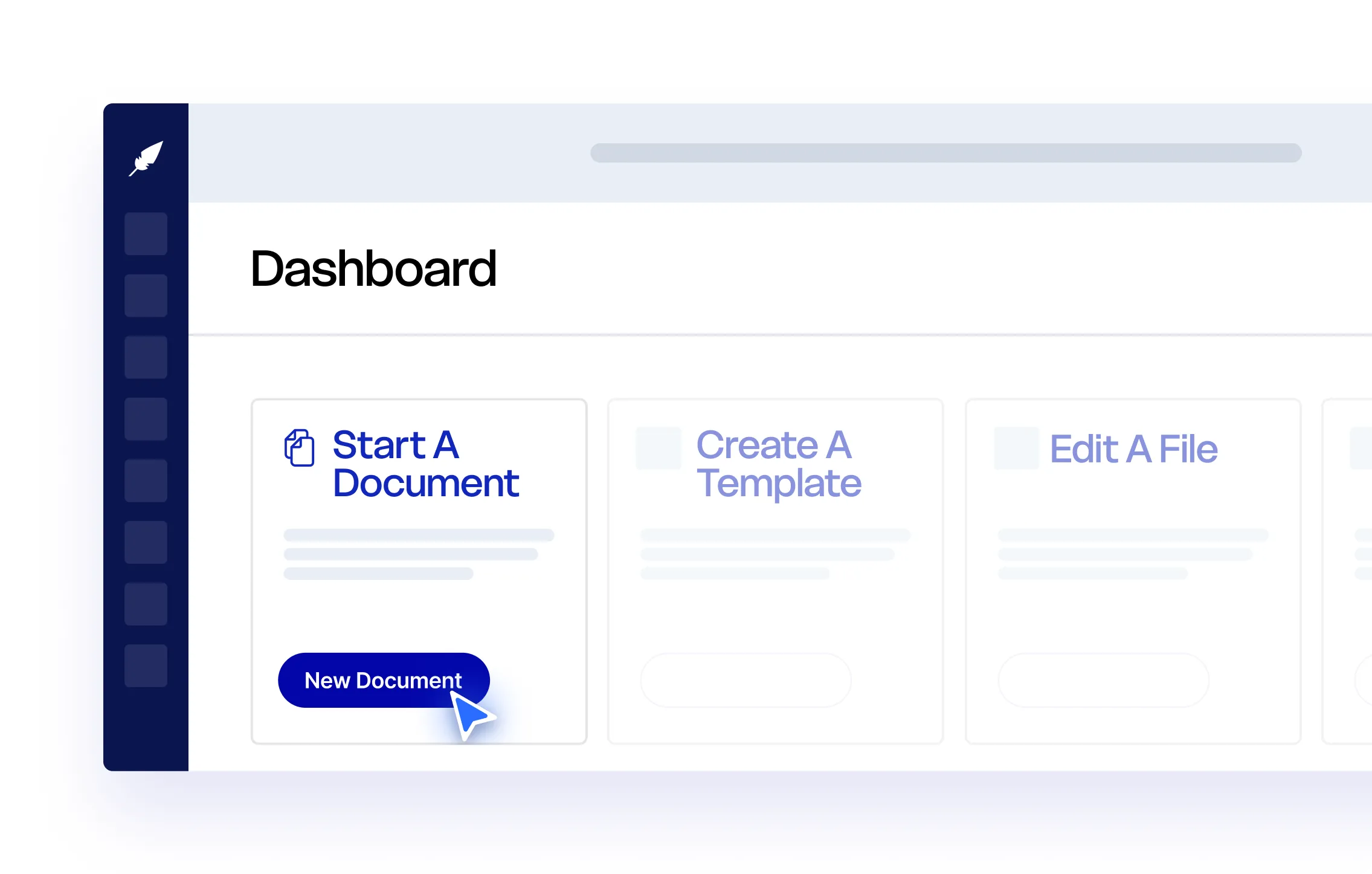
Upload the file you need to sign. Xodo Sign supports PDF, DOCX, TXT, PNG, JPG, and PPT files.
03. Add Yourself as the Signer
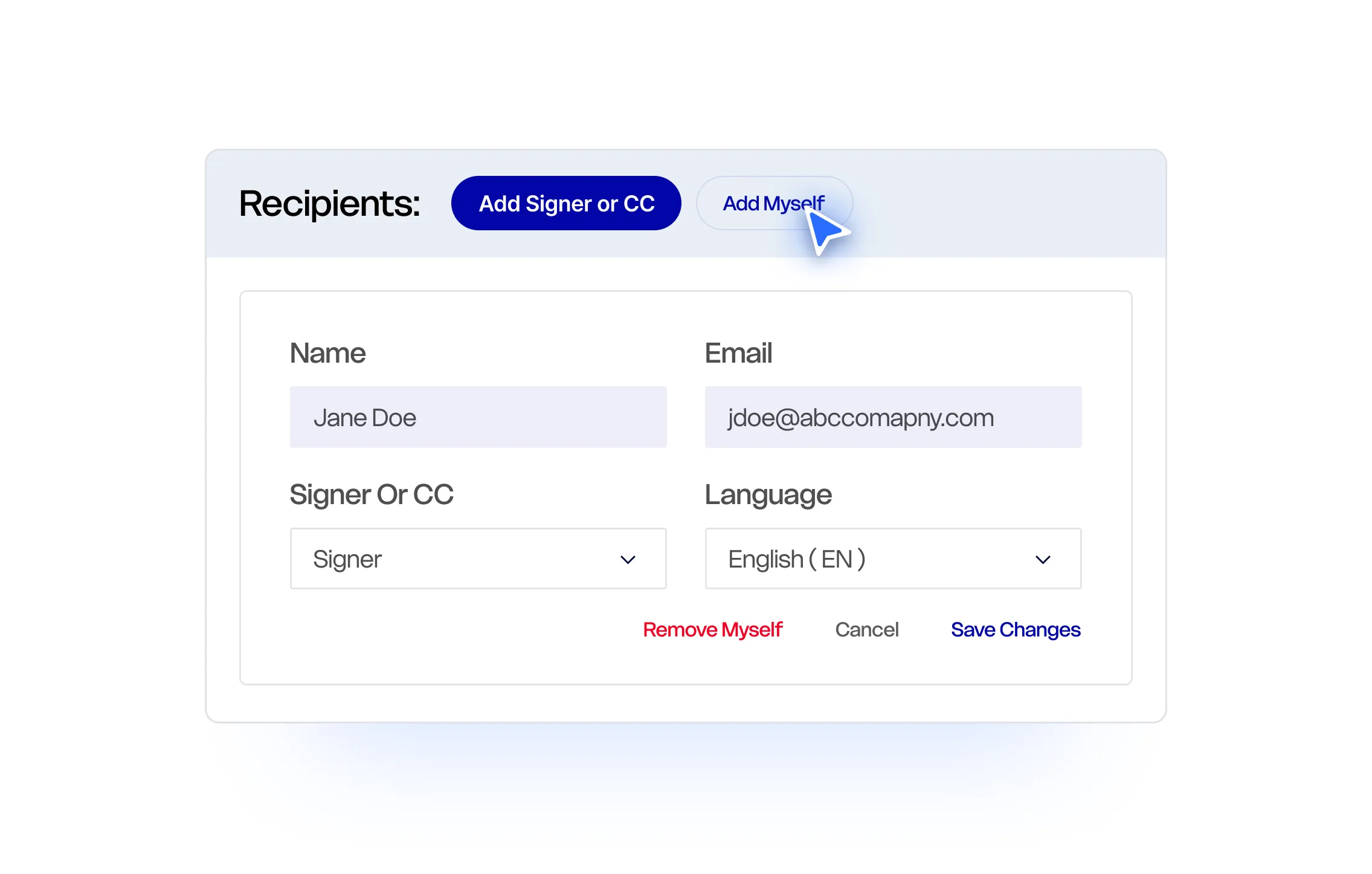
Select and confirm that you are the only person who needs to sign the document.
04. Add Your Signature and Fields
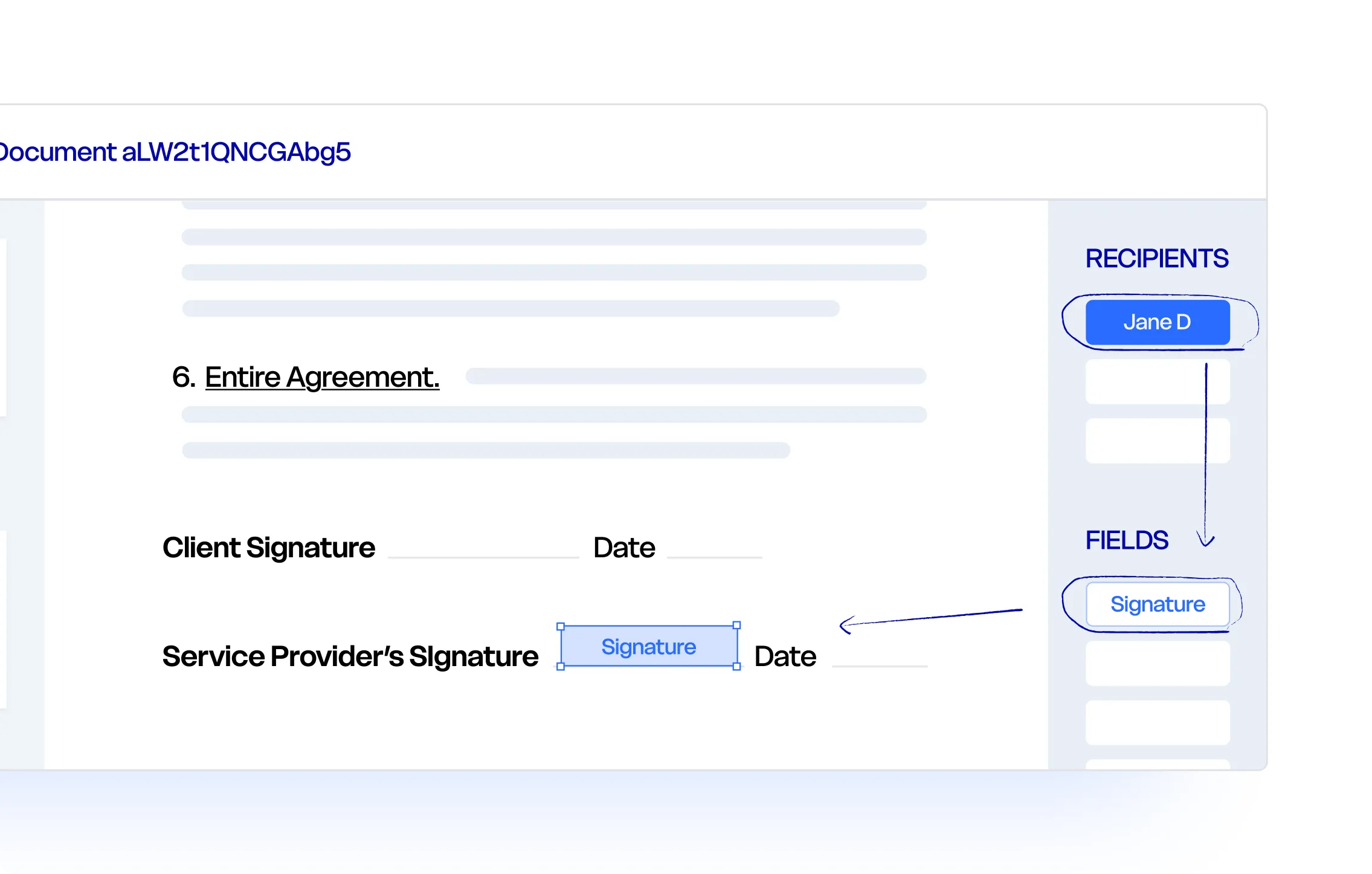
Place your signature, initials, dates, text, checkboxes, and other required fields on the document, then complete the information assigned to you.
A: Download a Signed Copy
Save the document as a draft, return to the document in your account, and download the signed version.
B: Create a Completed Signing Record
Send the document to your own email address, open the signature request, and finish signing. Once the document is complete, download the signed PDF with its timestamped audit trail.
More Ways to Sign Online
Need someone else to sign, or only want to create a downloadable signature? Choose the Xodo Sign tool that matches your next task.
Send a Document for Signature
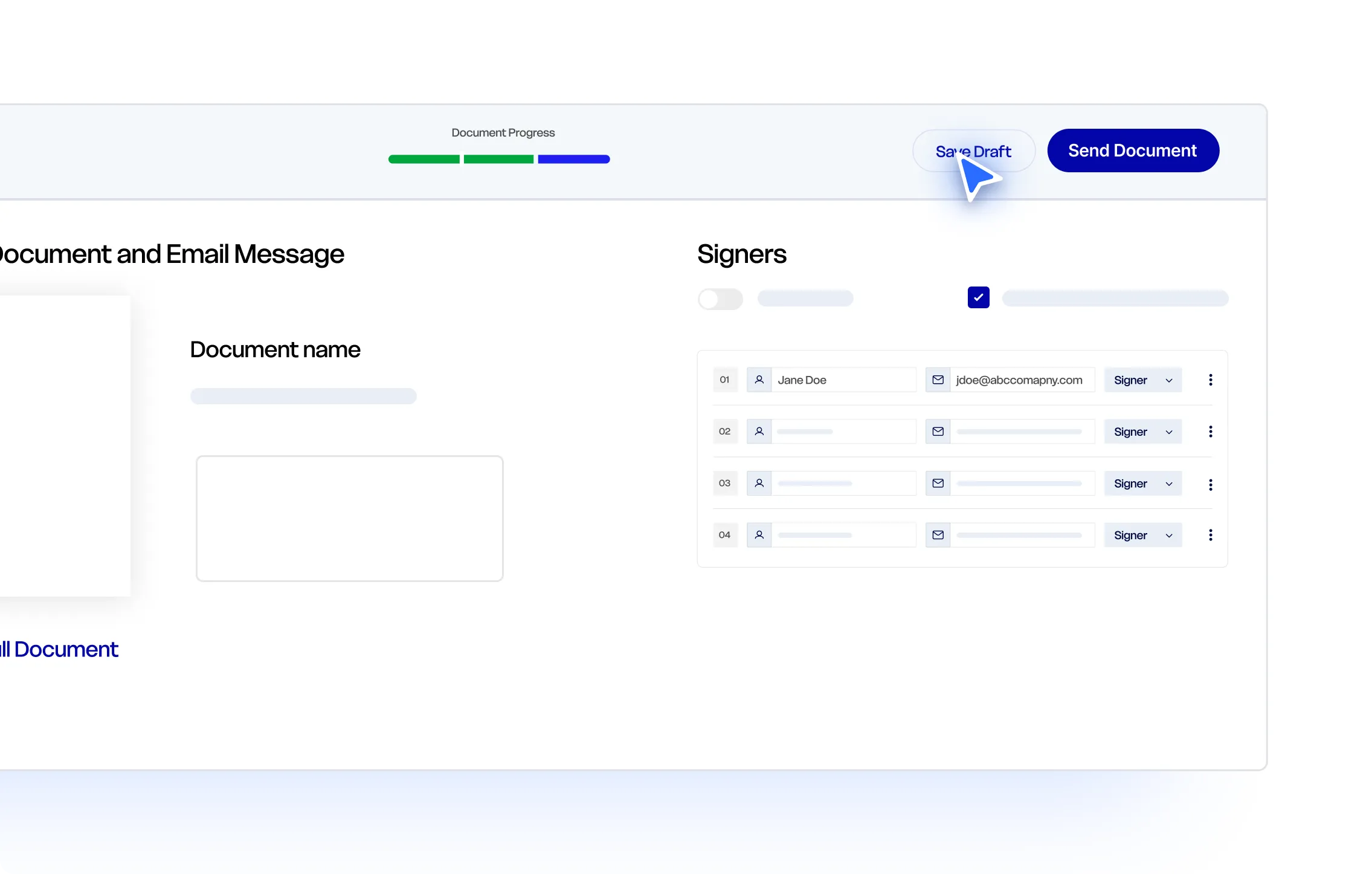
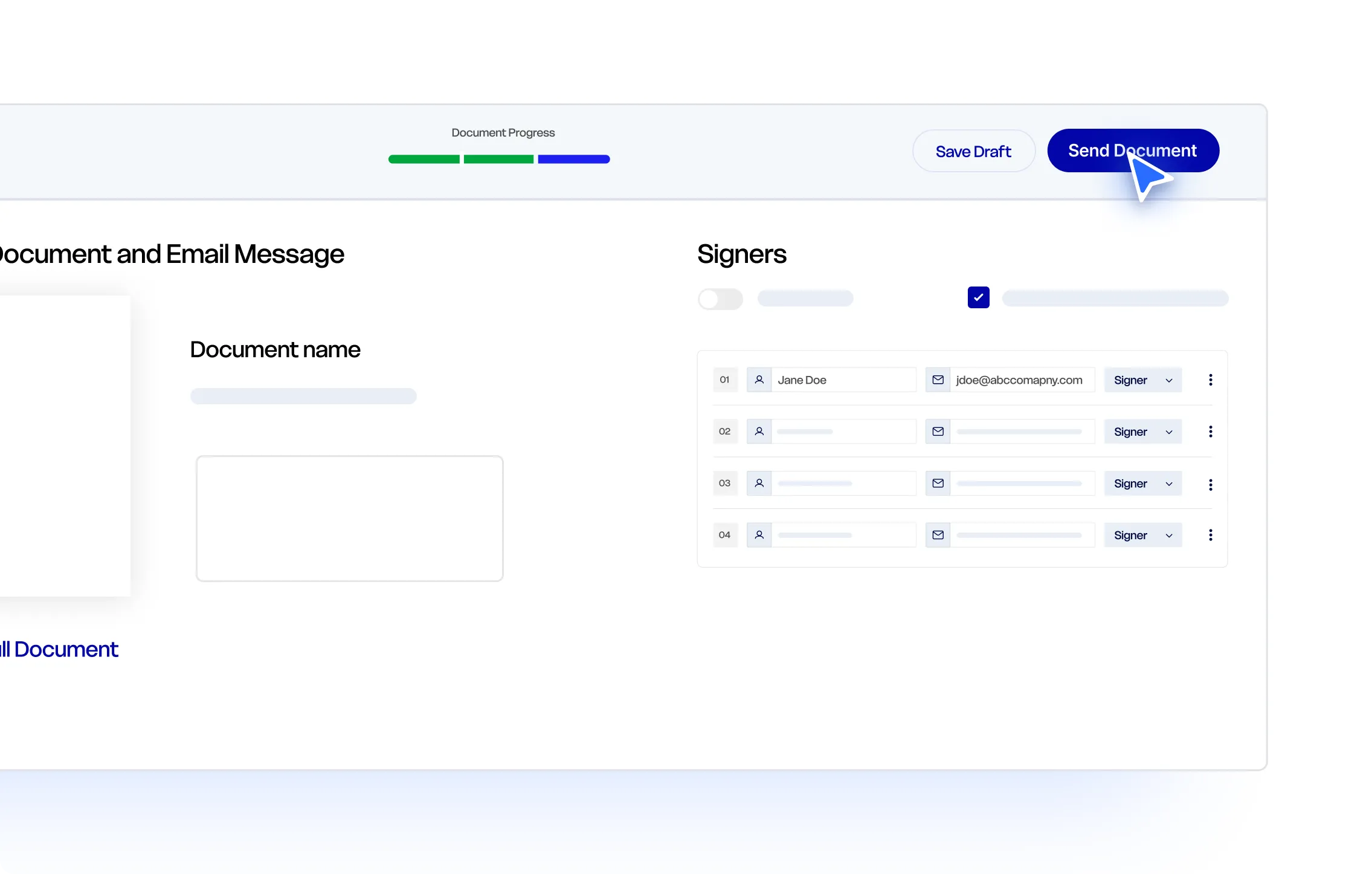
Add one or more recipients, assign their fields, send the signature request, and track the document through completion.

Online Signature Generator
Type or draw your signature, choose a style, and download it for use in documents, forms, or emails.
Questions About Signing Documents Online
Learn how accounts, signed copies, completed documents, supported files, and audit trails work with Xodo Sign.
How do I sign my own document online?
Create a free Xodo Sign account and upload the document. Choose yourself as the signer, place your signature and other required fields, and complete the information. You can then download a signed copy or complete the signing workflow to receive a timestamped audit trail.
Can I sign a document online for free?
Yes. A free Xodo Sign account lets you upload a document, add your signature, and download a signed copy. If you send the document to yourself to create a completed signing record, that request counts toward the send allowance included with your free plan.
Do I need an account to sign my own document?
Yes. You need a free Xodo Sign account to upload your document, add fields, save your work, and download the signed file. No credit card is required to create the account.
What is the difference between a signed copy and a completed document?
A signed copy contains the signature and information you added before saving and downloading the document. A completed document has gone through Xodo Sign’s signature-request workflow and includes a Certificate of Completion with a timestamped audit trail.
How do I get a timestamp and audit trail for my signature?
Send the prepared document to your own email address, open the signature request, and complete the required fields. After submitting the signature, download the completed PDF and Certificate of Completion from your Xodo Sign account.
Can I type, draw, or upload my signature?
Yes. Xodo Sign supports typed, drawn, and uploaded signatures. You can place the signature where needed and add initials, dates, text, checkboxes, and other required information.
What file types can I sign?
Xodo Sign supports PDF, DOCX, TXT, PNG, JPG, and PPT files. Upload the file from your account, choose yourself as the signer, and add the required fields before downloading or completing the document.
Guides to Signing Documents Online


How to Electronically Sign a Word Document
This guide shows you how to electronically sign a Word document. You’ll learn how to sign a Word document and how to streamline the process with Xodo Sign, which adds legally binding eSignatures, audit trails, redaction, AI summarization, and document tracking.



How to Sign a W-9 Form Online
Learn how to complete and sign a W-9 form electronically when the requester’s process meets IRS electronic submission rules. This guide explains how online W-9 signing works, what information the form asks for, and how Xodo Sign helps businesses collect, track, and store W-9s digitally.

How to Sign a Document without Docusign
This guide shows you how to quickly sign documents without Docusign. You’ll learn how to add signatures with Xodo Sign on desktop, along with simple mobile apps and browser tools that are helpful for quick tasks.
Add Your Signature and Finish the Document
Create a free Xodo Sign account to upload your document, add your signature and required information, then download a signed copy or complete it with a timestamped audit trail.