Send a Document for Signature Online
Upload your document, add the people who need to sign, and place signature or form fields where needed. Xodo Sign sends each recipient a secure signing request and lets you track progress from one account.

Request Signatures and Keep Every Document on Track
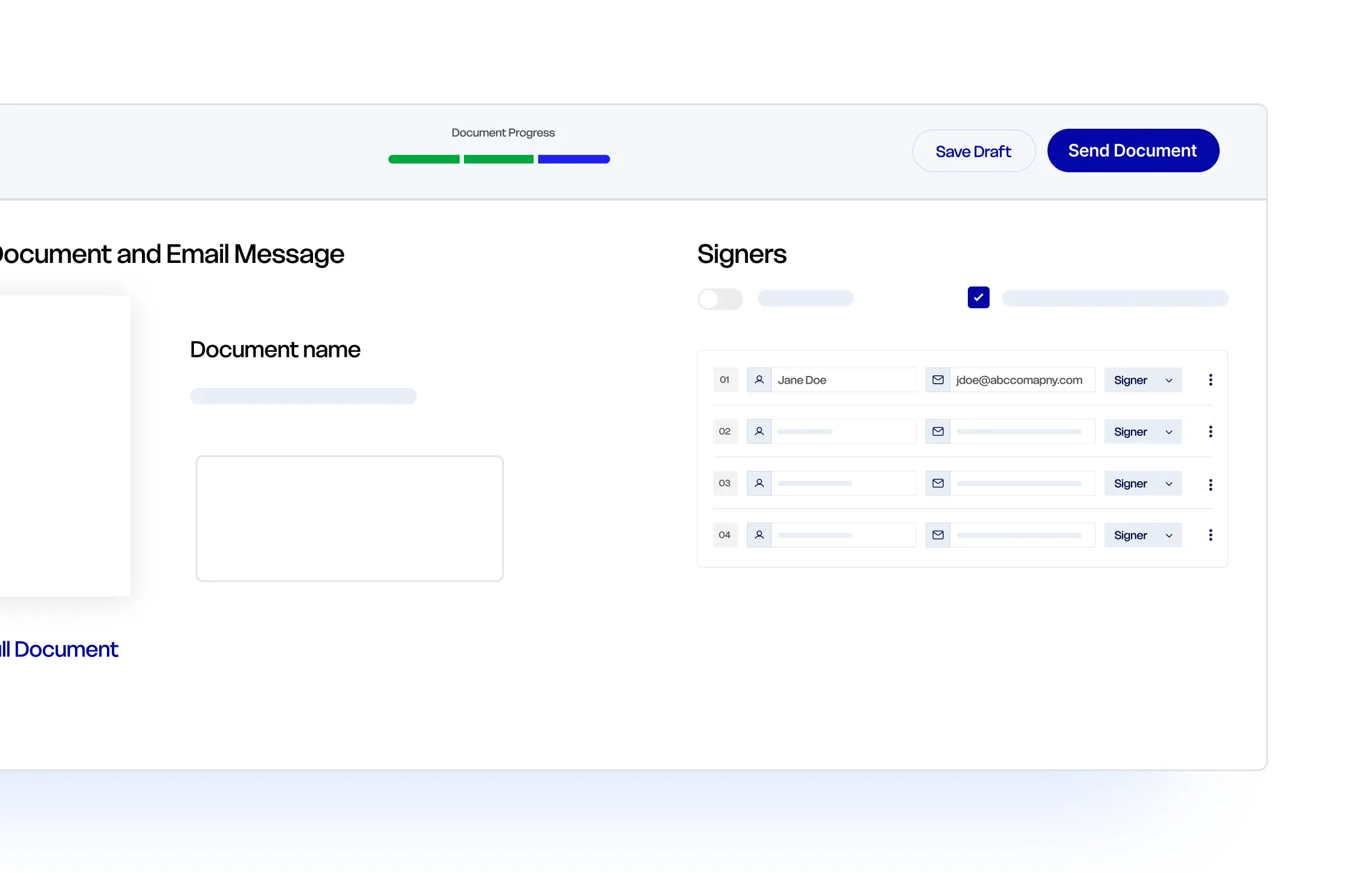
Send contracts, forms, agreements, and approvals to one or more people. Set up each signer’s part, control the signing sequence, and follow the document through completion.
Collect Signatures From Anyone
Add one or more signers, assign signature and form fields, and send each person a direct invitation to complete the document online.
Manage Multi-Party Signing
Add multiple signers and CC recipients, assign each person’s fields, and set a signing order when the document needs to move through recipients in sequence.
Track Every Step
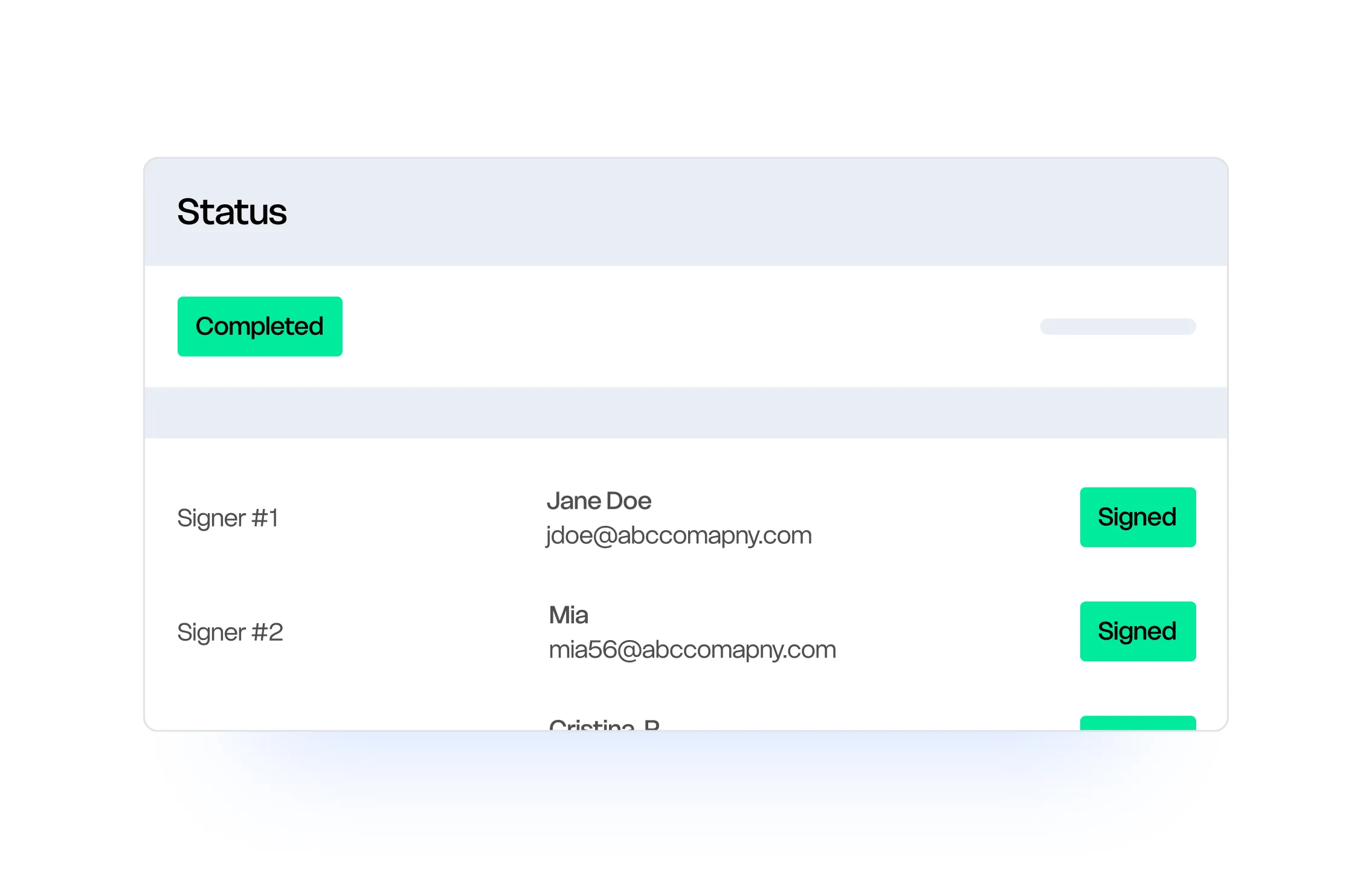
See who has viewed or signed the document, follow up on outstanding requests, and retain a timestamped audit trail after the signing process is complete.
How to Send a Document for Electronic Signature
Send your first signature request in six clear steps. Choose who signs, assign each person’s fields, set your document preferences, and track the request through completion.
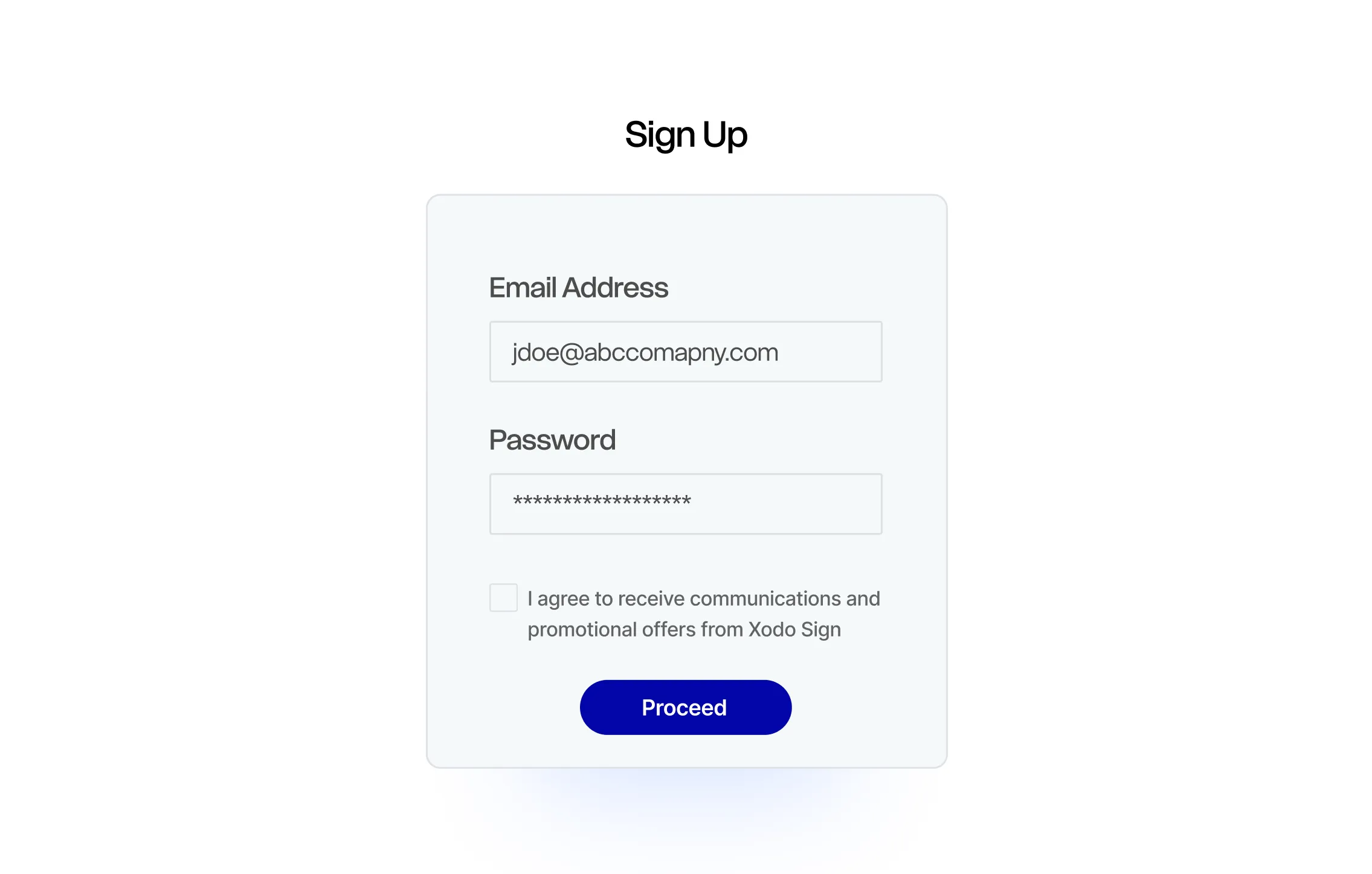
01. Create Your Free Account
Select Create Free Account and complete the signup process. No credit card is required.
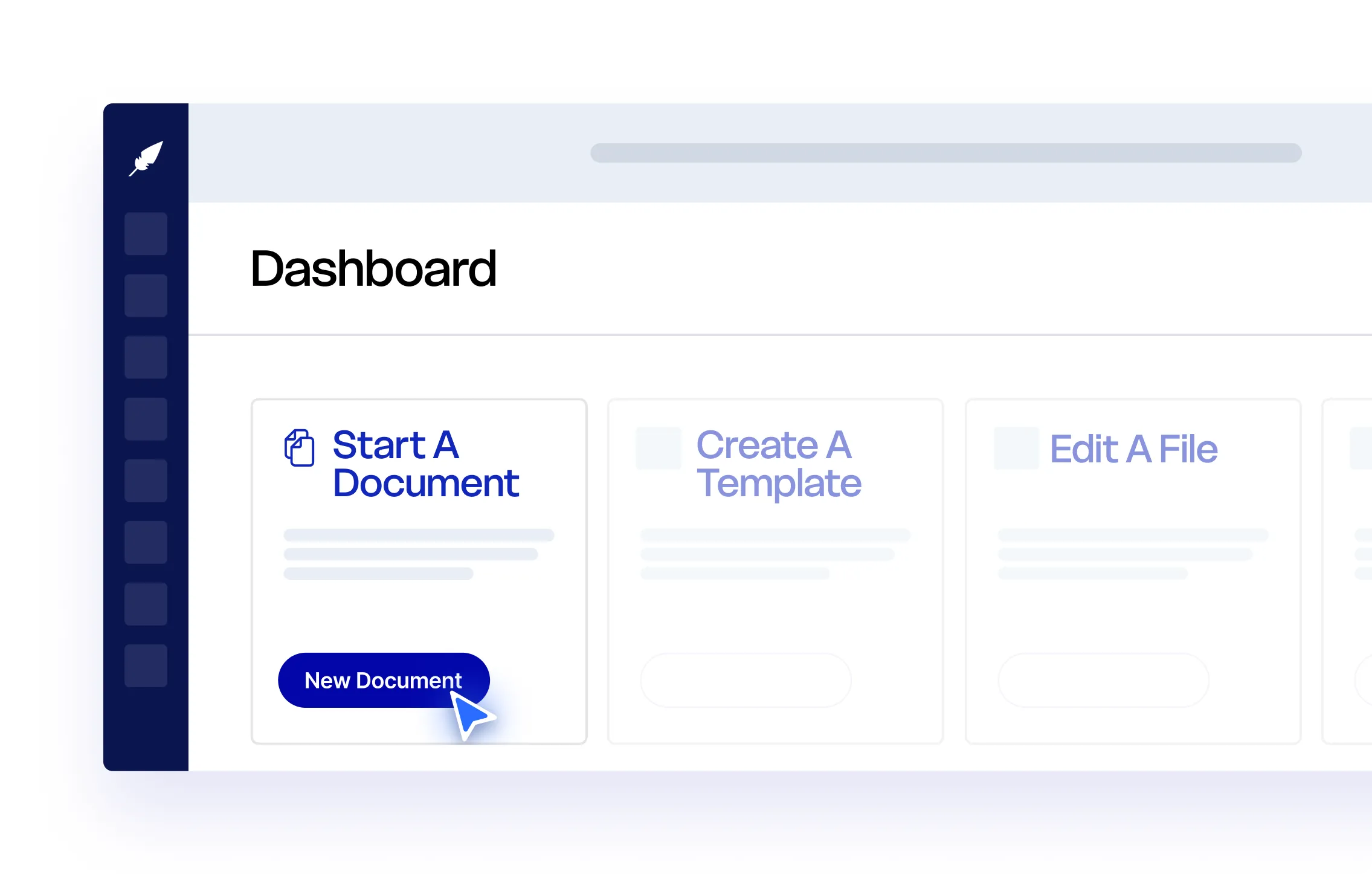
02. Upload Your Document
Upload the file you need to sign. Xodo Sign supports PDF, DOCX, TXT, PNG, JPG, and PPT files.
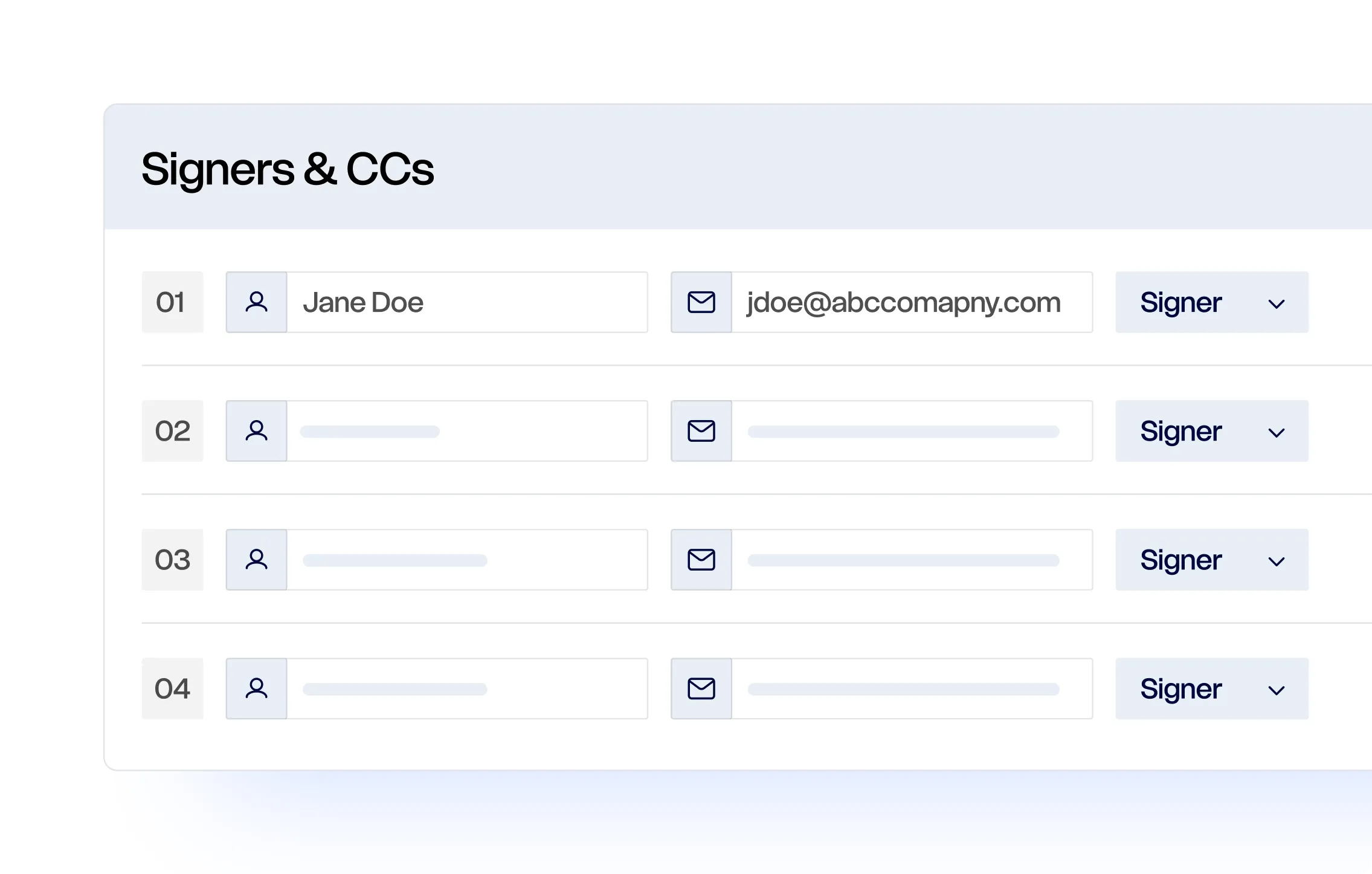
03. Add and Set Up Your Recipients
Enter the name and email address of each person who needs to sign. Add yourself if your signature is also required, include CC recipients, and set a signing order when approvals need to happen in sequence.
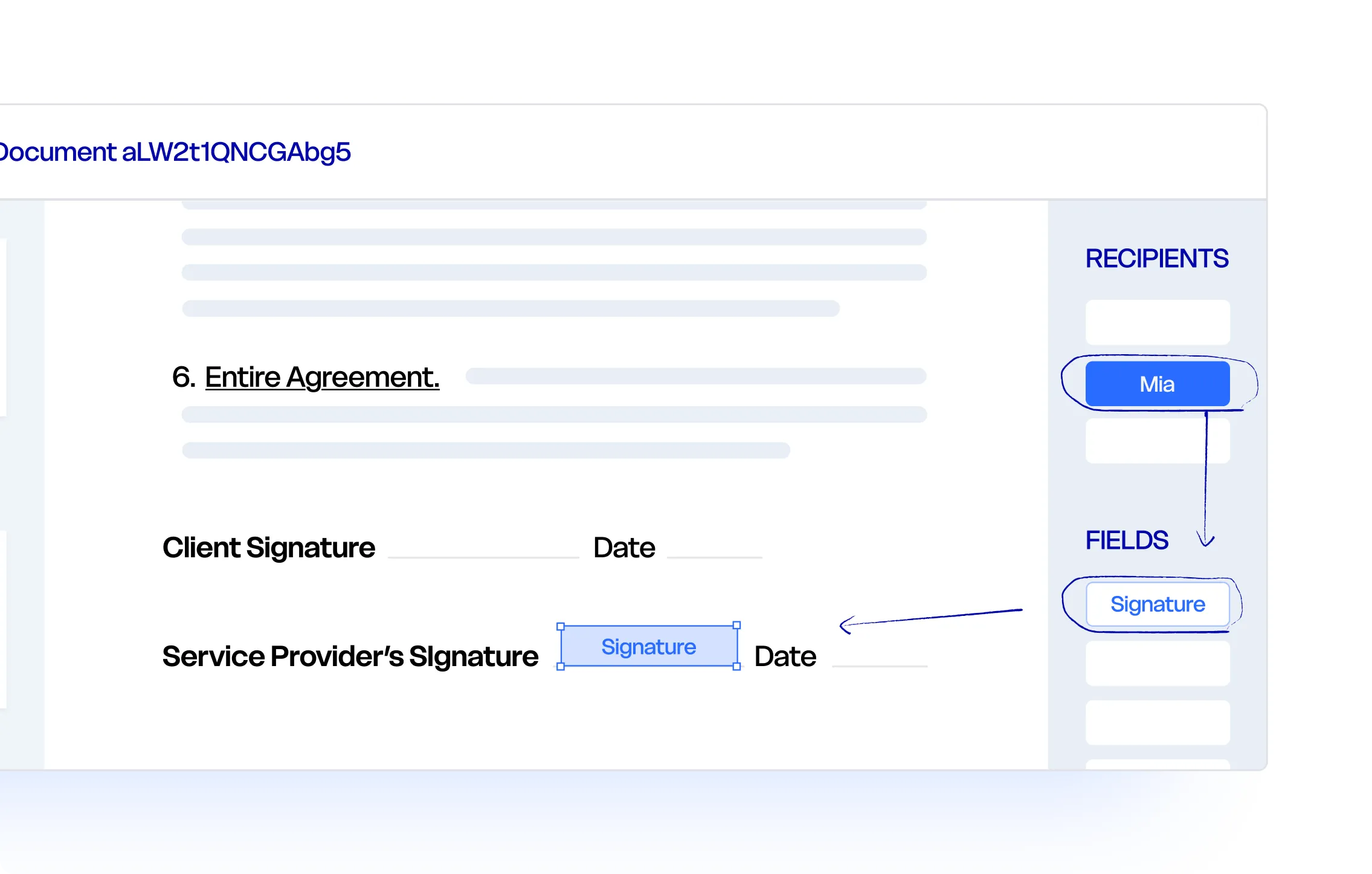
04. Place and Assign Fields
Drag signature, initials, date, text, checkbox, and other fields onto the document. Assign each field to the person responsible for completing it.
05. Review and Send
Check the recipients, assigned fields, and document settings. Add an expiration date or automatic reminders if needed, then send the signature request.
06. Track, Complete, and Download
See who has viewed or signed the document, follow up on outstanding requests, and download the completed copy after everyone has signed.
More Ways to Sign Online
Need to complete a different signature task? Choose the Xodo Sign tool that matches what you need to do.
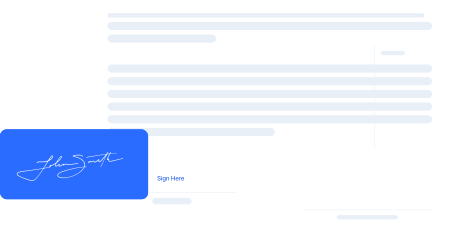
Sign Documents Online
Add your signature, initials, dates, and required information to a document, then download the completed copy.
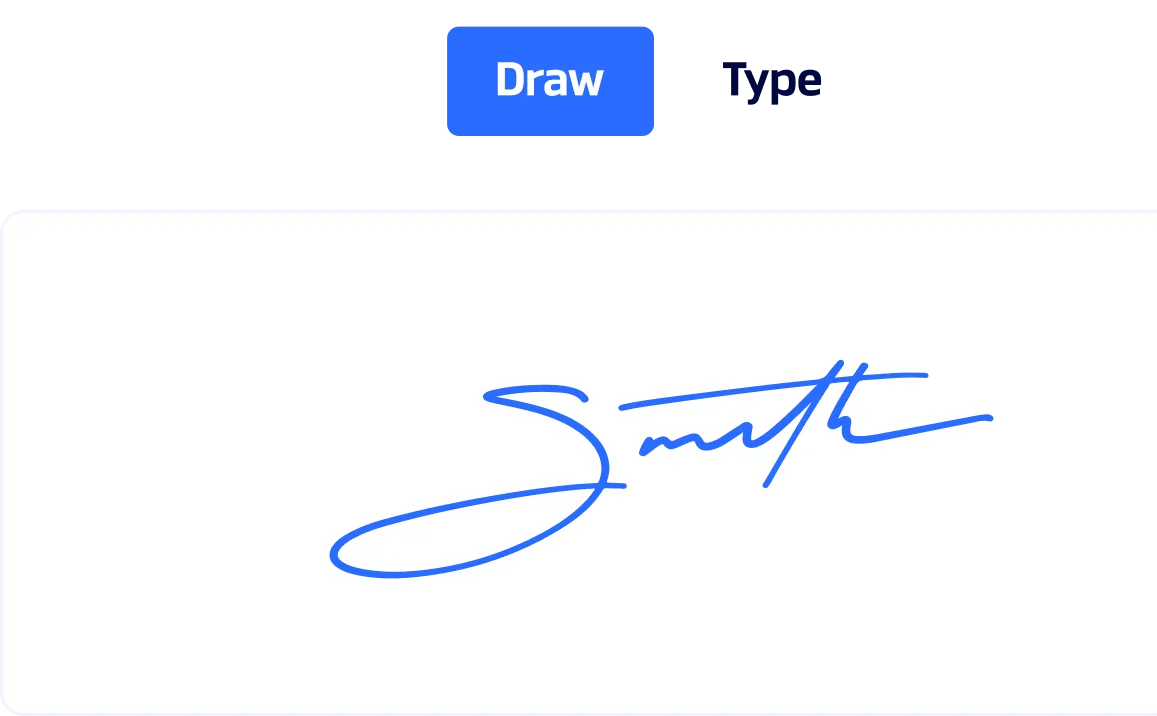
Online Signature Generator
Type or draw your signature, choose a style, and download it for use in documents, forms, or emails.
Send for Signature FAQs
Learn how accounts, recipients, document preparation, and electronic signature requests work with Xodo Sign.
How do I send a document for someone to sign electronically?
Create a free Xodo Sign account, upload your document, and add the people who need to sign. Place and assign the required signature or form fields, review the request, and select Send. Each recipient receives an email invitation to open and complete the document online.
Can I send a document for signature for free?
Yes. A free Xodo Sign account lets you send up to 1 document per week for electronic signature. You need to create an account before uploading the file, but no credit card is required to start.
Do recipients need a Xodo Sign account?
No. Recipients can open the email invitation and sign the document in their browser without creating a Xodo Sign account. Only the person preparing and sending the signature request needs an account.
Can I send a document to more than one person?
Yes. You can add multiple signers, include people who only need a copy, and set a signing order if recipients need to complete the document one after another.
Can I sign the document before sending it to others?
Yes. Add yourself as a signer, place your signature field, and complete your part of the document as part of the same signing workflow. You can then send the document to the other recipients.
How can I track a document after sending it?
Open the Document List in your Xodo Sign account to view the current status. You can see who has viewed or signed the document, follow up on outstanding signatures, and access the completed document and audit trail after everyone has signed.
Are electronic signatures collected with Xodo Sign legally binding?
Electronic signatures collected with Xodo Sign are designed to comply with major electronic signature laws, including the U.S. ESIGN Act, UETA, and the EU eIDAS regulation. Each completed document includes a timestamped audit trail that records activity throughout the signing process.
Guides to Sending Docs for Signature

How to Send a Document for Electronic Signature for Free
This guide shows you how to send a document for electronic signature for free. You'll learn how to use Xodo Sign to prepare, sign, and send a document in just a few steps. Get insights, tips, and advice on best practices, common mistakes, and what you can do with a free Xodo Sign account.


How to Sign a Document and Send It for Signatures Online
This guide shows you how to sign documents online and send them to others for signature using Xodo Sign. You’ll see how to upload your file, add fields, request signatures, and track progress in minutes.

How to Sign a Document without Docusign
This guide shows you how to quickly sign documents without Docusign. You’ll learn how to add signatures with Xodo Sign on desktop, along with simple mobile apps and browser tools that are helpful for quick tasks.
Send Your Next Document for Signature
Create a free Xodo Sign account, add your recipients, and send a secure electronic signature request from one place.