Free Online Signature Generator
Type or draw your signature, choose a style you like, and preview the result before downloading it as an image. Free to use, with no account required.
Create a Signature That Is Ready to Use
Skip printing, signing, and scanning. Create a signature image in your browser, check how it looks, and download it for documents, forms, or email.
Type or Draw Your Signature
Type your name and choose a signature style, or draw your signature with a mouse, trackpad, stylus, or touchscreen.
Preview and Adjust the Style
Compare available styles and review the signature preview before saving the image to your device.
Download Without Signing Up
Download your finished signature as a PNG or JPG image. No account, software installation, or document upload required.
How to Create a Signature Online
Choose how you want to create the signature, adjust the style, and download the finished image. No signup or software installation needed.
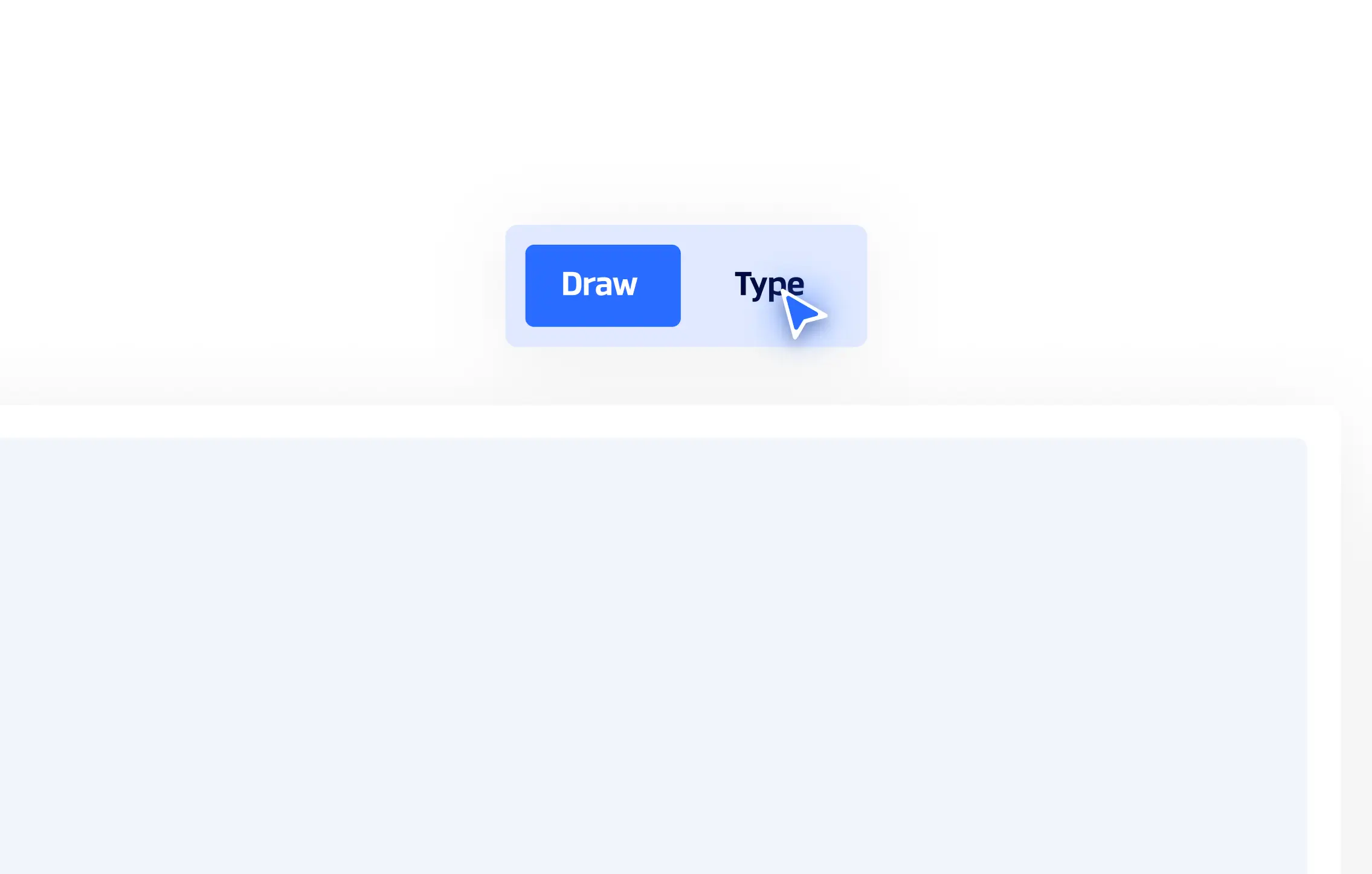
01. Choose Type or Draw
Select Type to enter your name and choose a signature style. Select Draw to create a handwritten signature with your mouse, trackpad, stylus, or finger.
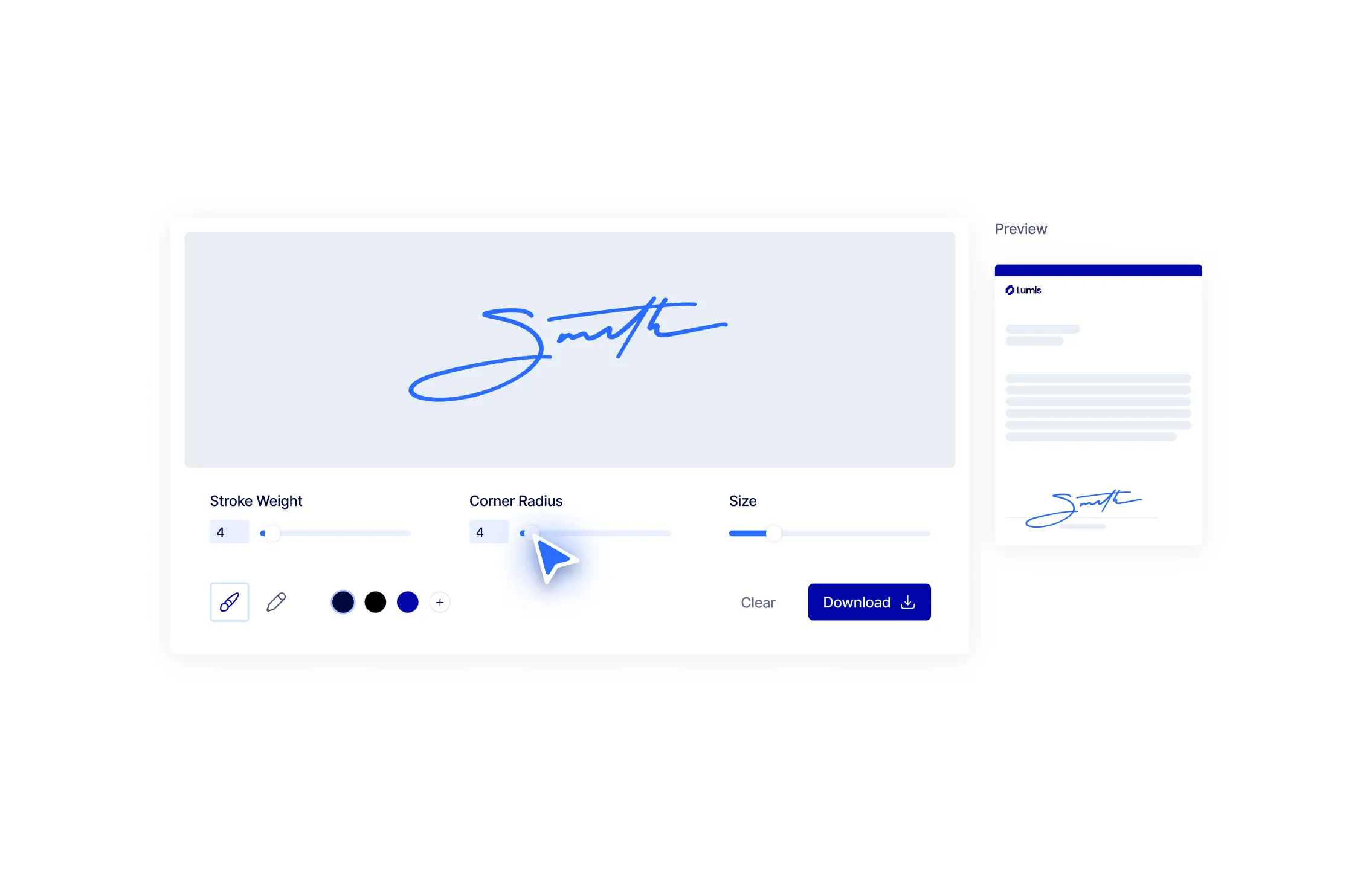
02. Customize and Preview
Choose the available style that best matches how you want the signature to look. Check the preview and make changes before downloading.
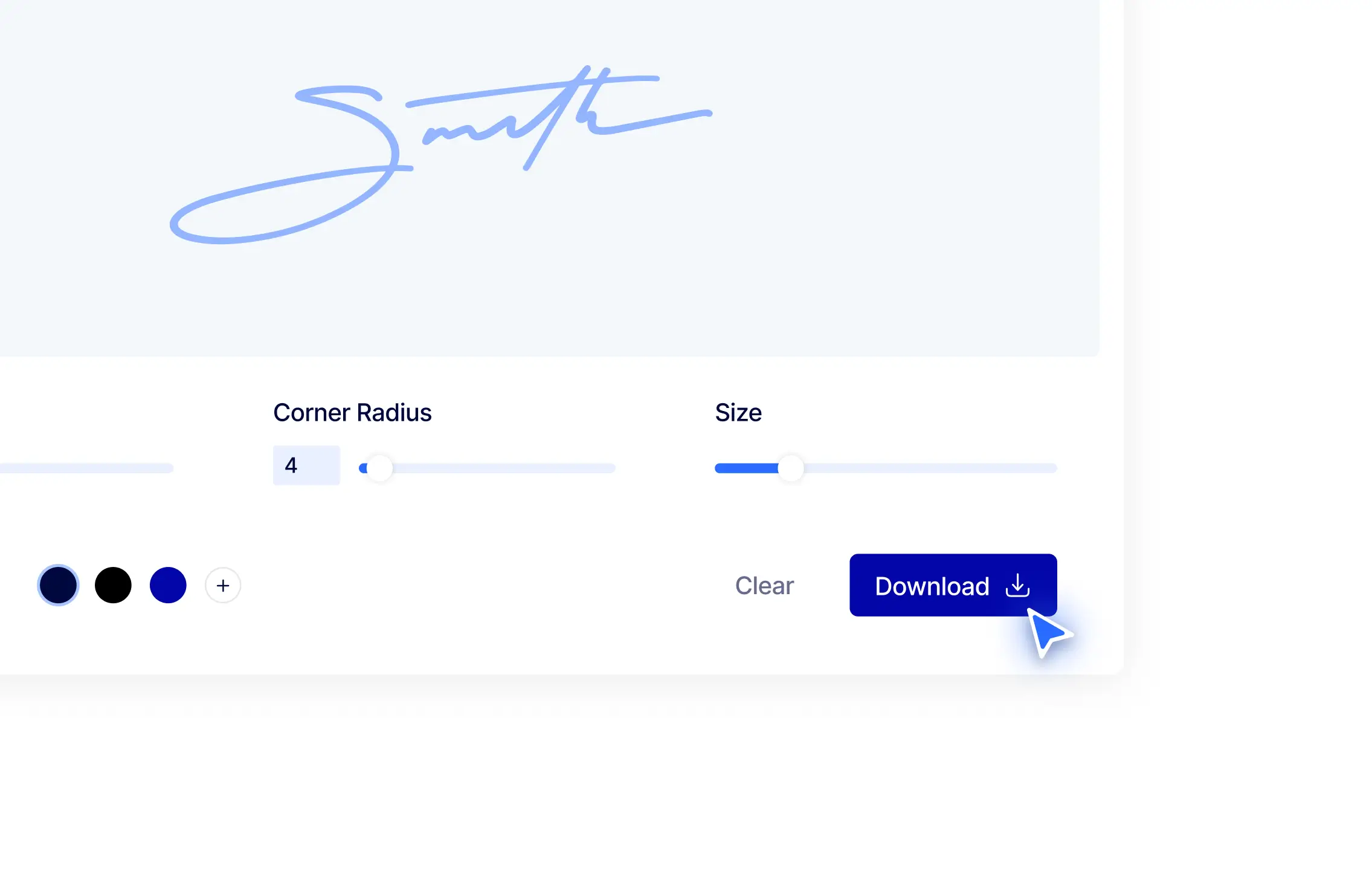
03. Download the Signature Image
Download the finished signature as a PNG or JPG image, then insert it into any document, form, email, or application that accepts image files.
More Ways to Sign Online
Need to add the signature to a complete document or collect signatures from other people? Choose the Xodo Sign tool that matches your next task.
Sign Documents Online
Add your signature, initials, dates, and required information to a document, then download the completed copy.
Send a Document for Signature
Add one or more recipients, assign their fields, send the signature request, and track the document through completion.

Online Signature Generator FAQs
Learn how to type, draw, download, and use a signature image created with the Xodo Sign Online Signature Generator.
What is an online signature generator?
An online signature generator is a tool that turns your typed name or hand-drawn signature into a downloadable image. You can customize the appearance, preview the result, and save the image for use in documents, forms, emails, or templates.
Is the Xodo Sign Online Signature Generator free?
Yes. You can type or draw a signature, customize its style, preview it, and download the finished image for free. You do not need to create an account or enter payment information.
Do I need an account to download my signature?
No. The signature generator does not require a Xodo Sign account. Create the signature in your browser and download the finished image directly to your device.
Can I type or draw my signature?
Yes. Select Type to enter your name and choose from the available signature styles. Select Draw to create your signature with a mouse, trackpad, stylus, or finger on a touchscreen.
Which file formats can I download?
You can download the generated signature as a PNG or JPG image. PNG is commonly used when a transparent background is needed, while JPG is widely accepted by apps and services that support standard image files.
Can I use the downloaded signature in a PDF or Word document?
Yes. Insert the downloaded signature like any other image, then resize and position it over the appropriate signature line. If you need to fill in and sign a complete file through Xodo Sign, use the Sign Documents Online tool.
Is a generated signature image the same as an electronic signature?
A generated signature image is the visual representation of your signature. It does not by itself record who added it, when it was applied, or which document was signed. For a signing process with timestamps, document activity, and an audit trail, use Xodo Sign to sign or send the complete document.
Can I use the same signature image more than once?
Yes. Save the downloaded image on your device and insert it into other files when a reusable signature image is appropriate. Keep the file secure because anyone with access to the image may be able to copy it.
Guides to Using Online Signatures


How to Electronically Sign a Word Document
This guide shows you how to electronically sign a Word document. You’ll learn how to sign a Word document and how to streamline the process with Xodo Sign, which adds legally binding eSignatures, audit trails, redaction, AI summarization, and document tracking.


How to Sign Google Docs: 2 Easy Ways To Insert a Signature
Learn how to sign Google Docs inside Google Workspace or turn them into compliant, trackable eSignature workflows with Xodo Sign. We cover when to use Google’s built-in tools, and how to send any Google Doc for secure, legally binding signatures with clear records for every signer.


10 Best Signature Styles You'll Want to Copy
Use these 10 signature styles as inspiration for your own unique signature.

Do More with Xodo Sign
Add electronic signature to documents with Xodo Sign. Add recipients and signing fields, track progress, and collect signatures online for free.