
Table of contents
Sign and send unlimited e-signatures with Xodo Sign.
PandaDoc is a popular tool for proposals and sales‑document automation. Many teams look for PandaDoc pricing to understand how each plan works, what the real costs look like, and if the platform is the right choice when they only need e‑signatures.
This updated 2026 guide gives simple explanations of:
- Pricing for every PandaDoc plan
- Key features in each tier
- Limits and common add‑ons
- When a simpler e‑signature tool may be a better fit
If you mainly need fast and reliable e-signing, you’ll also see how Xodo Sign compares.
How this pricing guide was researched
This guide is based on PandaDoc’s public U.S. pricing page as of March 2026. All plan names, prices, limits, and feature notes come from that page. Plan options may differ in other regions.
Additional references were used to confirm usage limits, e‑signature capabilities, and feature availability connected to annual plans.
What are the PandaDoc pricing plans in 2026?
PandaDoc offers four plans in 2026:
- Free (no monthly cost)
- Starter ($19 per user per month with annual billing, or $35 with monthly billing)
- Business ($49 per user per month with annual billing, or $65 with monthly billing)
- Enterprise (custom pricing)
You can try PandaDoc in a few ways: a free account, a free trial of the Starter plan, or a demo of the Business or Enterprise plans.
Some features are only available on annual plans. Add‑ons like web forms, API access, bulk sending, and notarization can raise the overall cost. These details matter when comparing the total value across the plans.
PandaDoc Free plan
The Free plan supports basic e‑signing without advanced tools.
Price: Free

Document limits: up to five documents per month (60 per year). Additional documents can be purchased for $3 each.
Limitations to keep in mind:
- No bulk send
- No document editor
- No approval workflows
- No auto reminders
- No CRM integrations
Best for: Freelancers or small businesses that only need simple document signing without proposal tools.
PandaDoc Starter plan
The Starter plan is the entry-level paid tier, supporting simple forms and agreements with light editing options.
Price:
- $35/month per user (monthly billing)
- $19/month per user (annual billing, $228/year)

Features included:
- Upload and e‑sign an unlimited number of documents
- Drag and drop editor
- Real-time audit trails and notifications
- Up to 5 templates
- Mobile app access
- 24/7 support
Limitations to keep in mind:
- No approval workflows
- No bulk send
- No auto reminders
- no CRM integrations
Best for: Small sales teams that need quick proposals, fast document creation and basic tracking. It gives enough structure to create professional documents, but without the deeper automation.
PandaDoc Business plan
The Business plan is the most popular choice for companies using PandaDoc for proposals, quoting, and automated workflows.
Price:
- $65/month per user (monthly billing)
- $49/month per user (annual billing, $588/year)

Features included:
- Unlimited e‑Signatures and templates
- Advanced approval workflows
- Custom branding
- CRM and payment integrations
- Automated document routing
- Content locking
- Team workspaces
Limitations to keep in mind:
- Salesforce integration is a paid add‑on
- Web forms require usage credits
- Bulk send requires usage credits and is only on annual plans
- API access not included
Best for: Growing sales teams that rely on integrated agreement workflows and richer proposal capabilities.
PandaDoc Enterprise plan
The Enterprise plan is designed for organizations that need advanced controls, deeper automations, and large‑scale operations.
Price:
- Custom (per‑seat or per‑document)

Features included:
- CPQ (configure, price, quote)
- SSO (Single sign‑on)
- Advanced security and compliance controls
- Support for complex workflows
- API access
- Notarization
- Priority support
Best for: Organizations handling many contracts or sales proposals and needing strong governance and compliance.
PandaDoc pricing comparison table (2026)
Here's a quick snapshot of PandaDoc plan cost and ideal use cases:
PandaDoc add‑ons and hidden fees
Note that PandaDoc can introduce extra fees depending on how your team works. These may include features such as QES (Qualified Electronic Signatures), API access, web forms, bulk sending, notarization, and certain advanced automations.
These features are not part of the base plans and may affect your total cost. Also, some add‑ons are only available on annual plans.
Common cost drivers:
- API access for high‑volume sending (only available with Enterprise plan)
- Advanced integrations (Salesforce)
- Extra content library storage
- SMS verification
- Premium support
These add‑ons matter if you expect growth or if your team needs deep integrations across tools.
When PandaDoc might be more than you need
PandaDoc is primarily built for document management, proposals, templates, and sales automation. Many teams use these tools daily. But others only need:
- Fast signature requests
- Legally binding signatures
- Simple reusable templates
- Audit trails and reminders
If this sounds like your team, PandaDoc's feature set might include more than you need to streamline your document workflow.
A Simpler option for e-signatures: Xodo Sign
If your primary goal is fast and secure signing, Xodo Sign offers a simpler and more lower-cost setup.
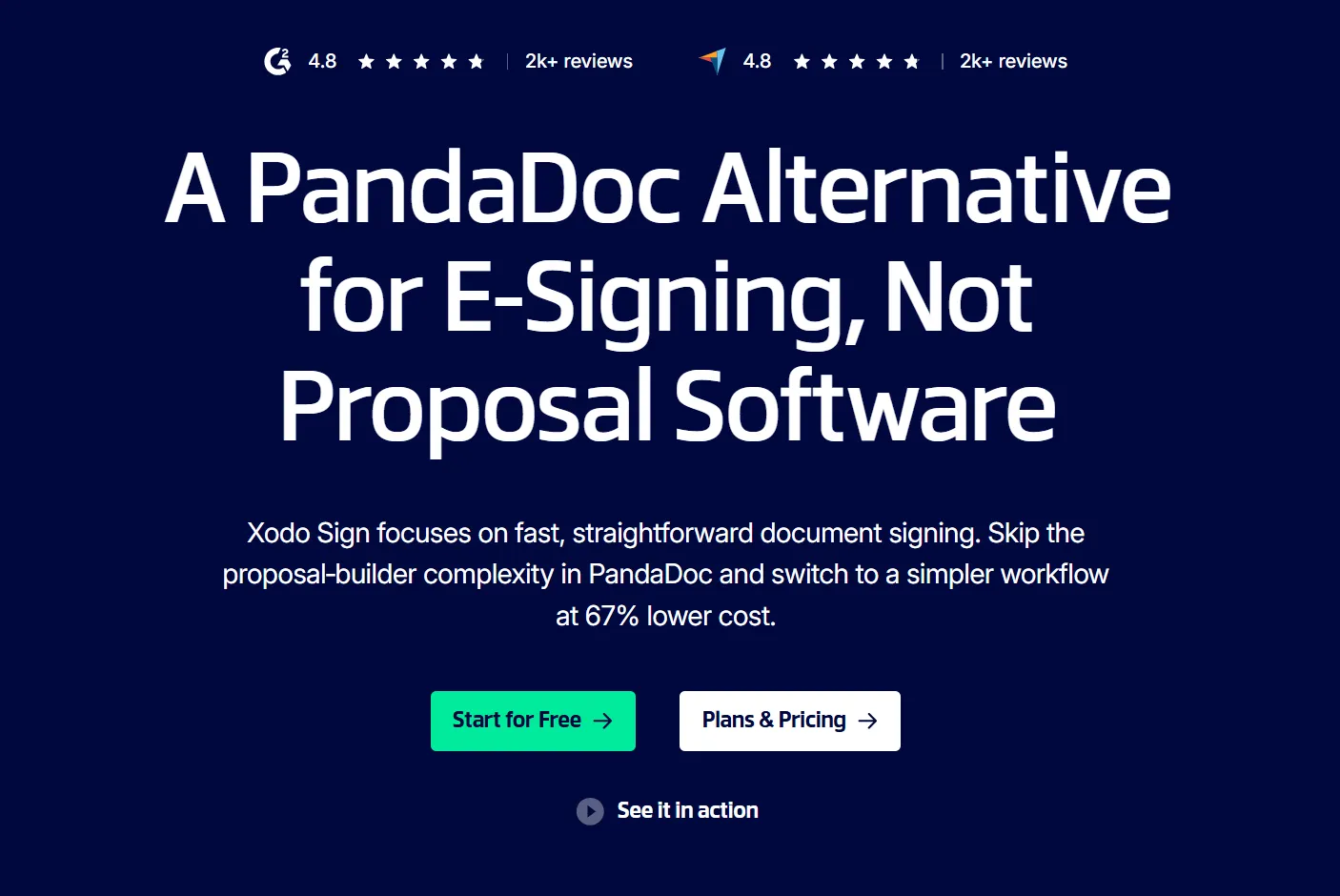
Xodo Sign is a lightweight alternative to PandaDoc for teams that mostly need e‑signatures. It avoids PandaDoc’s proposal‑builder complexity, offering straightforward sending, reusable templates, and audit trails at a significantly lower cost.
Why users choose Xodo Sign
- Lower pricing (up to 67%)
- Essential e-signature tools without extra proposal features
- Easy onboarding for non‑sales teams
- Manage unlimited business entities under one account
- Audit trails, templates, reminders, and mobile signing
- Legally binding electronic signatures under ESIGN and eIDAS
- Built‑in PDF editor tools included
Xodo Sign focuses on helping teams send, sign, and manage documents without unnecessary steps.
Tip: Explore our step-by-step guide to see how to sign a document without PandaDoc.
Xodo Sign vs PandaDoc: quick comparison
Here is a simple comparison between Xodo Sign and PandaDoc, along with an example for a 10-person team:
10-person team example
A 10‑person team would pay:
- $588/month on PandaDoc Business ($49 per user)
- $160/month on Xodo Sign Professional ($16 per user)
This results in 67% yearly savings ($3,960) with Xodo Sign. If you want to compare e-signing flows directly, start a Xodo Sign free trial.
Which option is right for you?
Choose PandaDoc if:
- You build structured proposals
- You use CRM or payment integrations
- You need approval chains
- You need full control over content and brand assets
Choose Xodo Sign if:
- You want simple, fast signing
- You want predictable, transparent pricing
- You need PDF editing features included
- You want to manage multiple businesses under one account
Frequently asked questions
1. Is PandaDoc free to use?
Yes. PandaDoc offers a Free plan that includes up to 5 free documents each month (60 per year) and basic signing tools for occasional users.
2. How much is a PandaDoc subscription?
PandaDoc Starter plan begins at $19 per user per month with annual billing. The Business plan starts at $49. Monthly billing costs more. Enterprise pricing is custom based on team size and contract terms.
3. What is the difference between PandaDoc and Xodo Sign?
PandaDoc is built for proposals and sales workflows. Xodo Sign focuses on quick, affordable e‑signatures without added complexity.
4. Is PandaDoc legally binding?
Yes. PandaDoc signatures are legally binding under ESIGN and UETA standards. The platform provides audit trails and signer authentication to support compliance.
5. Is there a cheaper alternative to PandaDoc for e-signatures?
Yes. Xodo Sign is the less expensive alternative for teams that need secure e-signatures and simple templates, without proposal tools.
6. Can I edit PDF files with PandaDoc?
No. PandaDoc includes a drag-and-drop document editor but does not support full PDF editing. Xodo Sign offers a built‑in PDF editor (text, annotations, redaction, page manipulation, form creation) at no extra cost.
7. Does PandaDoc charge extra for API access or bulk sending?
Yes, features like API access bulk sending, and advanced workflow tools may require add‑ons or annual plans. These costs are not always included in the base subscription and can change the total cost.
9. Is PandaDoc worth it if I only need e‑signatures?
It depends on your teams needs. If you don't need the extra proposal features, Xodo Sign is simpler and more cost‑effective solution for e-signing workflows.
Try a simpler, more affordable e‑signature workflow
If you don’t need complex proposal software, Xodo Sign gives you a clear setup with unlimited document uploads, built‑in PDF editing, and lower pricing that helps teams send and sign documents with ease.