Table of contents
Sign and send unlimited e-signatures with Xodo Sign.
Docusign is widely used for electronic signatures, particularly in regulated industries. For many teams, though, its seat-based pricing, envelope limits, and paid add-ons can feel misaligned with how often documents are actually sent.
If cost predictability matters, there are practical replacements worth considering. This guide reviews 12 affordable Docusign alternatives in 2026, ranked by pricing structure, document limits, and everyday signing needs.
Why teams look beyond Docusign
Many teams outgrow Docusign because pricing often scales faster than usage. Costs can rise with added seats, plan upgrades, or envelope limits, even when signing volume stays steady.
As a result, teams often compare Docusign alternatives with simpler pricing and predictable costs that better match day‑to‑day signing needs.
How we researched and selected these tools
To keep this list practical and user‑centric, each tool had to meet a clear baseline. The goal was not to rank the most complex enterprise platforms, but tools that balance affordability, usability, and compliance.
To be included, tools needed to offer:
- Lower cost than comparable Docusign plans
- An average rating of 4.3 stars or higher on G2 or Capterra
- Legally binding signatures (ESIGN, eIDAS, UETA)
- Audit trails and activity logs
- Templates and basic signer workflows
- Transparent pricing with broad availability
- Core features available on entry or mid-tier plans
Docusign alternatives compared at a glance
This table highlights starting price ranges and primary strengths. Detailed pricing, key features, and limits appear in each section below.
The best low-cost Docusign replacements for 2026
1. Xodo Sign
Top alternative for predictable pricing
Xodo Sign is built for teams that want clear monthly costs without envelope‑based pricing. It covers core e‑signature needs while also supporting PDF editing, making it useful for teams that need to manage documents end‑to‑end rather than just collect signatures.
See why many teams switch from Docusign to Xodo Sign for more predictable e‑signature workflows.
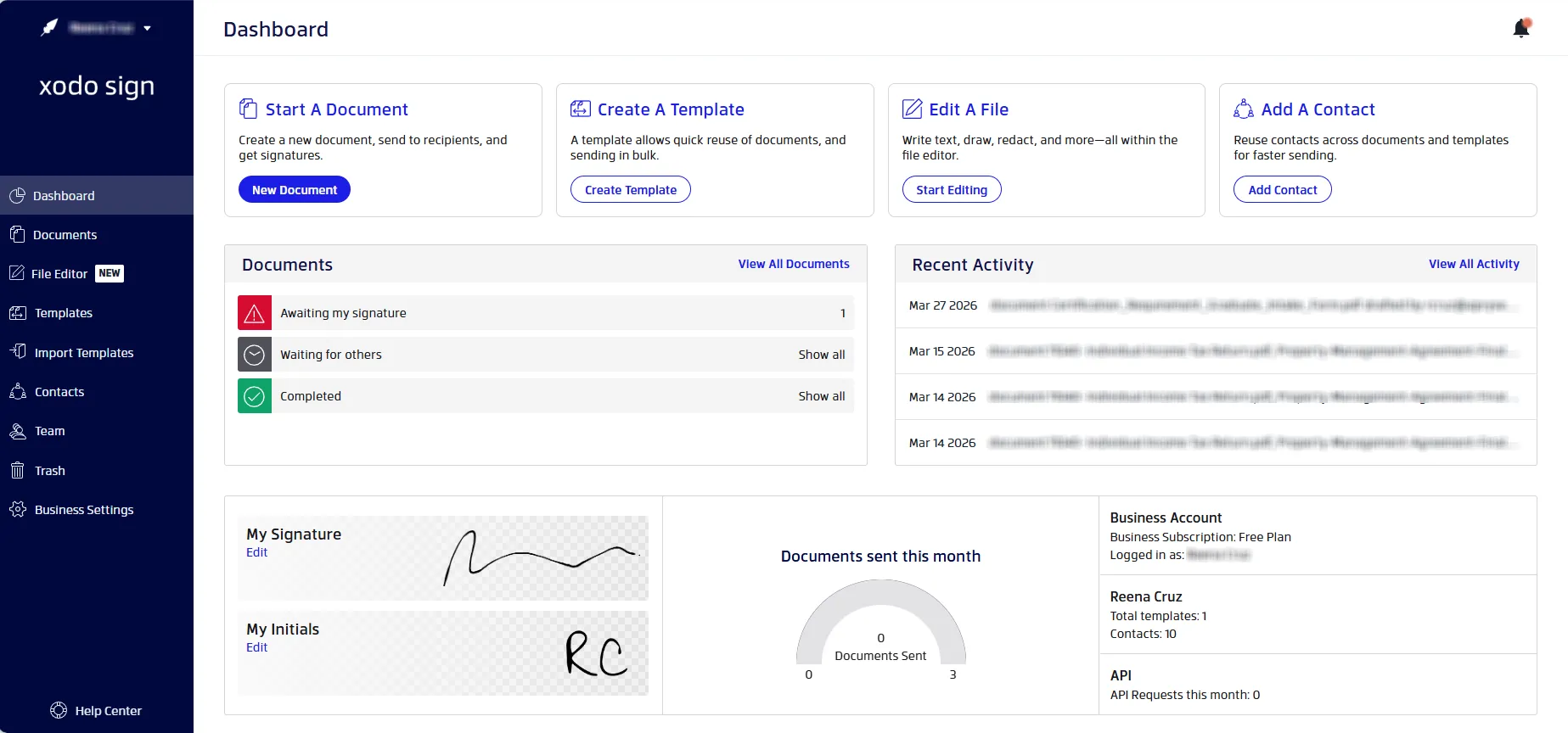
Pricing Overview
- Free: $0
- Basic: $10/user/month
- Professional: $16/user/month
- Enterprise: Custom pricing
- Free trial: Available
Envelope/document limits
Unlimited documents are available on all paid plans. Free plan offers up to 5 documents/month (one per week).
API pricing
- API Sandbox: Free (2 API documents)
- API Light: $50/month (50 API documents)
- API Business: Custom pricing
Key Features
- Unlimited templates on paid plans
- Built‑in PDF editing and form prep
- Multi‑signer routing with status tracking
- Detailed audit trails
- API access for integrations
Best For
Teams that want stable pricing without usage surprises.
Tip: Comparing Xodo Sign directly with Docusign? Use the e-signature cost calculator to estimate the potential savings based on your team size and signing volume.
2. SignNow
Strong value for large teams
SignNow appeals to organizations that need to add many users without increasing per‑seat costs. Higher tiers introduce workflow automation and integrations for operational use cases.
Pricing Overview
- Business: $8/month
- Business Premium: $15/month
- Enterprise: $30/month
- Site License: $1.50/per signature invite (for larger organizations)
- Free trial: Available
Envelope/document limits
Unlimited on paid plans. 100 signature invitations per user per year on self-serve plans.
API pricing
- Free trial: 250 signature invites
- Starter: $86/month (annual commitment); 500 signature invites per year
- Professional: $146/month (annual commitment); 1000 signature invites
- Premium: $250/month (annual commitment); 2000 signature invites per year
- Enterprise: $500/month (annual commitment); 5000 signature invites per year
- Enterprise+: Volume pricing
Key Features
- Unlimited users on paid plans
- Bulk sending for large volumes
- Role‑based team controls
- Mobile apps for iOS and Android
- CRM and cloud storage integrations
Best For
Teams with many internal senders and frequent signing.
3. SignWell
Simple and budget-friendly
SignWell keeps the focus on straightforward sending and signing. Its interface is intentionally minimal, which reduces setup time for small teams.
Pricing Overview
- Free: $0/user/month (limited to 1 user)
- Light: $10/user/month ($10 per additional user)
- Business: $30 for 3 users/month ($12 per additional user)
- Enterprise: Custom pricing
- Free trial: /
Envelope/document limits
3 documents on the Free plan; unlimited signature requests on paid plans.
API pricing
- Pay as you go
- Available on the Enterprise plan
- Limited Free Developer account available
Key Features
- Clean, distraction‑free signing UI
- Unlimited signature requests on paid plans
- Automated reminders
- Basic branding controls
- 25 free API documents a month
Best For
Solo professionals and small teams with straightforward needs.
4. Dropbox Sign
Best for Dropbox-based document workflows
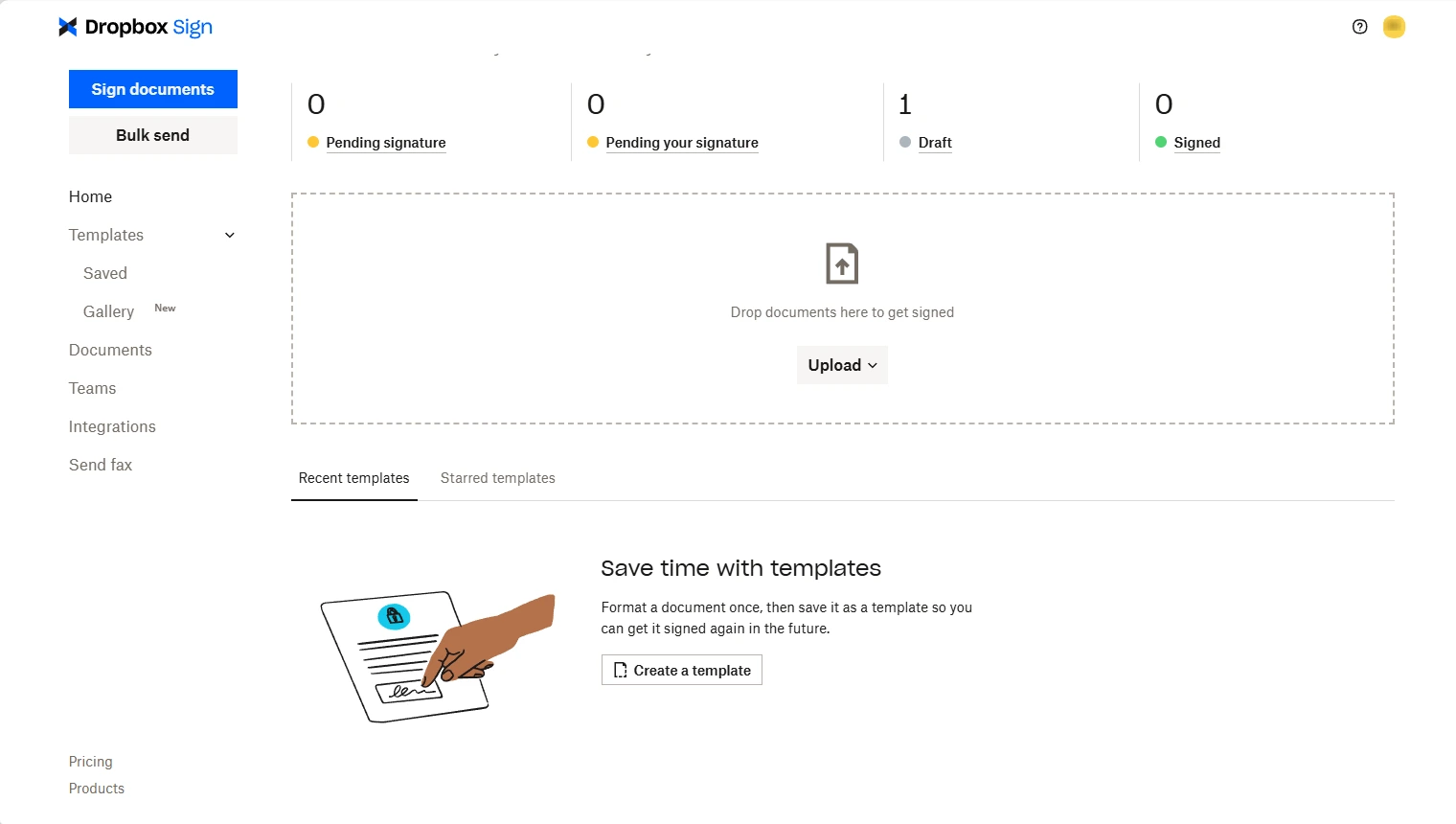
Dropbox Sign fits naturally into existing Dropbox storage setups. It is not a comprehensive document management platform, but it works well when signing is an extension of file storage.
Pricing Overview
- Basic: $0 (3 signature requests/month)
- Essentials: $15/user/month
- Standard: $25/month (2 or more users)
- Premium: custom quote (5 or more users)
- Free trial: Available
Envelope/document limits
3 documents on the Free plan; unlimited on paid plans.
API pricing
- Essentials: $75/month (50 signature requests per month)
- Standard: $250/month (100 signature requests per month)
- Premium: Custom pricing
Key Features
- Native Dropbox file access
- Template gallery
- Automatic signer reminders
- Embedded signing API
- Mobile access
Best For
Teams already embedded in the Dropbox ecosystem.
5. PandaDoc
Built for sales documents
PandaDoc goes beyond signing by combining proposals, quotes, and approvals. It offers robust features for sales teams but may feel heavy for simple signing needs, which is why many users compare other lighter PandaDoc alternatives before deciding.
Pricing Overview
- Free: $0 (60 documents/year)
- Starter: $19/user/month
- Business: $49/user/month
- Enterprise: Custom pricing
- Free trial: Available
Envelope/document limits
60 documents per year on the Free plan; unlimited on paid plans.
API pricing
- API Developer: $40/month
- API Enterprise: Custom pricing
Key Features
- Proposal and quote builder
- Content library for reuse
- CRM integrations
- Document analytics
- Advanced branding options
Best For
Sales teams managing proposals and contracts.
6. DocHub
Editing and signing in one place
DocHub focuses on PDF markup and editing alongside basic signing. It works well for making quick changes before sending documents, though it lacks a public API.
Pricing Overview
- Free: $0 (no monthly cost)
- Basic: $8/month
- Pro: $12/month
- Site License: Custom pricing
- Free trial: Available
Envelope/document limits
PDF editing limited to 3 documents, eSignatures limited to 5 documents per month on Free and Basic plans.
API pricing
No public API offering
Key Features
- Inline PDF editing and annotations
- Form filling and markup tools
- Cloud storage connections
- Mobile app access
- Simple audit logs
Best For
Individuals handling everyday document edits and signatures.
7. BoldSign
Developer-friendly pricing
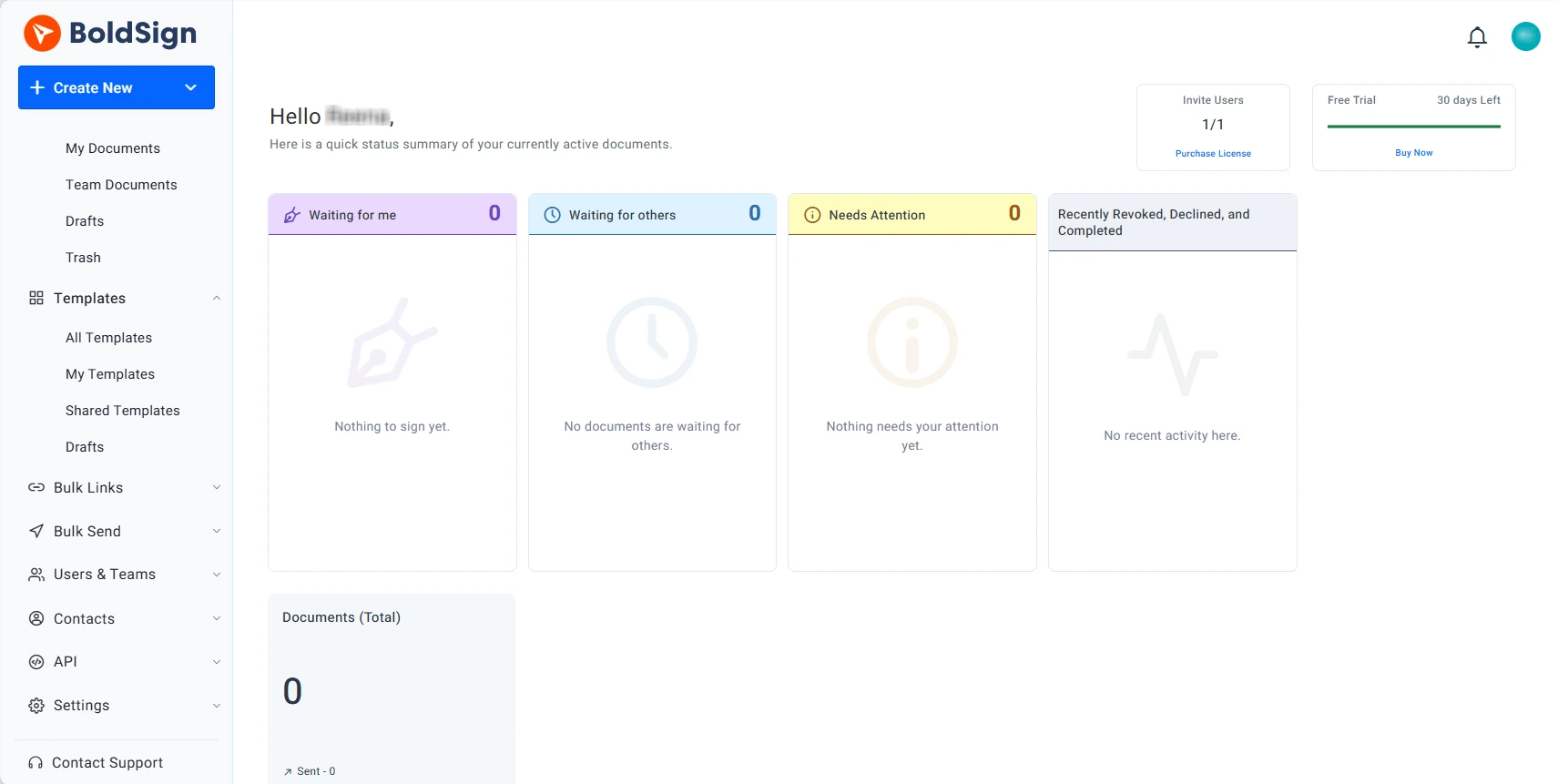
BoldSign separates user plans from API usage, which makes it easier to scale embedded signing without locking into enterprise contracts.
Pricing Overview
- Essential: $0 (no monthly cost)
- Growth: $5/user/month
- Business: $15/user/month
- Premium: $99/month (unlimited users)
- Free trial: Available
Envelope/document limits
Unlimited only on the Business plan. Essential and Growth plans limited to 25 and 50 envelopes/month/user.
API pricing
- Trial and Sandbox available
- Enterprise API. Starts at $30/month (40 envelopes)
Key Features
- Clear API‑first plans
- Webhooks for event tracking
- Bulk send options
- White‑label branding
- Mobile signing support
Best For
Product and engineering teams embedding signatures into apps.
8. Signable
Envelope-based billing
Signable uses a credit system rather than per‑user pricing. This works well for teams with uneven monthly sending volume.
Pricing Overview
- Pay as you go: £1.50/Envelope
- Small: £319/year
- Medium: £759/year
- Large: £1859/year
- Corporate: £3289/year
- Bespoke: Custom pricing
- Free trial: Available
Envelope/document limits
- Small Business: 600 envelopes
- Medium Business: 1,800 envelopes
- Large Business: 4,800 envelopes
- Corporate: 9,000 envelopes
API pricing
Available on the Small plan and higher
Key Features
- Envelope‑based pricing model
- UK and EU data hosting
- Time‑stamped audit logs
- Simple integrations
- Regional compliance support
Best For
UK and EU teams with variable usage.
9. Zoho Sign
Best within the Zoho ecosystem
Zoho Sign works best when paired with Zoho CRM or Zoho Books, allowing teams to manage documents inside existing workflows.
Pricing Overview
- Free: $0 (no monthly cost)
- Standard: $10/user/month
- Professional: $16/user/month
- Enterprise: $22/user/month
- Custom: Custom pricing
- Free trial: Available
Envelope/document limits
- Free: 5 envelopes per month
- Standard: 25 envelopes per user per month
- Professional: Unlimited envelopes
API pricing
- API-only plan available ($0.50/document)
- Trial and Sandbox available.
Key Features
- Native Zoho app integrations
- Workflow rules and approvals
- Mobile signing
- API access on higher tiers
- Competitive per‑user pricing
Best For
Businesses already standardized on Zoho products.
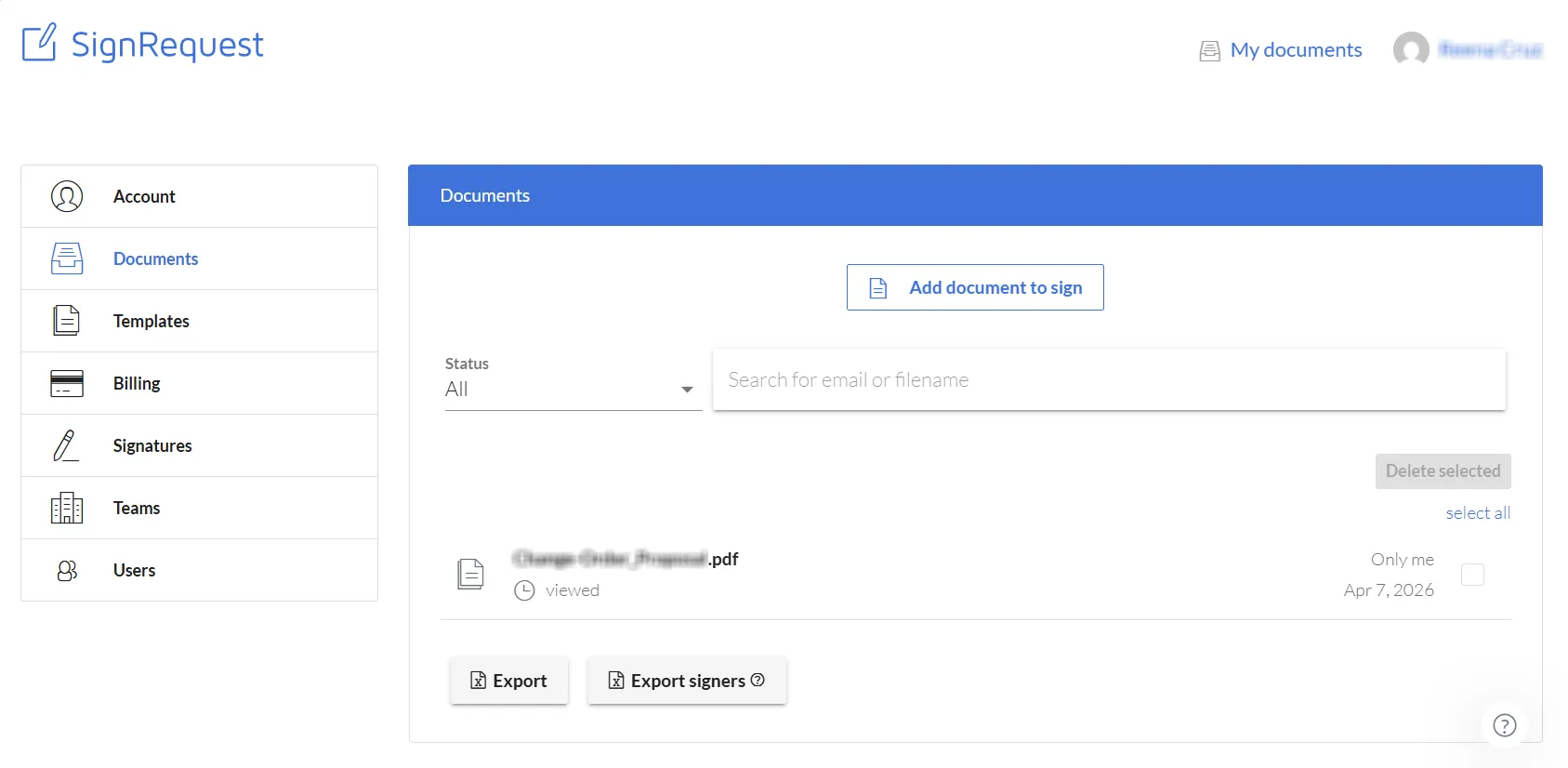
10. SignRequest
Lightweight and straightforward
SignRequest focuses on essential signing features and benefits from Box’s security and storage infrastructure.
Pricing Overview
- Professional: €9/user/month; up to 5 users
- Business: €15/user/month; unlimited user
- Free trial: Available
Envelope/document limits
Unlimited documents on both plans.
API pricing
- Must contact support team for pricing
- Set up starts with a free Sandbox Team account
Key Features
- Simple template setup
- Team sharing and access controls
- Box integration
- Audit trails
- Responsive customer support
Best For
Small offices and solo workers needing dependable basic features.
11. Adobe Sign
Enterprise-grade compliance
Adobe Sign integrates tightly with Acrobat and suits organizations with strict compliance needs. Pricing is higher, but it offers strong compliance controls and enterprise integrations.
Pricing Overview
- Acrobat Standard for teams: $16.99/month/license
- Acrobat Pro for teams: $23.99/month/license (up to 10 licenses with free trial)
- Acrobat Studio for teams: $29.99/month/license (up to 10 licenses with free trial)
- Free trial: Available
Envelope/document limits
Team (Business Plans) are capped at 150 transactions /user/year with a minimum of 2 licenses.
API pricing
- Priced separately
- Access to the Acrobat Sign API available through a developer account
Key Features
- Advanced compliance controls
- Acrobat and Creative Cloud integration
- Enterprise authentication options
- Detailed reporting
- Scalable team management
Best For
Teams deeply invested in Adobe products.
12. Signeasy
Mobile-first signing process
Signeasy is designed for teams that sign documents on phones and tablets. It includes solid mobile apps alongside core digital signature tools.
Pricing Overview
- Free: $0 (no monthly cost)
- Personal: $10/user/month
- Business: $20/user/month
- Business Pro: $30/user/month
- Build Your Plan: Custom pricing
- Free trial: Available
Envelope/document limits
5 documents on Personal plan.
API pricing
- Starter: $0 (no monthly cost)
- Intermediate: $125/month
- Advanced: $250/month
- Build Your Plan: Custom pricing
Key Features
- Mobile‑optimized apps
- Offline signing support
- Cloud storage integrations
- REST API access
- Role‑based permissions
Best For
Teams that heavily rely on mobile workflows.
How to choose the right alternative to Docusign for your team
Start with how often you send documents and how predictable your usage is. Many teams overpay by choosing plans built for edge cases they rarely hit.
Here are some key factors to consider:
- Budget and expected monthly use
- Document volume and signer count
- Repeat workflows vs one‑off document signing
- Mobile apps access needs
- Template and branding
- API or automation requirements
- Team size, permissions and role management
- Compliance requirements
For many teams, pricing clarity matters more than advanced features. If you're comparing tools specifically for developer workflows, embedded signing, or API-led document automation, see our guide to theTop 8 Docusign API alternatives for embedded signing.
Frequently asked questions
1. What is the cheapest Docusign alternative?
The cheapest option depends on usage. BoldSign and SignWell offer low entry pricing for basic signing. Xodo Sign is often more cost‑effective for teams that need unlimited documents with predictable monthly costs.
2. What is the best free Docusign alternative?
Xodo Sign offers a free plan with document signing, templates, and audit logs. SignWell, BoldSign, and Dropbox Sign also provide free tiers for light use.
3. Are cheaper e‑signature tools legally binding?
Yes. All tools listed support legally binding electronic signatures and comply with ESIGN, UETA, and eIDAS regulations.
4. Do these tools support multi‑signer documents?
Yes. All 12 tools support documents that require signatures from multiple recipients.
5. Which tool is easiest for non‑technical teams?
Xodo Sign is commonly chosen for their clear interfaces and straightforward signing flows. It scores 4.8 for ease of us on Capterra, compared to Docusign's 4.7.
6. What should I review before switching from Docusign?
Look closely at pricing structure and transparency, document limits, audit trails, templates, signer routing, compliance coverage, and API access if integrations matter.
7. Which Docusign alternatives offer unlimited documents?
Several tools offer unlimited documents on paid plans, including Xodo Sign, SignWell, PandaDoc, BoldSign, Zoho Sign Professional, and Adobe Sign.
A practical takeaway
The 12 tools in this guide all meet standards for reliability, compliance, and value for any budget-sensitive company. The right choice will simply depend on your workflow and needs.
Xodo Sign stands out for teams that want consistent pricing and a balanced feature set. Other tools may be a better fit depending on integrations, sales workflows, or regional needs.
Reviewing free tiers and plan limits is often the fastest way to narrow your shortlist.