Table of contents
Sign and send unlimited e-signatures with Xodo Sign.
PandaDoc is a strong product. If your team builds proposals, sends quotes, collects payments, and manages sales documents, it can make sense.
But here’s the reality.
A lot of people searching for a PandaDoc alternative are not trying to replace a proposal builder. They just want to send a document, get it signed, track the status, and keep a clean audit trail. Fast.
That is where this roundup comes in.
This guide compares the best PandaDoc alternatives for e-signature-first use cases in 2026. The focus is everyday document work: HR paperwork, NDAs, onboarding forms, approvals, vendor agreements, renewal forms, and client contracts.
Why teams look for alternatives to PandaDoc
PandaDoc is built to support the entire contract process, from proposal creation and approvals to document signing. For many sales teams, that is a strength.
For teams that mainly need simple electronic signatures, the extra layers can feel unnecessary. PandaDoc's paid tiers are tied to proposal features, CRM workflows, deal rooms, approval processes, and other tools that may not matter if your goal is simply to send documents and collect signatures.
For those jobs, a proposal-first platform can feel like a long route to a short trip.
PandaDoc's pricing also jumps from $19/user/month on Starter to $49/user/month on Business for more advanced workflow capabilities, which can push some teams to explore simpler alternatives.
How we picked the best PandaDoc alternatives for e‑signatures
We built this list around one question:
If PandaDoc feels too focused on proposals and sales workflows, which tools make e-signing easier without cutting the basics?
We reviewed public pricing pages, plan structures, feature availability, and common e-signature use cases to identify tools that balance usability, functionality, and value.
To make the shortlist, a tool needed to offer most or all of the following:
- Legally binding electronic signatures
- Audit trails and document tracking
- Customizable templates or reusable workflows
- A signer experience that does not feel clunky
- Public pricing or at least clear plan structure
- 4.3 and above rating on G2
We prioritized practical day-to-day value for teams that care more about signing than proposal design.
Note: All prices listed are based on publicly available annual billing plans in June 2026. Pricing and plan limits may change over time.
PandaDoc alternatives at a glance
Let's a take closer look at each.
Top 10 PandaDoc alternatives for e‑signatures in 2026
1. Xodo Sign
Best overall for unlimited e‑signatures
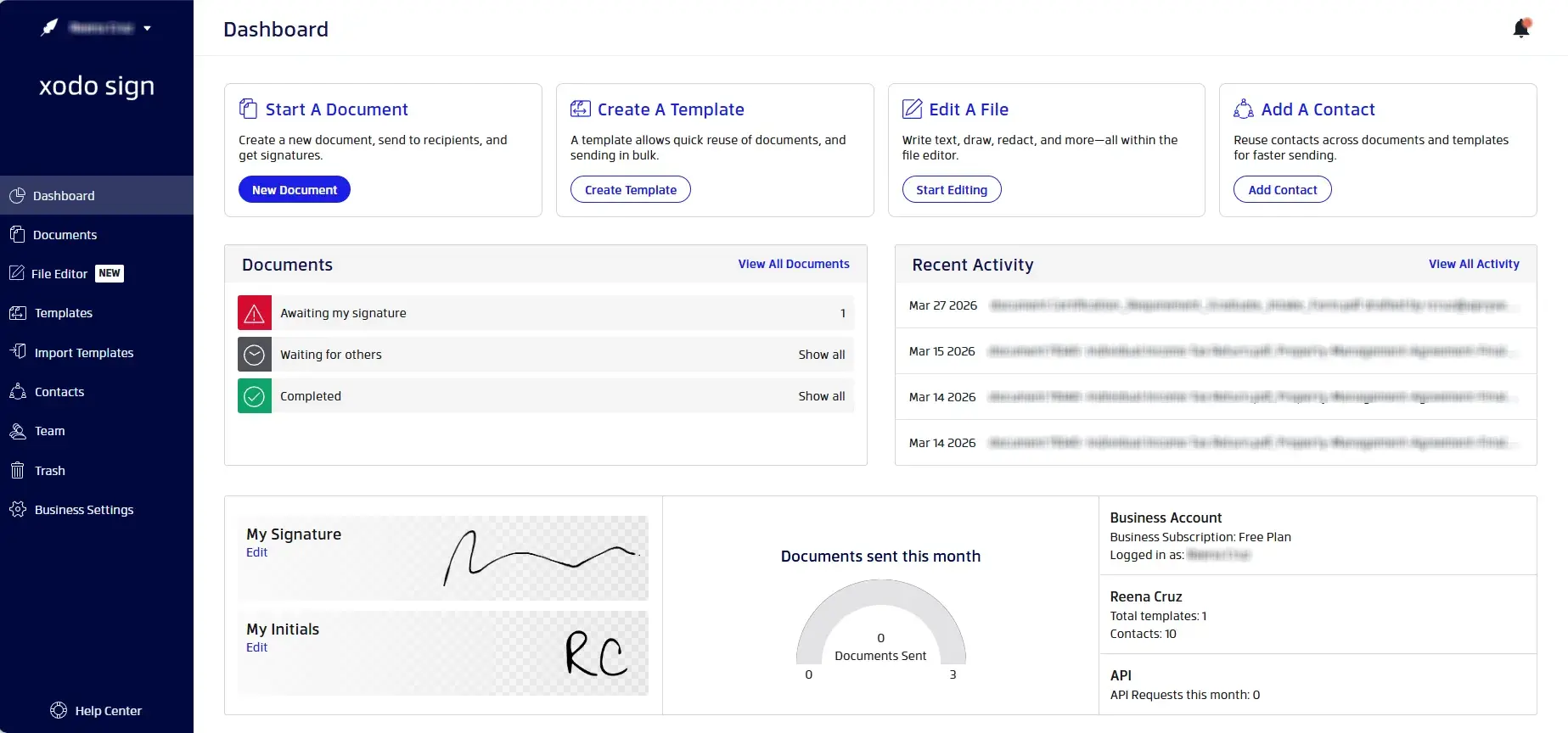
Xodo Sign is best for teams that want a faster path from document to signature. It combines e-signatures, templates, status tracking, audit trails, bulk sending, identity verification, and PDF editing without pushing users into proposal-building or sales workflow features they may not need.
Pricing Overview
- Free: $0
- Basic: $10/user/month, billed yearly
- Professional: $16/user/month, billed yearly
- Enterprise: Custom pricing
- Free trial: Available
Envelope/document limits
Unlimited documents are available on all paid plans. Free plan offers up to 5 documents/month (1 document/week).
API pricing
- API Sandbox: Free (2 API documents)
- API Light: $50/month (50 API documents)
- API Business: Custom pricing
Key Features
- Unlimited documents on paid plans
- Built‑in PDF editing
- Identity verification
- Audit trails and LTV-enabled signatures
- Templates and bulk sending
- Branding and in-person signing on Professional and above
Best For
Teams that want predictable e-signature pricing, unlimited documents on paid plans, and built-in PDF tools in one workflow.
Want a deeper comparison? See our detailed Xodo Sign vs PandaDoc comparison.
If you only need to collect signatures and want a faster workflow, learn how to sign a document without PandaDoc.
2. SignNow
Strong value for large teams
SignNow puts more focus on signing workflows than proposal-building. It is also priced lower than PandaDoc and includes unlimited users on its plans, which can make rollouts easier across departments.
Pricing overview
- Business: $8/user/month, billed yearly
- Business Premium: $15/user/month, billed yearly
- Enterprise: $30/user/month, billed yearly
- Site License: starts at $1.50 per signature invite
- 7-day free trial available.
Envelope/document limits
Unlimited on paid plans. 100 signature invitations per user per year on self-serve plans.
API pricing
- Full API access is tied to the Site License plan
- Site License pricing starts at $1.50 per signature invite and is positioned for higher-volume or more technical setups.
Key Features
- Unlimited templates
- Audit trails
- Mobile apps
- Bulk send on higher tiers
- Invite links, reminders, branding, conditional fields, file uploads, and SMS invites on upper plans
Best For
Small and mid‑sized teams that want solid features at a competitive price.
3. Dropbox Sign
Best for Dropbox-based document workflows
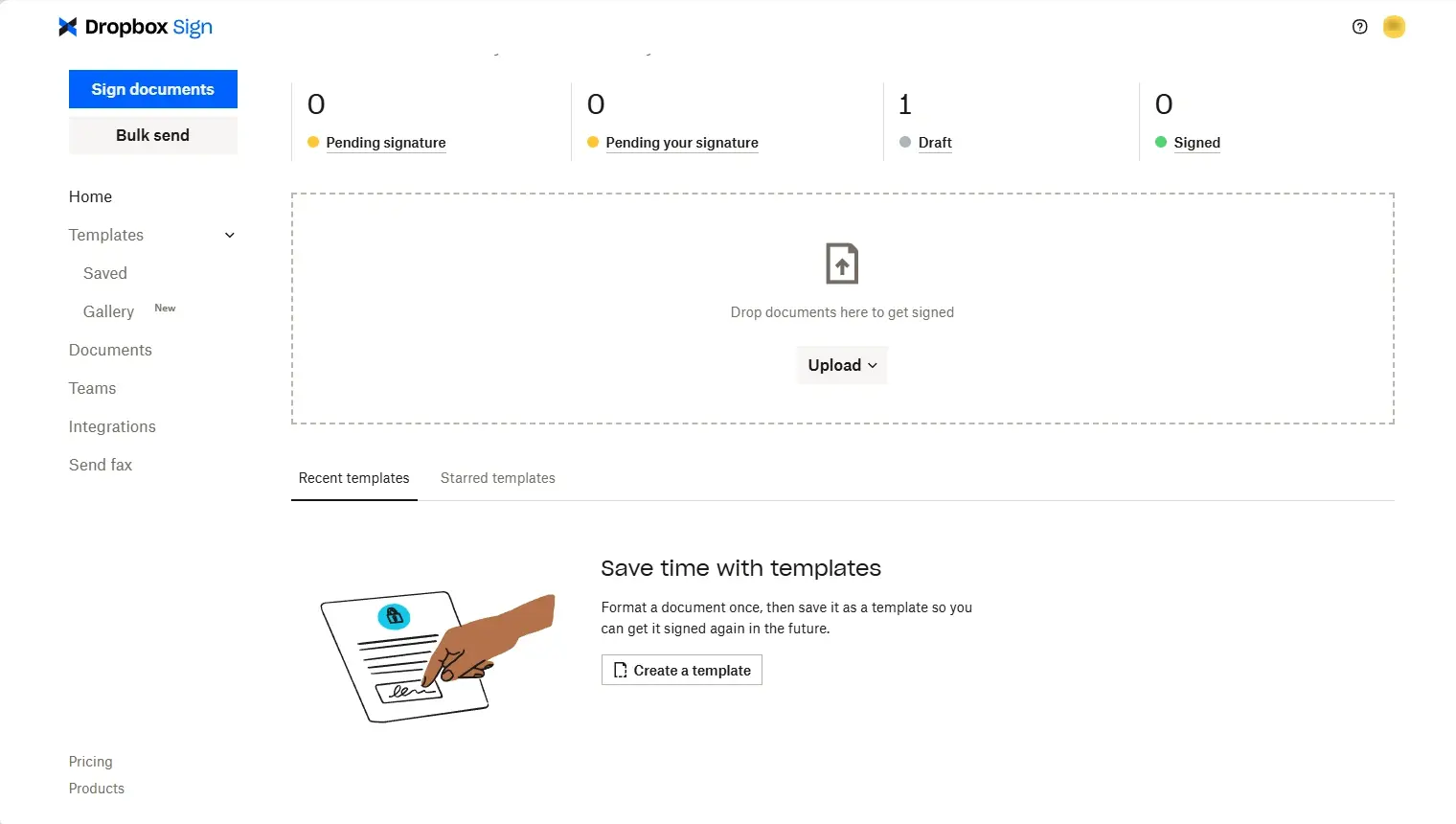
Dropbox Sign's biggest selling point is not flashy automation. It is familiarity. If your team already stores, shares, and routes files inside Dropbox, signing can feel like a natural next step instead of a process change.
Pricing overview
- Essentials: $15/month, billed yearly
- Standard: $25/user/month, billed yearly
- Premium: custom quote
- Free trial available.
Envelope / document limits
3 documents on the Free plan; unlimited on paid plans.
API pricing
- Essentials: $75/month (50 signature requests per month)
- Standard: $250/month (100 signature requests per month)
- Premium: Custom pricing
Key features
- Unlimited signature requests on paid plans
- Templates
- Signer attachments
- In-person signing
- Audit trails
- Multiple language support
- Native Dropbox ecosystem fit
Best For
Teams already invested in Dropbox that want a clean signing experience, not a proposal workflow suite.
4. Zoho Sign
Best within the Zoho ecosystem
If your team already runs on Zoho CRM, Books, or other Zoho apps, it can be a very practical option. The value is less about flashy document design and more about keeping approvals, signatures, and records inside one stack.
Pricing Overview
- Free: $0 (no monthly cost)
- Standard: $10/user/month
- Professional: $16/user/month
- Enterprise: $22/user/month
- Custom: Custom pricing
- Free trial: Available
Envelope/document limits
- Free: 5 envelopes per month
- Standard: 25 envelopes per user per month
- Professional: Unlimited envelopes
API pricing
- API-only plan available ($0.50/document)
- Trial and Sandbox available.
Key Features
- Zoho integrations
- Approval and manager workflows
- SMS and WhatsApp delivery
- Audit trail
- Templates
- Signer attachments
- QES and regulated workflow controls on higher tiers
Best For
Businesses that already use Zoho and want signatures to fit into that stack with minimal friction.
5. Adobe Sign
Enterprise-grade compliance
Adobe’s business plans are built around Acrobat first, with e-signatures bundled into that workflow. That makes it a better fit for PDF-heavy teams than for teams looking for simple, low-cost signing alone. It is powerful. It can also feel heavier than it needs to for small teams.
Pricing Overview
- Acrobat Standard for teams: $16.99/month/license
- Acrobat Pro for teams: $23.99/month/license (up to 10 licenses with free trial)
- Acrobat Studio for teams: $29.99/month/license (up to 10 licenses with free trial)
- Free trial: Available
Envelope/document limits
Team (Business Plans) are capped at 150 transactions /user/year with a minimum of 2 licenses.
API pricing
- Priced separately
- Access to the Acrobat Sign API available through a developer account
Key Features
Deep PDF editing and conversion
- Signature requests and tracking
- Microsoft 365 and SharePoint integrations
- Redaction and web forms
- Admin console and support for teams
Best For
Legal, finance, and operations teams that already work inside Acrobat and want signing in the same environment.
6. BoldSign
Developer-friendly pricing
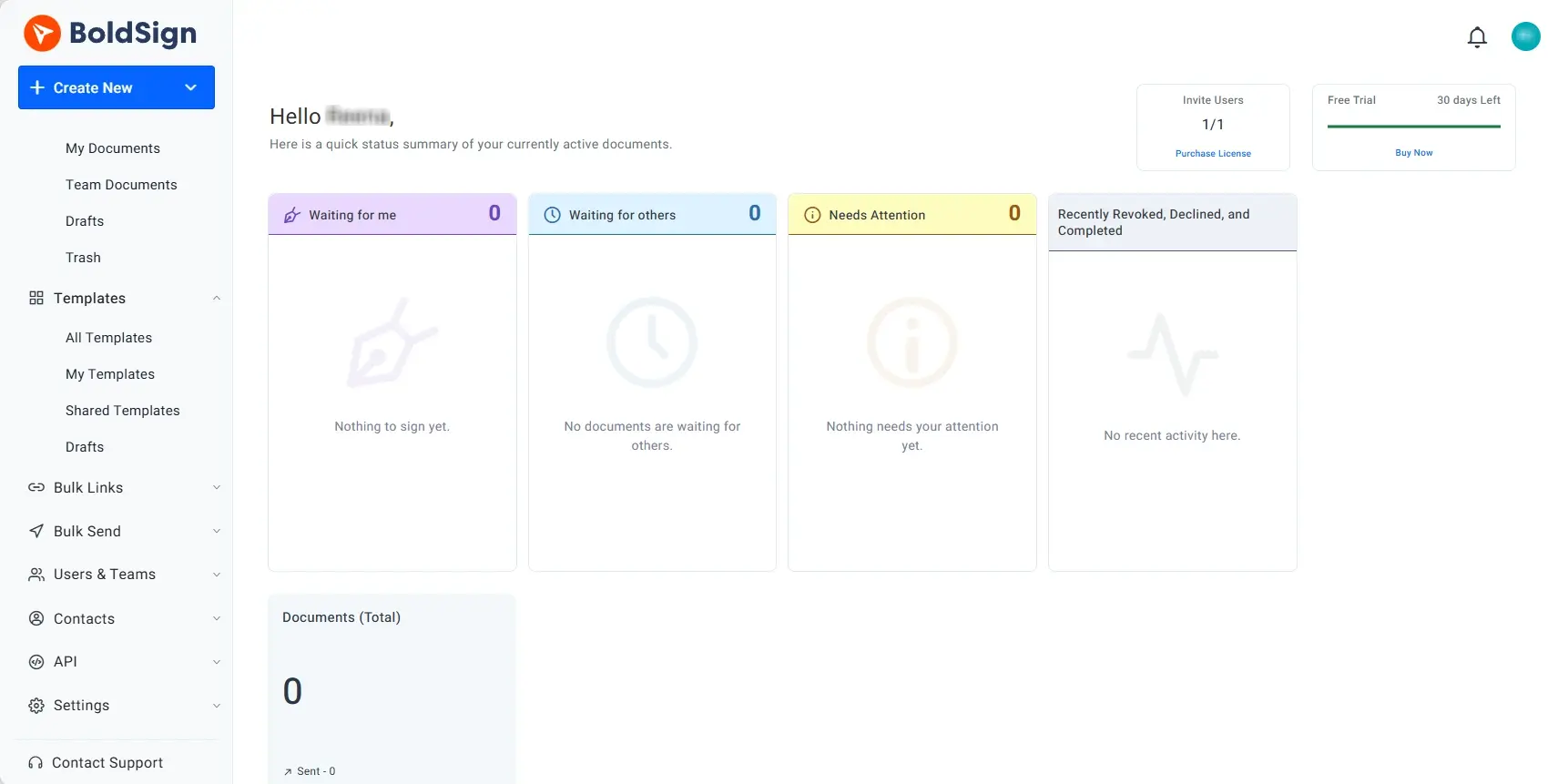
BoldSign keeps the entry price low and offers a separate API path, which makes it interesting for both small teams and more technical buyers who want room to grow.
Pricing Overview
- Essential: $0 (no monthly cost)
- Growth: $5/user/month
- Business: $15/user/month
- Premium: $99/month (unlimited users)
- Free trial: Available
Envelope/document limits
Unlimited only on the Business plan. Essential and Growth plans limited to 25 and 50 envelopes/month/user.
API pricing
- Trial and Sandbox available
- Enterprise API. Starts at $30/month (40 envelopes)
Key Features
- Templates
- Team management
- Audit trails
- In-person signing
- SSO and custom roles on Business
- API and sandbox options for more technical setups
Best For
Teams that want a lower-cost e-signature platform with room for API or developer-focused workflows later.
7. SignWell
Simple and budget-friendly
SignWell is one of the easiest tools in this list to understand at a glance. No proposal-builder positioning. No sales-heavy language. Just send, sign, remind, and move on.
Pricing Overview
- Free: $0/user/month (limited to 1 user)
- Light: $10/user/month ($10 per additional user)
- Business: $30 for 3 users/month ($12 per additional user)
- Enterprise: Custom pricing
- Free trial: /
Envelope/document limits
3 documents on the Free plan; unlimited signature requests on paid plans.
API pricing
- Pay as you go
- Available on the Enterprise plan
- Limited Free Developer account available
Key Features
- Unlimited docs on paid plans
- Template links
- Bulk send
- Custom branding
- Request attachments
- In-person signing
- Audit trails and reminders
Best For
Freelancers, consultants, and small teams that want a clean e-signature tool they can learn in minutes.
8. Signeasy
Mobile-first signing process
SignEasy is for field teams and remote-first users. It leans hard into mobile execution. If your signers and senders are often away from a desktop, that matters more than an advanced content library ever will.
Pricing Overview
- Free: $0 (no monthly cost)
- Personal: $10/user/month
- Business: $20/user/month
- Business Pro: $30/user/month
- Build Your Plan: Custom pricing
- Free trial: Available
Envelope/document limits
5 documents on Personal plan.
API pricing
- Starter: $0 (no monthly cost)
- Intermediate: $125/month
- Advanced: $250/month
- Build Your Plan: Custom pricing
Key Features
- Mobile apps
- Templates
- Reminders
- Team admin
- 2FA
- SharePoint and HubSpot support on higher plans
- Approval workflows and SMS sending on upper tiers
Best For
Remote teams, field teams, and businesses that need fast signing from phones and tablets.
9. SignRequest
Lightweight and straightforward
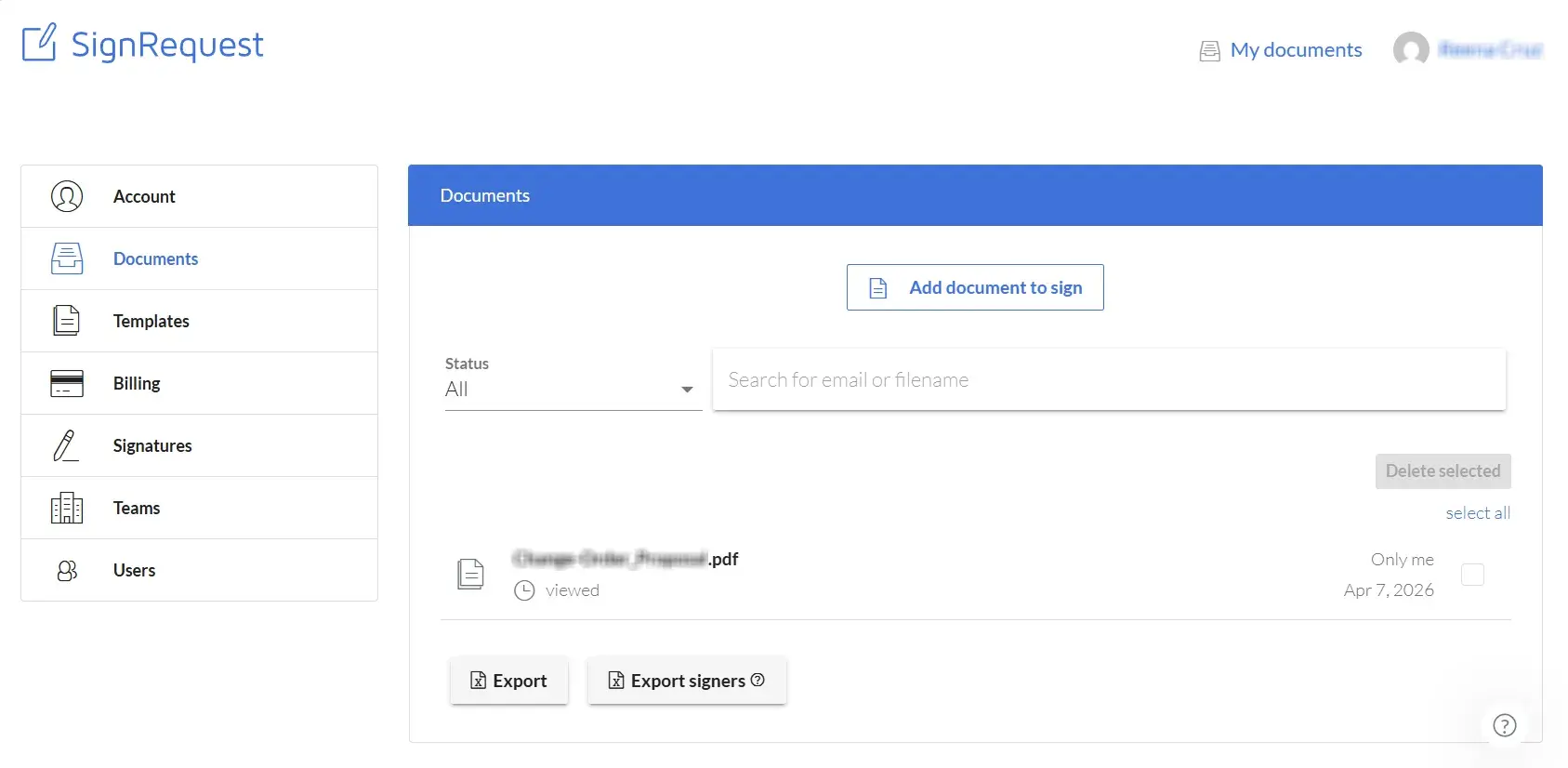
SignRequest (Box Sign) keeps things minimal. It works well for teams that want a straightforward way to send and sign documents online without advanced workflow logic. A simple, clean option that handles core e‑signature tasks without extra layers and is easy for non-technical users.
Pricing Overview
- Professional: €9/user/month; up to 5 users
- Business: €15/user/month; unlimited users
- Free trial: Available
Envelope/document limits
Unlimited documents on both plans.
API pricing
- Must contact support team for pricing
- Set up starts with a free Sandbox Team account
Key Features
- Secure audit trail
- Custom branding
- Multiple signing languages
- Bulk send on Business
- Team and template support
Best For
Small businesses and solo professionals that want lightweight document signing and a no-frills signing tool.
10. DocHub
Editing and signing in one place
DocHub is best seen as a simpler document editing and signing tool for teams that live in Google Drive or just need basic internal and client-facing PDF workflows.
Pricing Overview
- Free: $0 (no monthly cost)
- Basic: $8/month
- Pro: $12/month
- Site License: Custom pricing
- Free trial: Available
Envelope/document limits
PDF editing limited to 3 documents, eSignatures limited to 5 documents per month on Free and Basic plans.
API pricing
No public API offering
Key Features
- PDF editing
- Fillable PDFs
- Reusable templates
- Bulk send on Pro
- Google Drive, Dropbox, and OneDrive integrations
- Audit trail and secure storage
Best For
Small teams and solo users who edit PDFs often and only need lighter e-signature workflows.
Which PandaDoc alternative should you choose?
If you are deciding fast, here is the short version:
- Choose Xodo Sign if you want a simpler PandaDoc alternative built for unlimited signing, tracking, templates, and PDF editing.
- Choose SignNow if budget and broad e-sign features matter more than polished document creation.
- Choose Dropbox Sign if your team already lives in Dropbox.
- Choose Zoho Sign if your team is already all-in on Zoho.
- Choose Adobe Acrobat Sign if PDF-heavy workflows matter more than low entry pricing.
- Choose BoldSign if you want a lower-cost option with API upside.
- Choose SignWell or SignRequest if simplicity beats advanced routing for your team.
- Choose Signeasy if signing often happens on mobile.
- Choose DocHub if editing PDFs is just as important as signing them.
Frequently asked questions
1. What is the best PandaDoc alternative for e-signatures?
Xodo Sign is a strong choice for teams that mainly need e-signatures, document editing, templates, tracking, and audit trails. It offers unlimited documents on paid plans and predictable pricing without requiring users to pay for proposal-building features.
2. Is PandaDoc an e‑signature tool or a proposal tool?
PandaDoc does both, but it’s especially focused on sales teams with features for sales proposal generation, quotes, and deal automation, advanced features that most teams may not need.
3. Why do teams switch from PandaDoc?
Teams often switch because they do not need proposal-building features or advanced sales workflows. Instead, they want a simpler platform for sending documents, collecting signatures, tracking status, and managing audit trails.
4. Which PandaDoc alternatives offer unlimited documents?
Several alternatives offer unlimited documents or signature requests on paid plans, including Xodo Sign, SignNow, Dropbox Sign, SignWell, and SignRequest. Always verify current plan limits before choosing a provider.
5. Do PandaDoc alternatives include audit trails?
Yes. Most business-focused e-signature platforms include audit trails, signer logs, timestamps, and document activity history. Availability and detail levels vary by provider and plan.
6. Which PandaDoc alternatives offer API access?
Xodo Sign, SignNow, Zoho Sign, BoldSign, Dropbox Sign, Signeasy, and Adobe Acrobat Sign all offer API or advanced integration options, though pricing and usage limits differ.
7. How much does PandaDoc cost?
PandaDoc offers a Free plan, a Starter plan beginning at $19 per user/month (annual billing), a Business plan starting at $49 per user/month (annual billing), and custom Enterprise pricing. If you want a detailed breakdown of plans, features, and pricing considerations, see our PandaDoc pricing guide.
8. Are free PandaDoc alternatives enough for business use?
Free plans can work for occasional document signing and basic approvals. However, most businesses eventually need features such as templates, audit trails, tracking, branding, bulk sending, integrations, and higher document limits.
Conclusion
PandaDoc remains a strong choice for sales teams that rely on proposals, quotes, approvals, and entire contract lifecycle.
But if e-signatures are your primary need, a more focused platform can often deliver a better experience with less complexity and more predictable costs.
That is why Xodo Sign sits at the top of this list. It combines unlimited signing on paid plans, audit trails, templates, PDF editing, and flexible API options in a straightforward workflow designed around getting documents signed quickly.