
Table of contents
Sign and send unlimited e-signatures with Xodo Sign.
Freelancers and solo businesses don’t have time to chase signatures. You need to send contracts, get them signed fast, and move on.
The right e-signature tool should help you:
- Send documents in minutes
- Reuse templates for repeat work
- Let clients sign on mobile
- Track who’s signed and who hasn’t
- Collect legally binding signatures
- Look professional without extra complexity
We compared five electronic signature tools built for freelancers, consultants, and solo operators, focusing on what matters most: price, ease of use, document tracking, reminders, and client experience. Just tools that keep things moving.
Top affordable e-signature platforms for freelancers and solo businesses
Here’s an overview of top 5 e-signature tools that fit solo-business workflows:
*Click and drag to the right to view the full table.
- Xodo Sign is a strong fit for simple professional signing workflows
- SignWell is a clean low-volume option
- BoldSign is generous on its free and entry paid plans
- Zoho Sign fits freelancers already using Zoho apps
- Dropbox Sign is a familiar pick for Dropbox and Google Drive workflows
How we evaluated these e-signature tools
We reviewed each tool through the lens of a one-person business.
The main question was simple:
Can this help a freelancer collect signatures, track documents, and look polished without paying for a heavyweight platform in 2026?
The most important criteria were:
- Affordability: Free plan, paid plan, and pricing clarity.
- Freelancer workflows: Contracts, proposals, approvals, W-9 forms, and contractor agreements.
- Ease of use: Fast setup, sending, and management.
- Templates: Reusable documents for repeat work.
- Audit trails: Clear signing records.
- Reminders and tracking: Follow-ups, status updates, and document visibility.
- Mobile experience: App access or mobile-friendly signing.
- G2 rating: 4.3+ user rating.
- Overall value: Fit for low-volume and recurring sends.
Top 5 e-signature tools for freelancers and independent contractors
1. Xodo Sign
Xodo Sign is built for people who need a professional signing workflow with a simple setup. It fits freelancers and solo businesses that send the same kinds of client documents repeatedly and need to track and follow up on them. The Basic plan includes essential features and unlimited documents at a predictable price.
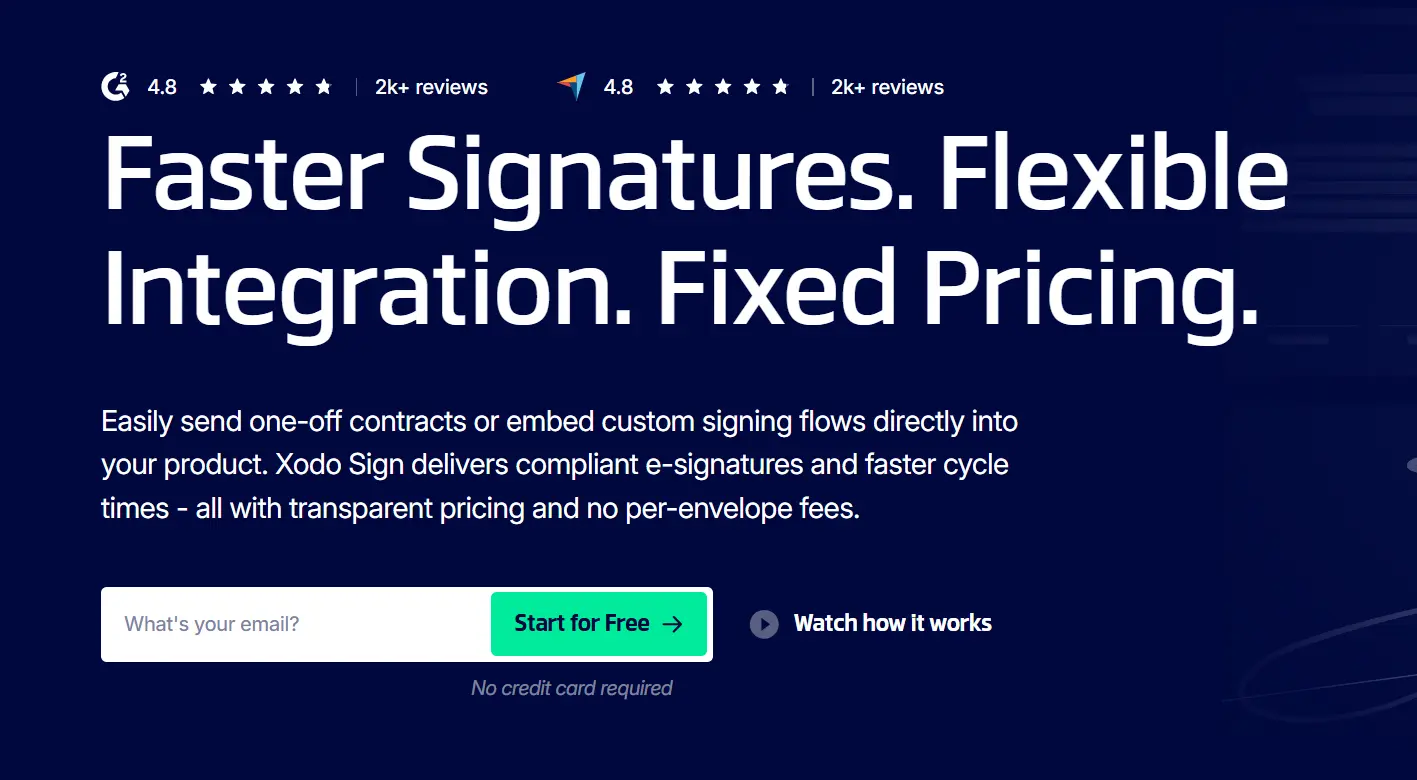
Free plan: Available. The Free plan supports up to 5 documents per month (1 document per week).
Lowest paid plan:
Basic Plan:
- $10/user/month (billed yearly)
- $20/user/month (billed monthly)
Key features included:
- Legally binding electronic signatures
- Unlimited documents
- 3 reusable templates
- Document tracking
- Automated reminders
- Audit trails and compliance
- Mobile app access from anywhere
- App integrations
G2 rating: 4.8/5
Pros:
- Good fit for recurring client-facing paperwork such as design contracts, approvals, onboarding forms, and service agreements.
- Unlimited documents on the Basic plan help solo operators avoid worrying about a busy month.
- Templates, reminders, and tracking help senders prepare, collect signatures, and follow up without extra admin work.
- Simplified signing workflow helps clients sign documents without needing to learn a new system.
Cons:
- The Free plan is useful for occasional signing but limited to 3 documents per month.
- Advanced workflows and API use cases may need a higher plan.
Best for: Freelancers, consultants, solo service businesses, and contractors who send independent contract agreements or forms regularly and want a simple professional e-signing workflow.
2. SignWell
SignWell is a lightweight e-signature software option for freelancers who want a clean document sending flow. It's a good fit for simple contracts, proposals, approvals, and low-volume signature requests. The Free plan is useful for occasional use, while the Light plan removes the monthly document cap for a single sender and adds more templates.
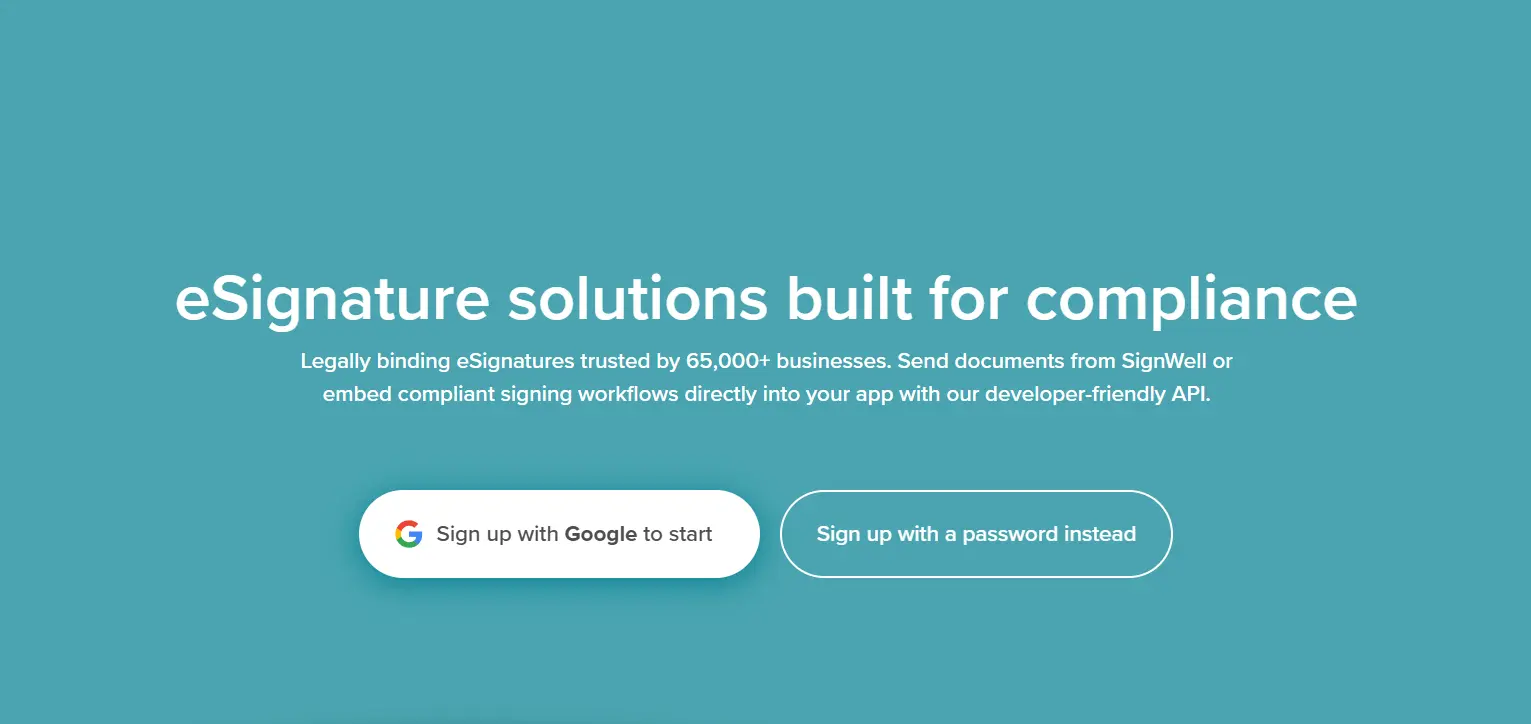
Free plan: Available. The Free plan supports up to 3 documents per month and 1 template.
Lowest paid plan:
Light plan:
- $10/user/month (billed yearly)
- $12/user/month (billed monthly)
Key features included:
- Unlimited documents
- 5 templates per sender
- Audit trail
- Reminders and tracking
- Mobile-friendly signing
G2 rating: 4.8/5
Pros:
- Simple interface for straightforward document signing.
- Affordable Light plan for solo senders who have outgrown the free document limit.
- Templates and reminders cover common freelancer workflows.
- Recipients don't need an account to sign.
Cons:
- The Free plan is tight for anyone sending contracts every week.
- Mobile signing is mainly web-based, so users who prefer a dedicated mobile app may want another option.
- More advanced customization may require a higher plan.
Best for: Budget-conscious freelancers who need an easy way to collect signatures for simple agreements and do not need a dedicated mobile app.
3. BoldSign
BoldSign stands out for its generous free plan. For freelancers who send more than a few documents each month, the 25-envelope free allowance can be appealing. It also includes practical features and usage on its starting paid plan which makes it useful for early-stage solo businesses.
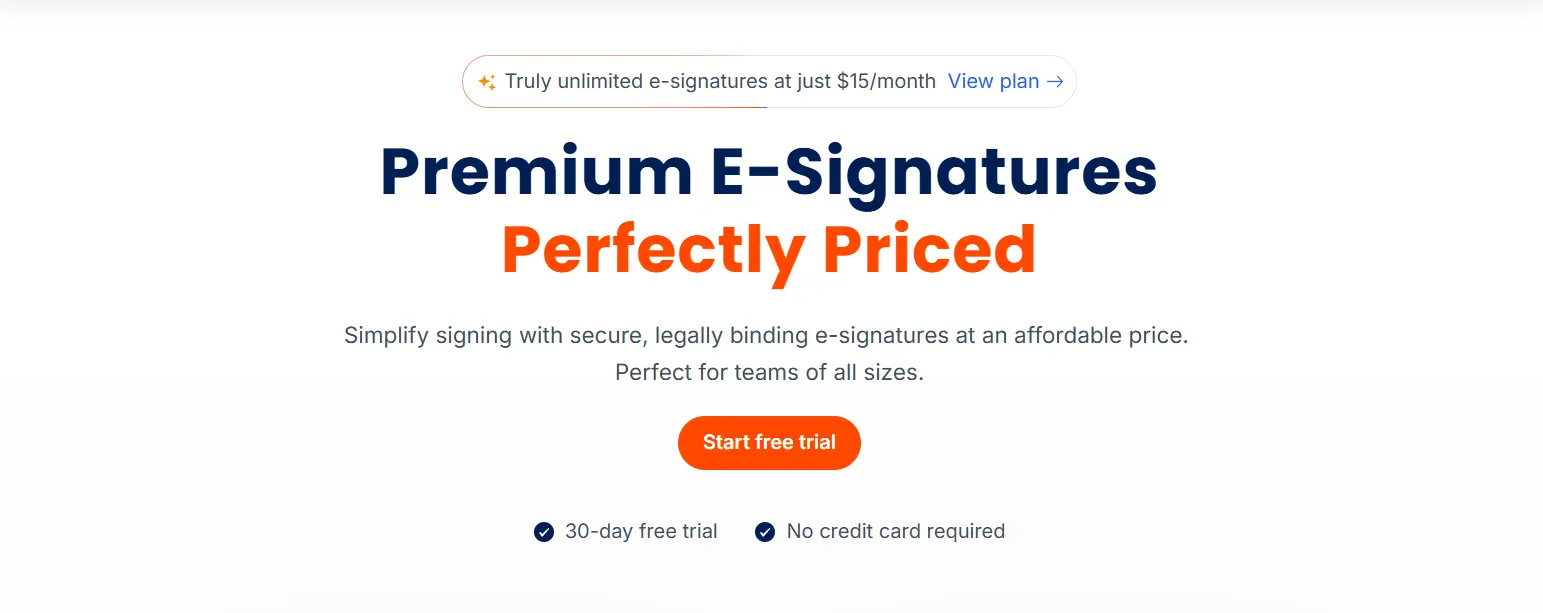
Free plan: Available. The free Essential plan includes up to 25 envelopes per month and 2 templates.
Lowest paid plan:
Growth plan:
- $5/user/month (billed yearly)
- $15/user/month (billed monthly)
Key features included:
- Support for legally binding electronic signatures
- 10 Templates
- 50 envelopes/month
- Audit trails and document status tracking
- Signer authentication
- Automated reminders
- Mobile signing
- In-person signing
G2 rating: 4.7/5
Pros:
- Large free-plan allowance compared with many low-cost e-signature tools.
- Low starting price for paid plans.
- Free plan includes templates, reminders, audit trails, and mobile apps.
- Useful for freelancers who send more than a few signature requests per month.
Cons:
- The Growth plan has envelope limits, so check whether your monthly volume fits.
- Some advanced features and add-ons may not matter for solo users.
- The product may feel broader than necessary if you only sign a few documents per month.
Best for: Freelancers who want a generous free plan and may send more than 3 signature requests per month.
4. Zoho Sign
Zoho Sign is a practical pick for freelancers already running their business with Zoho apps. It connects document signing with your broader Zoho stack. For solo users outside the Zoho ecosystem, the main tradeoff is plan fit. The Standard plan is affordable, but reusable templates are tied to the Professional plan.
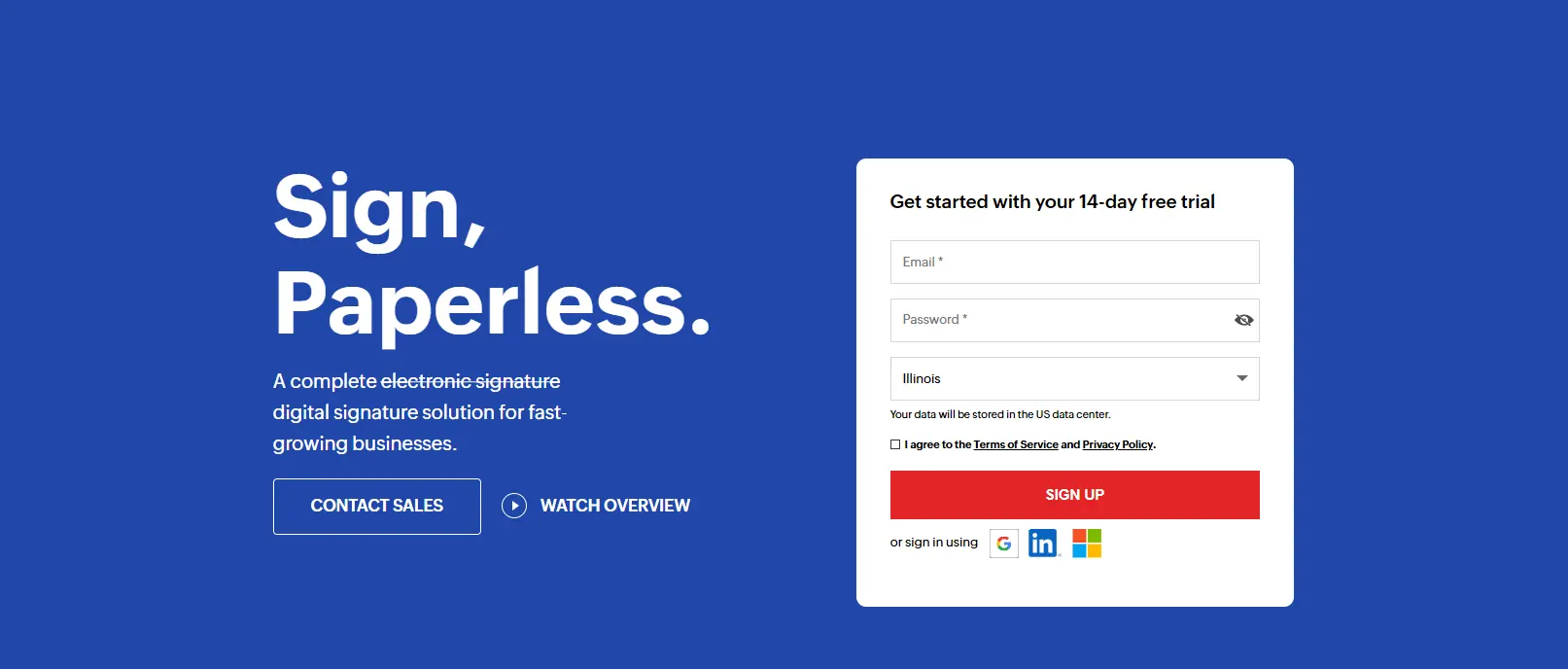
Free plan: Available. The Free plan supports 5 envelopes per month for one user.
Lowest paid plan:
Standard:
- $10/user/month (billed yearly)
- $12/user/month (billed monthly)
Key features included:
- Signature workflows
- Audit trails
- Reminders and notifications
- Mobile and desktop apps
- Cloud storage import and export
- Document tracking
G2 rating: 4.4/5
Pros:
- Strong fit for freelancers already using Zoho tools.
- Free plan includes more monthly envelopes than several low-volume competitors.
- Mobile and desktop apps support signing from different devices.
Cons:
- Reusable templates require Professional, so Standard may not be enough for repeat contract workflows.
- The broader Zoho ecosystem can feel like more setup than a solo sender wants.
- Some features rely on Zoho Sign credits or higher-tier plans.
Best for: Freelancers already using Zoho who want e-signature software connected to existing client, finance, or admin workflows.
5. Dropbox Sign
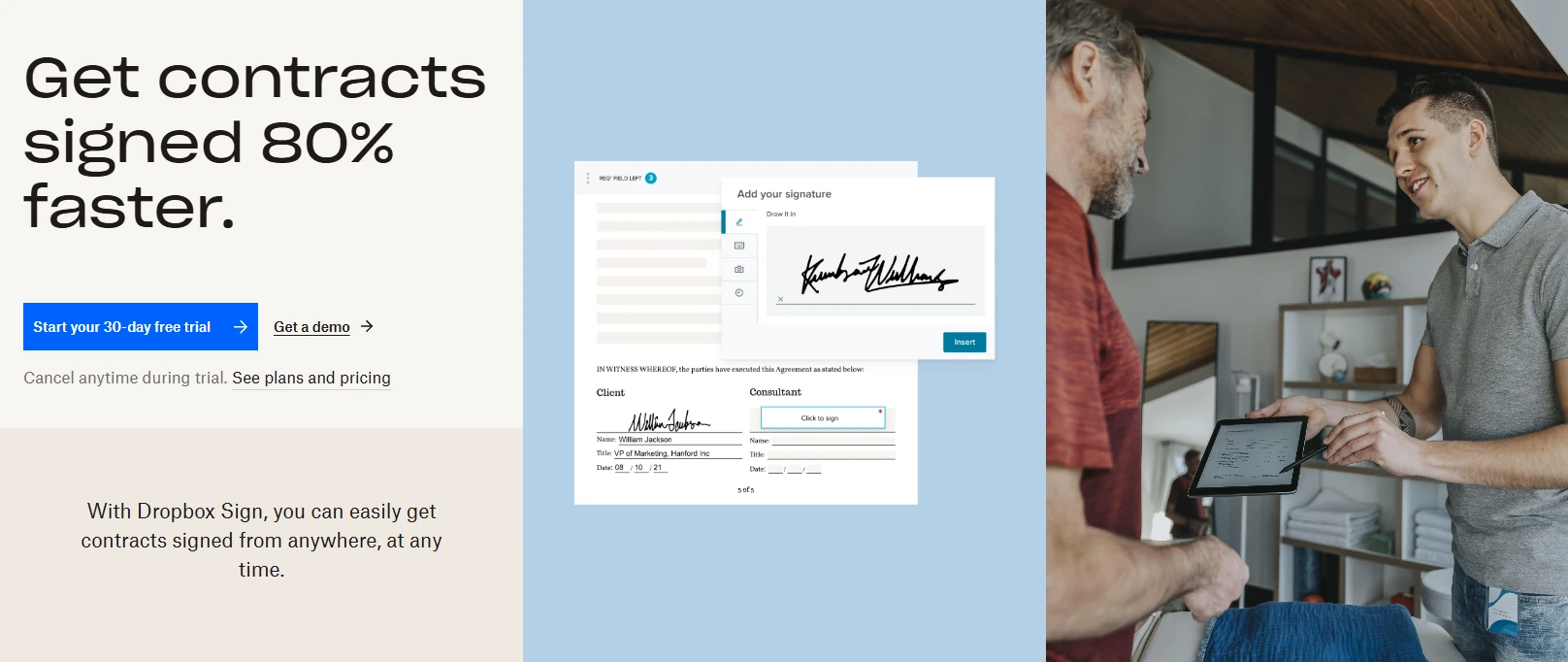
Dropbox Sign is a familiar choice for freelancers who already manage files in Dropbox or Google Drive. Its sender and signer experience is clean, which matters when clients need to sign contracts quickly. The free plan is limited, but Essentials can make sense for solo users who want unlimited signature requests in a familiar cloud-document workflow.
Free plan: Available. The Free plan supports 3 signature requests per month.
Lowest paid plan:
Essentials:
- $15/user/month (billed yearly)
- $20/user/month (billed monthly)
Key features included:
- Unlimited signature requests
- 5 Templates
- Audit trails
- Reminders and notifications
- Tracking
- Signing via Dropbox Mobile app
- Legally binding electronic signatures
G2 rating: 4.7/5
Pros:
- Strong fit for users already working in Dropbox or Google Drive.
- Clean signing experience for clients.
- Paid plan supports unlimited signature requests.
- Audit trails and reminders are built into the signing workflow.
Cons:
- Free plan can run out quickly during active client work.
- Some users may prefer tools with lower paid entry points or more generous free allowances.
- Advanced team and workflow features require higher plans.
Best for: Freelancers who already organize client files in Dropbox and want a familiar way to send documents for electronic signature.
Which features matter most when you work alone?
How you choose an e-signature tool will largely depend on how features meet your needs. Solo operators are looking for e-signature software with features that reduces follow-up work. The feature list will matter when it maps to real tasks:
i) Reusable templates
Reusable templates save time when you send the same agreement, proposal, intake form, or approval often. A freelancer should be able to set fields once, then reuse the document for the next client with minimal edits.
ii) Automatic reminders and tracking
Automatic reminders matter because solo businesses usually don't have an admin teammate chasing signatures. Tracking also reduces guesswork.
The visibility you get can prevent awkward follow-up emails. You can see if a signature request is sent, viewed, signed, declined, or still waiting.
iii) Audit trails and legal fit
Audit trails record signing events such as sender, signer, time, and document activity. For sensitive documents, this creates a cleaner record than email attachments and screenshots.
Most mainstream e-signature tools support legally binding electronic signatures, but note that legal compliance can depend on country, document type, and signing process.
iv) Mobile signing
Clients often sign documents from a phone or tablet. Mobile signing helps reduce friction because the signer can open a link, review the file, and complete the document without printing, scanning, or installing software.
It's useful for fast-moving freelance work where approvals, proposals, and agreements need to move forward without a meeting.
v) Document creation and PDF prep
Many freelancers create contracts in a document editor, export a PDF, then add signature fields. Tools with document creation, PDF prep, or integrations can reduce tool-switching.
Xodo Sign is useful here because it connects signing with PDF-oriented workflows where editing is needed.
When is a free or low-cost tool enough?
A free or low-cost e-signature tool is enough when you send a modest number of documents, use repeatable templates, and need a professional signing link with audit trails, reminders, and tracking.
That covers many documents involved in freelance workflows:
- Proposals
- Service agreements
- NDAs
- Statements of work
- Approvals
- Change requests
- Onboarding forms
- Contractor agreements
A free plan may be enough if you send only a few documents each month and don't need many reusable templates. For example, a new consultant who signs one client contract and one subcontractor agreement per month may stay inside a 3-document limit.
As your signing needs grow, though, it helps to learn and compare the differences between free and paid e-signature software to see if you should upgrade to a paid plan.
A paid plan will start to make sense when signing becomes part of your weekly routine. If you're sending client contracts, onboarding forms, approvals, and renewal paperwork every month, unlimited documents can matter more than the lowest sticker price.
You may need a higher plan or a different tool when you manage bulk send campaigns, complex approval routing, multiple senders, custom branding, API workflows, or regulated document processes. Most solo businesses can ignore those needs until signing volume or team complexity grows.
Frequently asked questions
1. What is the best e-signature software for freelancers?
The best e-signature software for freelancers depends on document volume and workflow. Xodo Sign is a strong fit for recurring client contracts because its Basic plan includes unlimited documents, reusable templates, tracking, reminders, audit trails, and mobile signing.
2. Can freelancers use free e-signature software?
Yes. Many e-signature tools offer a free plan for light use. Xodo Sign offers 1 document per week. SignWell and Dropbox Sign support 3 documents or signature requests per month, Zoho Sign supports 5 envelopes per month, and BoldSign offers 25 envelopes per month. Free plans work best for occasional sends.
3. Are electronic signatures legally binding?
Electronic signatures can be legally binding in many common business settings when the signing process captures consent, signer intent, identity signals, and an audit trail. Legal fit can vary by country, document type, and workflow, so sensitive documents should be reviewed with legal guidance.
4. What features should a solo business compare first?
Compare monthly document limits, paid plans, reusable templates, audit trails, reminders, document tracking, mobile signing, and client experience. A solo business usually needs a fast document sending workflow more than enterprise admin controls.
5. Do clients need an account to sign documents?
No. Clients don't need to buy the tool or create a paid account just to sign the document. In most freelancer workflows, the sender prepares and sends their document, then the client signs through a secure link to ensure contracts, approvals, and onboarding paperwork move faster.
6. When should I move from a free plan to a paid plan?
Move to a paid plan or even a low-cost e-signature tool when free limits create delays, when you need more reusable templates, or when client paperwork becomes weekly work. Unlimited documents can be worth paying for if you send contracts, approvals, and onboarding paperwork often.
7. What is the difference between digital signature and electronic signature?
Electronic signature is the broader term for signing electronically. A digital signature is a more specific technical method that uses certificate-based controls. Many business tools use the phrase e-signature software for everyday contract and form signing.
The bottom line for freelancers and solo businesses
Freelancers and solo businesses don’t need a heavyweight signing platform to look professional. They need a simple way to prepare, send, track, and store signed documents.
Xodo Sign is a practical place to start for client-facing work. The Free plan fits occasional signing, while Basic adds unlimited documents, reusable templates, audit trails, tracking, reminders, and mobile signing at a predictable price.